Next-Generation AI Image Generator Online
GPT Image 2.5GPT Image 2.5 — AI Image Generator with Sharper Detail and Exact Text
Create polished images from text or transform reference photos with GPT Image 2.5. Sharper high-resolution output, cleaner repeated edits, stronger prompt precision, and natural skin and fine detail — from one focused workspace, exported at up to 4K.
Start generating with GPT Image 2.5. No setup, results in seconds.
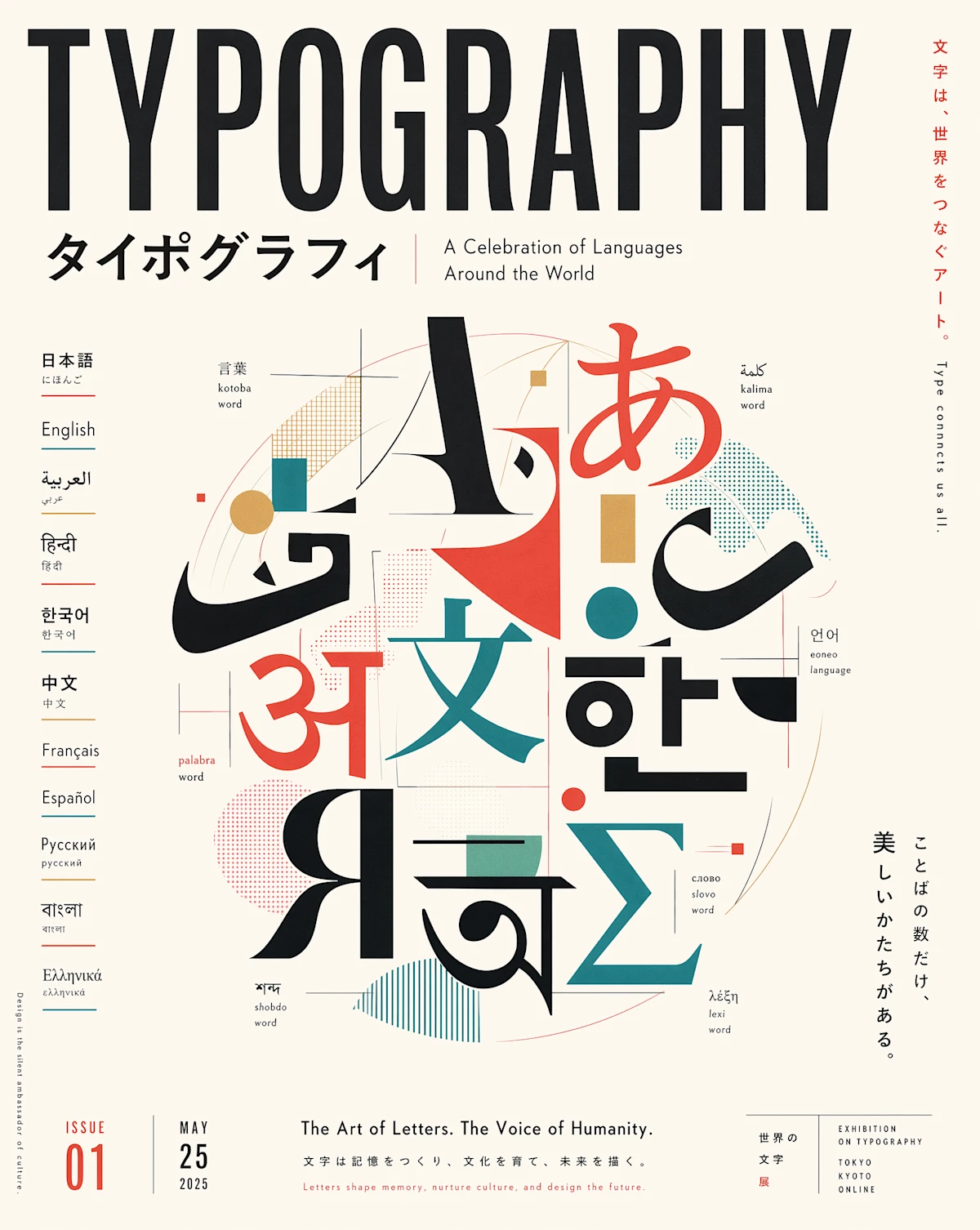
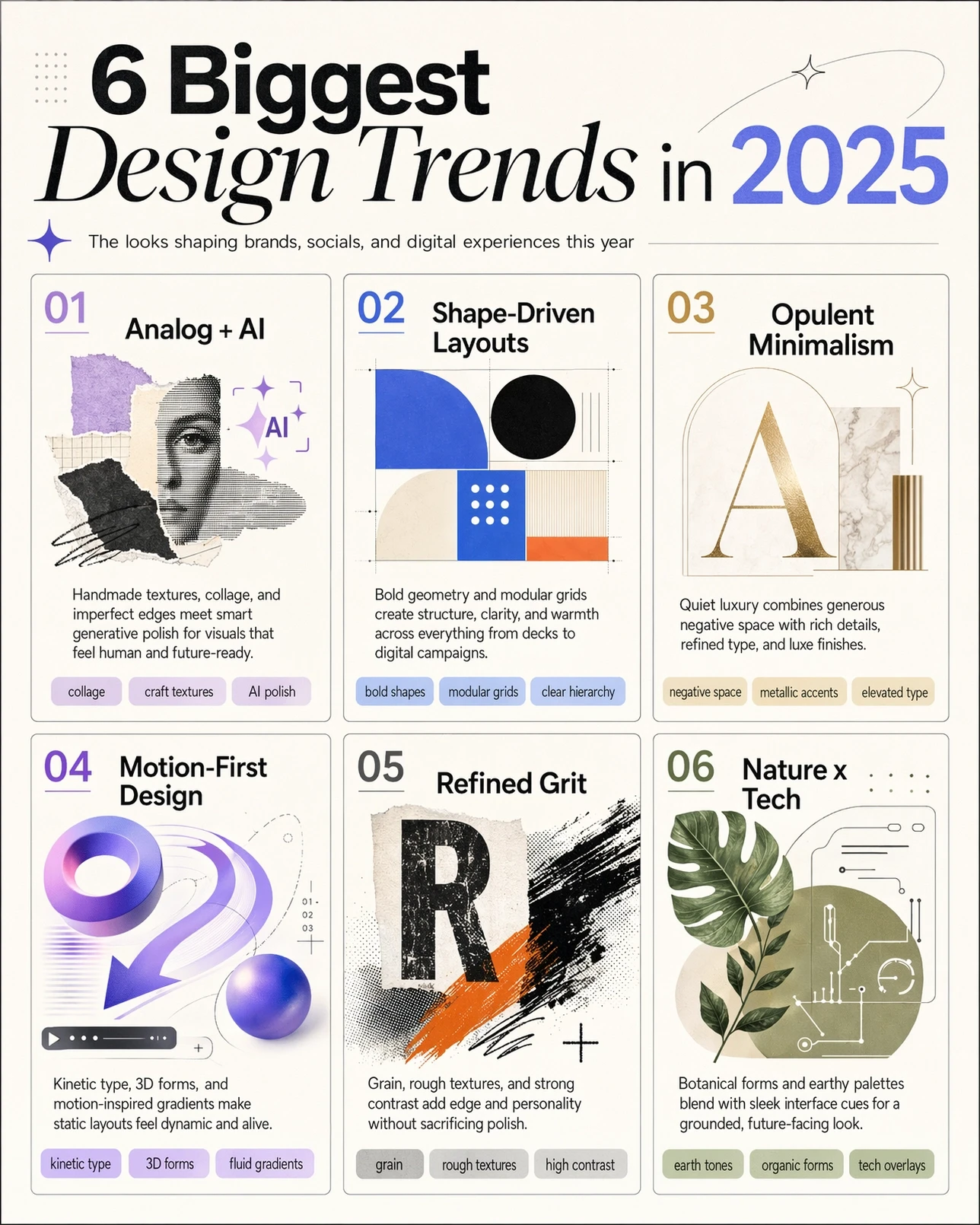
🎉 GPT Image 2 now supports 1K / 2K / 4K resolution — prices reduced by up to 50%.
GPT Image 2
Generate stunning images using cutting-edge AI models — with optional reference images
 GPT Image 2
Be specific about subject, style, and lighting.
0/5000✨ Please login to try for FREE ✨
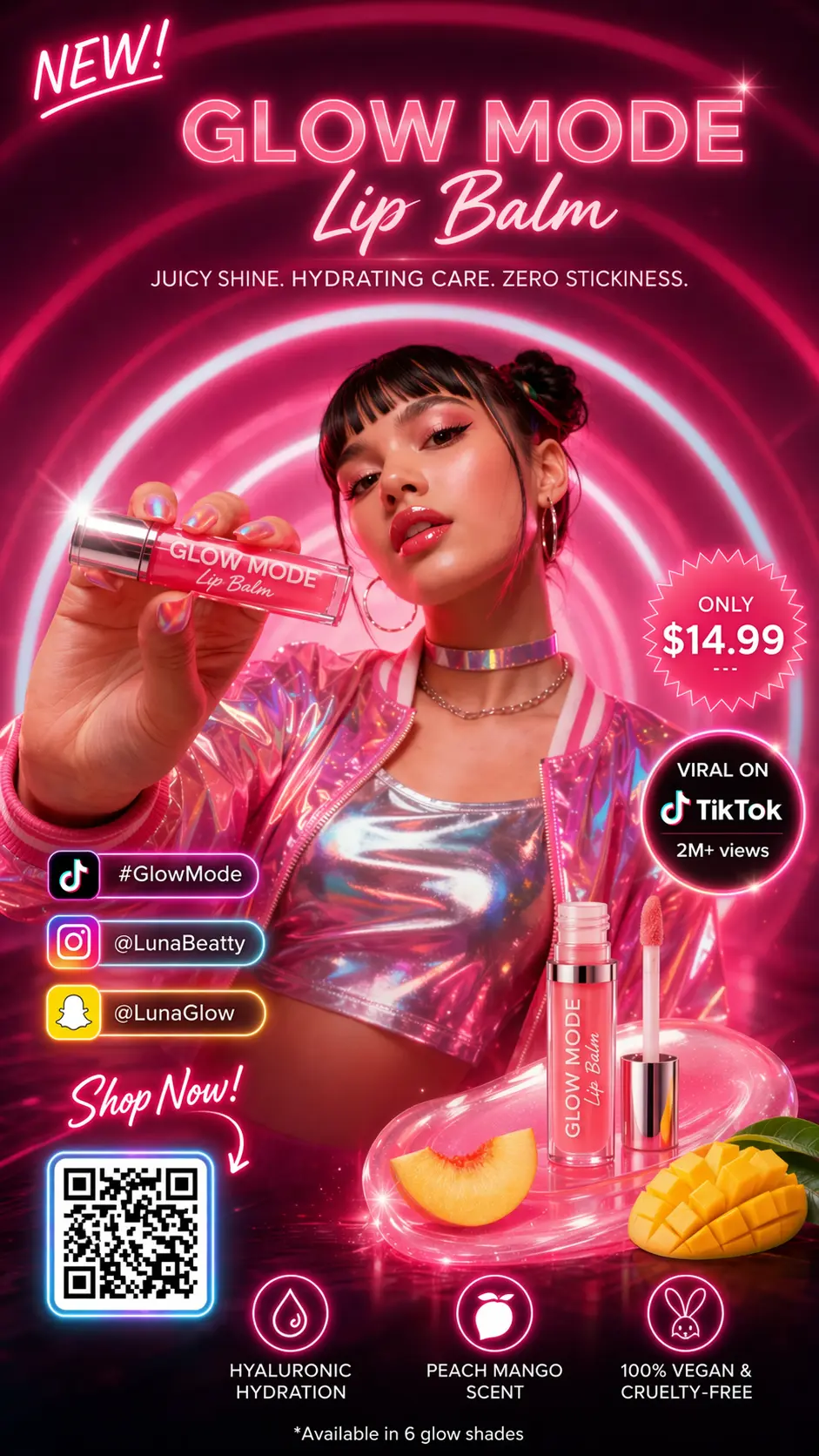
Using GPT Image 2.5
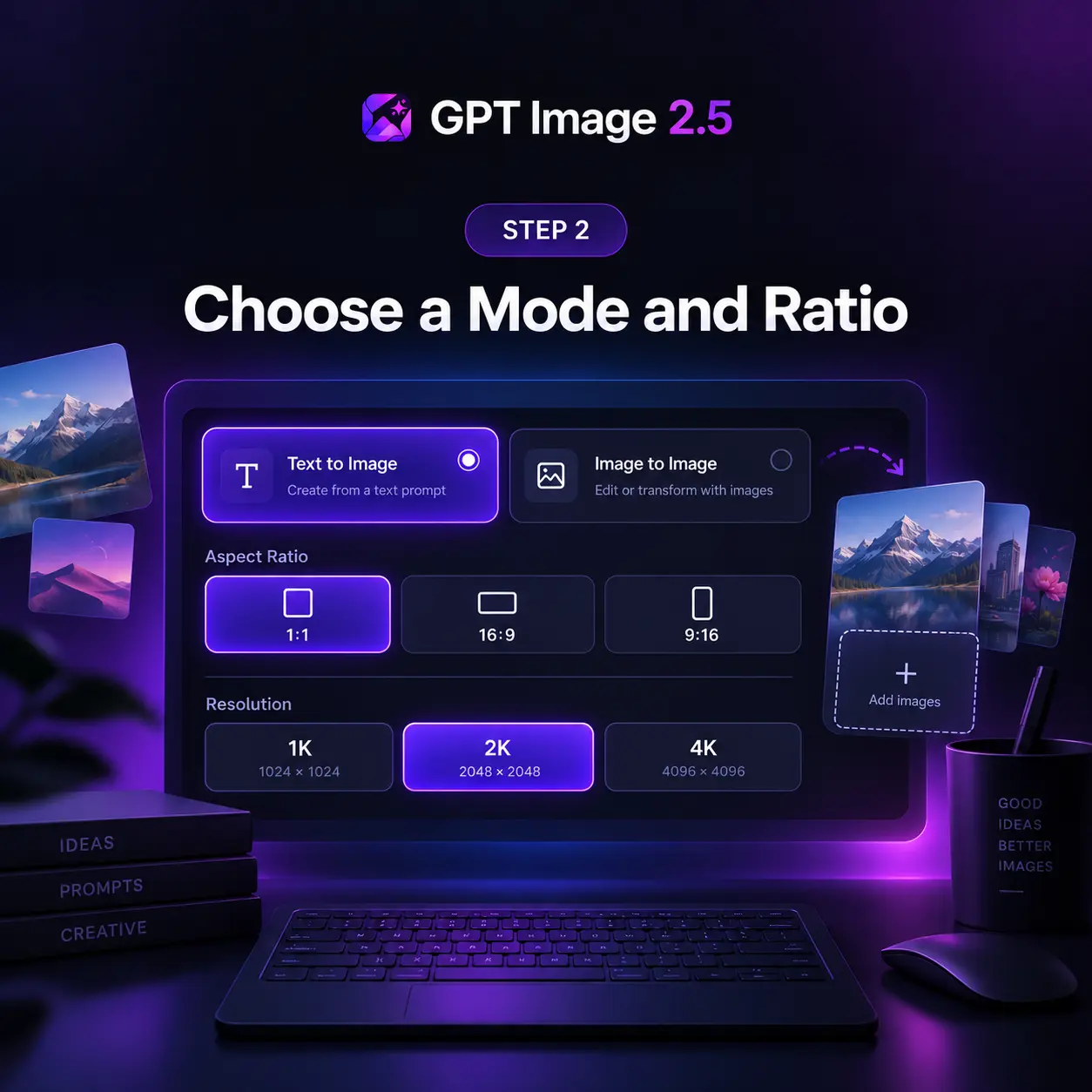
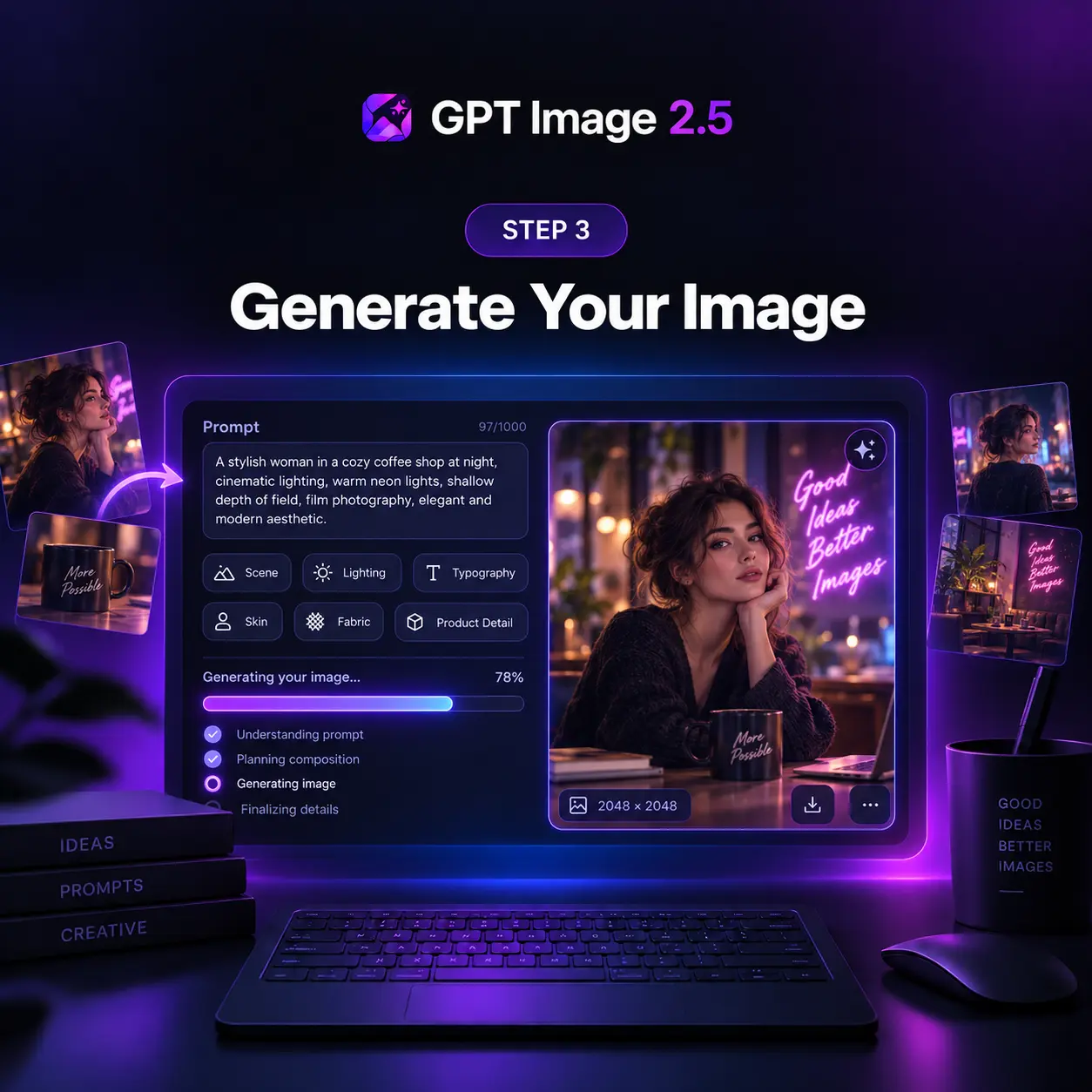
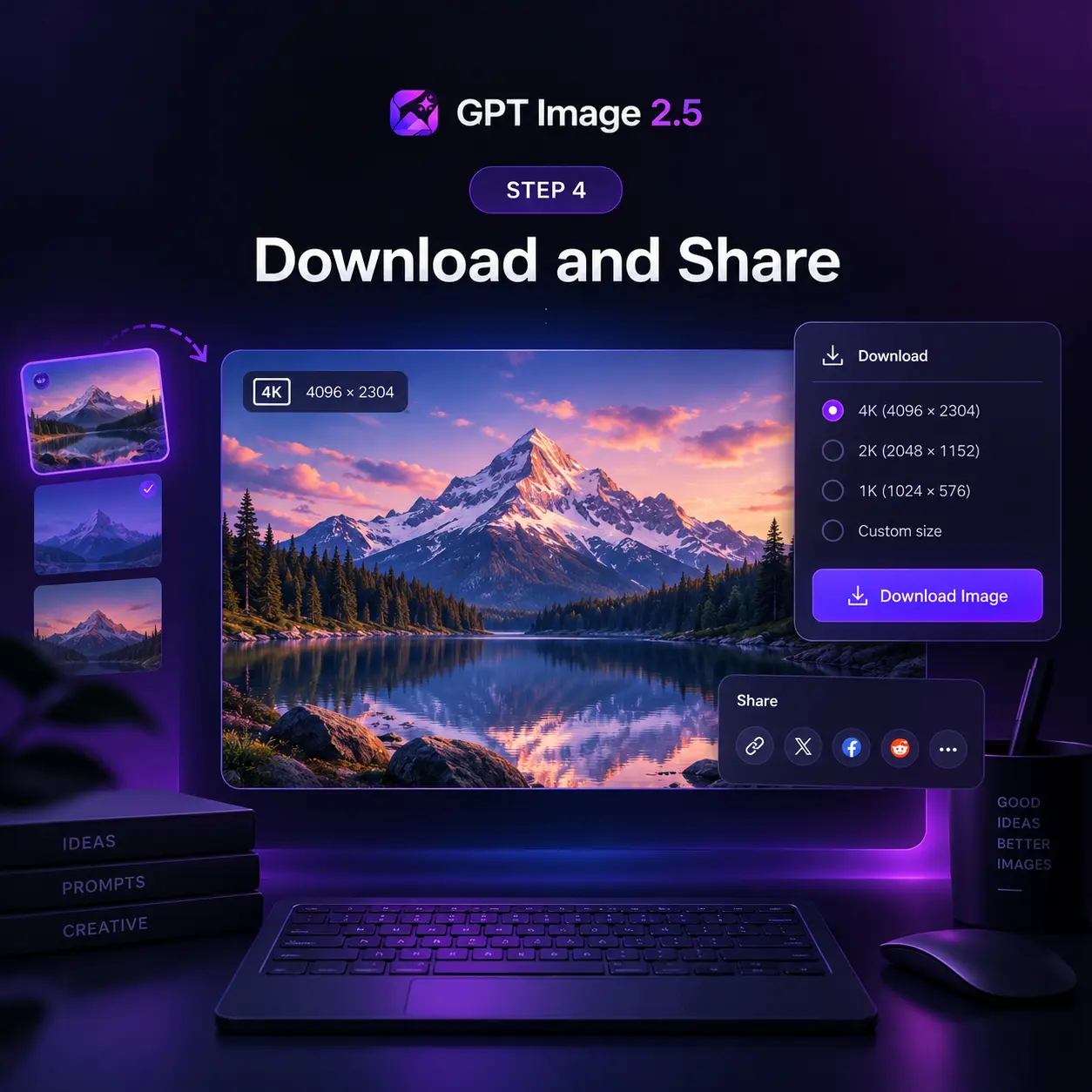
Generate production-ready images in four steps — from a text prompt or a set of reference images to a high-resolution download.
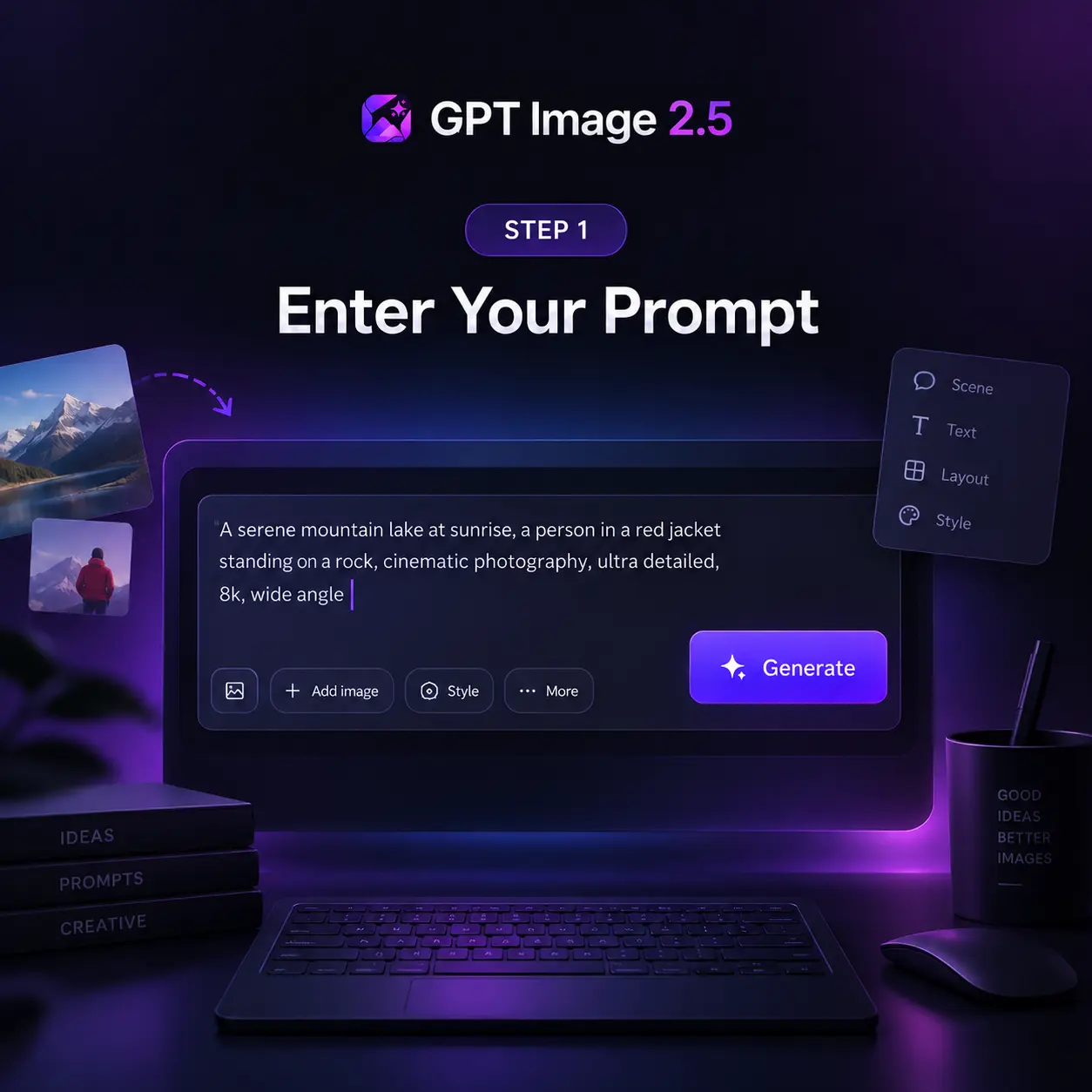
GPT Image 2.5 Feature Highlights
A focused upgrade for cleaner editing, stronger instruction accuracy, and more dependable production output.
Sharper High-Res Output
Keep edges, type, product contours, and scene detail crisp at large sizes, with no artificial sharpening or soft upscaling tricks.
Cleaner Repeated Edits
Preserve smooth gradients and approved regions across a chain of edits, with no block artifacts, added noise, or layout drift.
Stronger Prompt Precision
Retain object counts, spatial relationships, materials, camera direction, lighting, and layout limits in one coherent output.
Natural Skin and Detail
Render skin, hair, hands, fabrics, labels, and product geometry with a natural finish that holds across every single variation.
Exact Text and Layout
Place headline, body, and small-label copy with dependable spelling, spacing, and hierarchy across every aspect ratio you pick.
Reasoning Before Render
Plan composition and check every word before drawing, then carry that same planning step into steadier multi-turn edit chains.
GPT Image 2.5 at a Glance
Powered by OpenAI — the numbers behind every generation
Max Resolution
4K
1K, 2K, and 4K output
Reference Images
16
per image-to-image edit
Aspect Ratios
5+
1:1, 16:9, 9:16, 3:2, 2:3
What to Build with GPT Image 2.5
Six workflows where GPT Image 2.5 earns its place: anywhere a typo, a drifting character, or a broken layout would send the image back for another round.
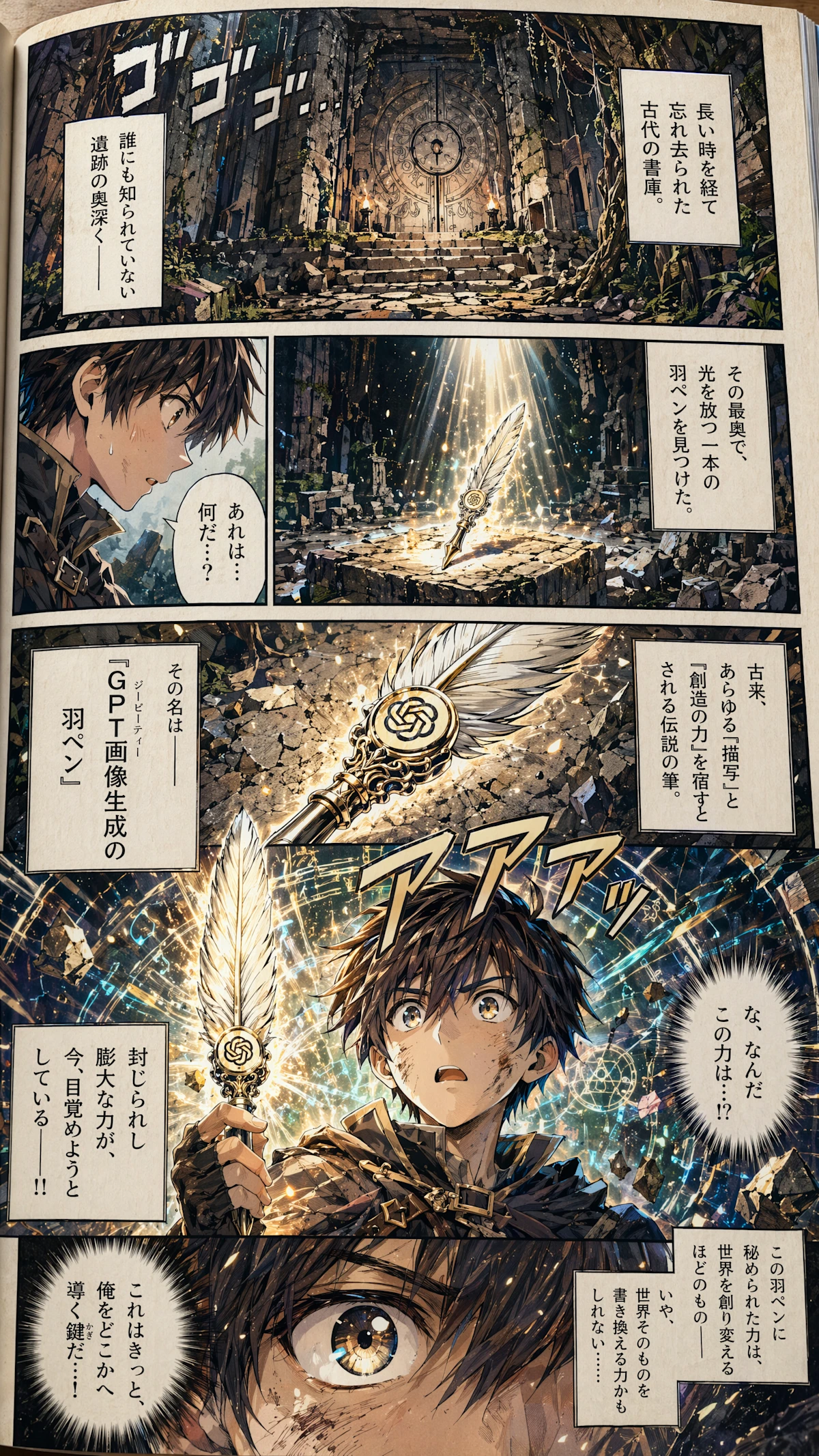
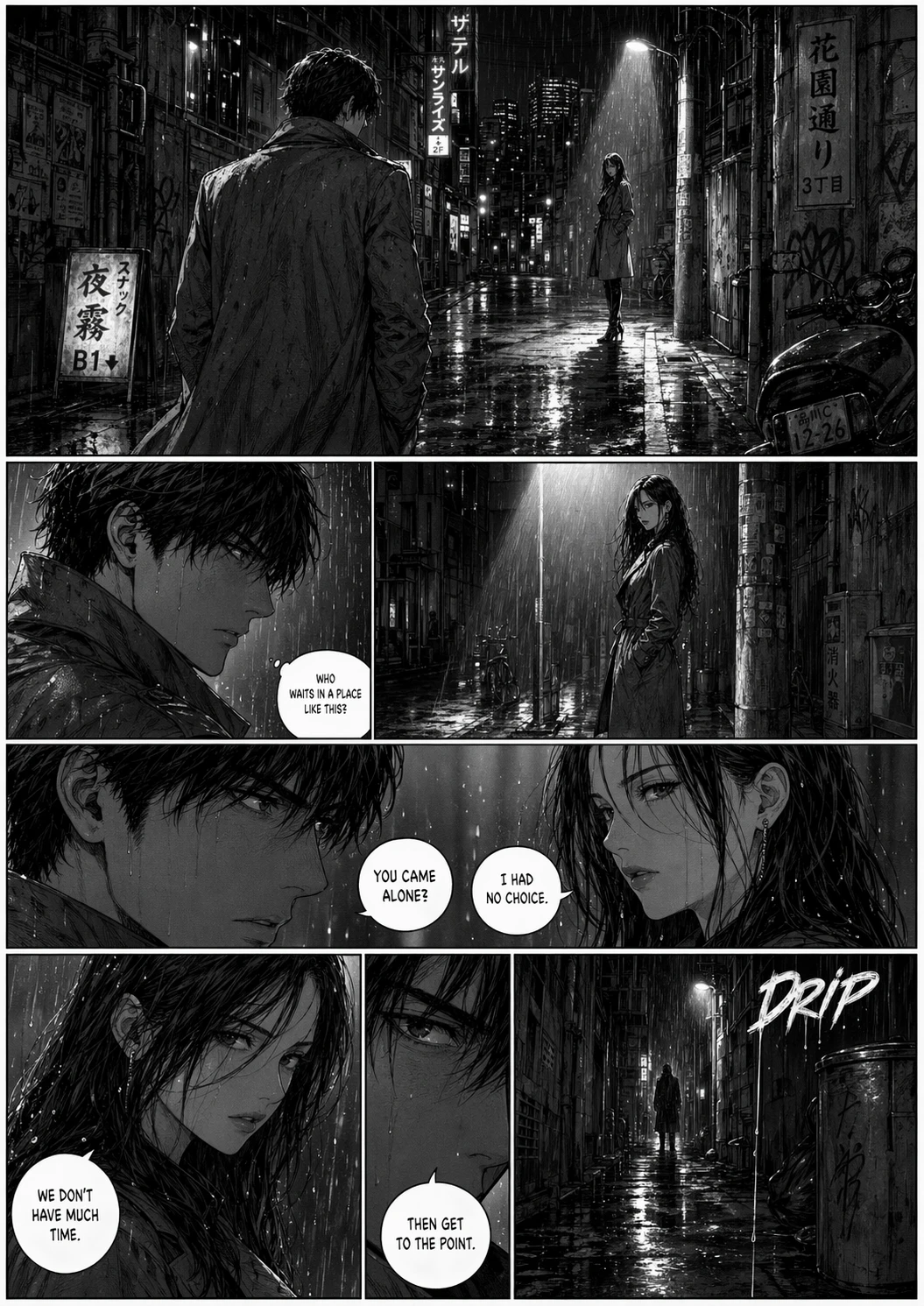
Sequential Art
Twelve panels, one cast. GPT Image 2.5 holds faces, costumes, and lighting steady from the opening frame to the closing beat, and each line of dialogue lands inside its balloon as scripted.
App Interface Renders
Your wireframe becomes a screenshot that survives a designer's zoom. Menus, tables, and status icons sit on a true grid, and the tiny captions along the sidebar stay legible at any size.
Packaging Typography
Curved glass, matte paper, glossy foil: the brand name reads the same on all of them. Ingredient lists and barcodes stay intact through a dozen revisions, so no label needs a manual fix.
Full-Page Web Layouts
Think of it as a first draft from a senior web designer. Ask for a pricing table beneath a testimonial band and it appears in that order, each heading spelled out and aligned to its column.
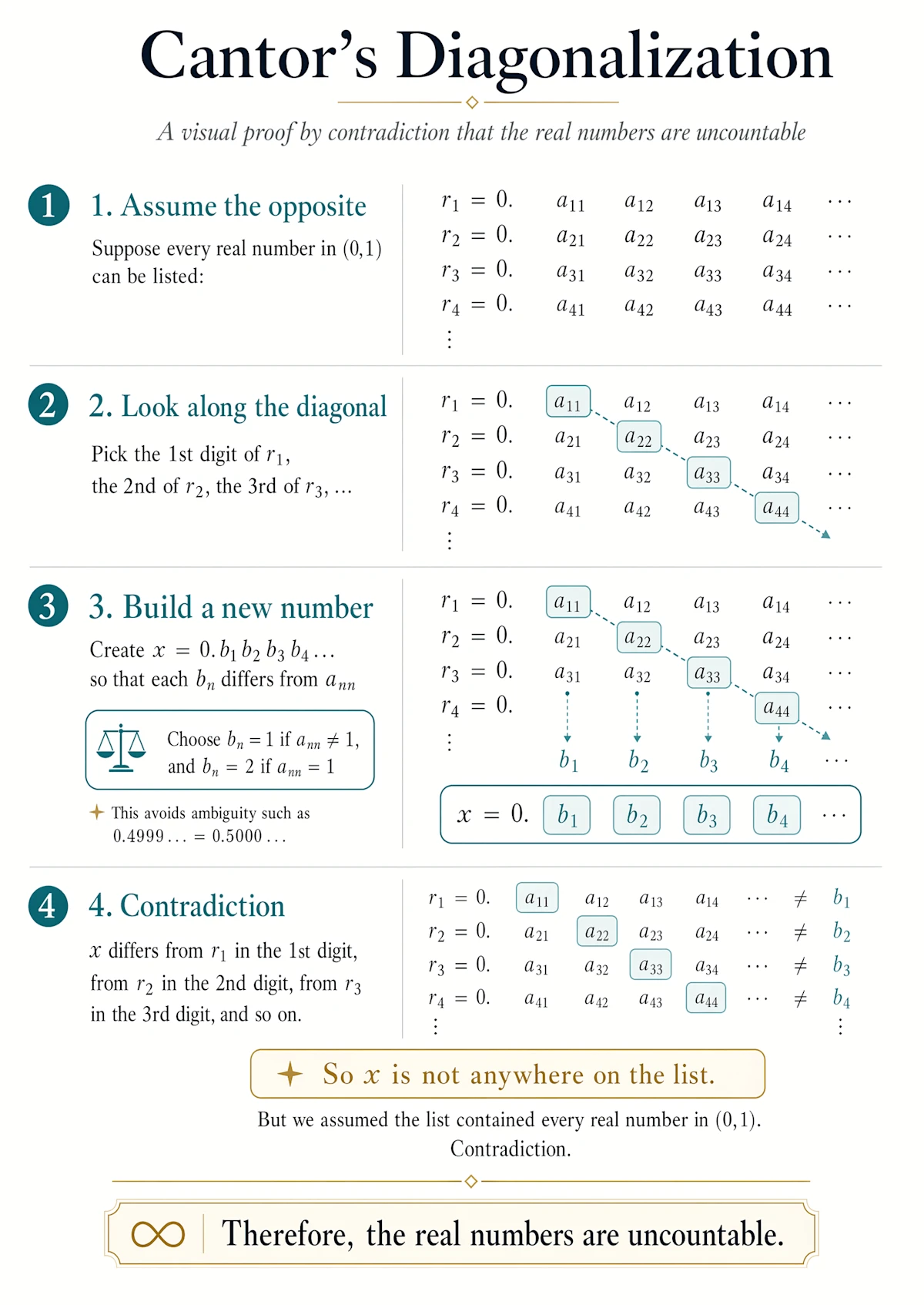
Explainer Graphics
When the subject is a pipeline or a process, structure is the whole point. GPT Image 2.5 plans the sequence before drawing, so numbered stages, connectors, and callouts follow your logic.
Store Listing Visuals
Shoppers decide in seconds, and a listing built here gives them everything at once: a hero shot, a feature grid, a price badge, and a buy button that looks like it belongs on a real storefront.
Pricing
Get Started with GPT Image 2 AI image generation.
1300 Credits
Most popular for individual creators!
Includes
- 1300 credits / month
- Credits never expire
- Text to Image
- Image to Image
- Models Support:GPT Image 2
 Nano Banana 2
 - Private Generation
- Commercial License
cancel anytime
550 Credits
Perfect for trying out.
Includes
- 550 credits / month
- Credits never expire
- Text to Image
- Image to Image
- Models Support:GPT Image 2Nano Banana 2
- Private Generation
cancel anytime
2500 Credits
Best for professional creators!
Includes
- 2500 credits / month
- Credits never expire
- Text to Image
- Image to Image
- Models Support:GPT Image 2Nano Banana 2
- Private Generation
- Commercial License
- Priority Support
cancel anytime
What Creators Say About GPT Image 2.5
Feedback from designers, marketers, and developers generating with GPT Image 2.5 every day
Michael Chen
Graphic Designer
The text rendering saves me hours on banners. Headlines, offer lines, and fine print come out spelled right the first time, so I skip the retouch pass entirely.
Sarah Kim
Content Creator
I switch between anime, watercolor, and photoreal looks daily. GPT Image 2.5 keeps the character consistent across all of them without any presets or fine-tuning.
James Thompson
Product Manager
We generate app mockups and UI screenshots every sprint. Repeated edits stay clean, so a small label change no longer breaks the layout we already approved.
Elena Garcia
Marketing Director
Localized visuals for eight markets from one prompt is our normal now. Small-label typography holds up in every language, and packaging review got a lot shorter.
David Wilson
E-commerce Seller
Studio-quality product shots with readable labels at a fraction of the old cost. Reflections and shadows stay consistent across every placement in the campaign.
Mia Zhang
UX Designer
I upload wireframes and brand guides and get mockups that look shipped. Sixteen references in one prompt means the palette and logo treatment never drift.
How GPT Image 2.5 Works
The native multimodal architecture behind the GPT Image family, and the refinements that make 2.5 sharper, cleaner, and more precise.
Native Image Tokens
GPT Image 2.5 draws an image the way a language model writes a sentence: inside one omni model, visual tokens are predicted in order alongside the text. Words, layout, and lighting are decided together, so type comes out spelled and placed right, never painted over random noise.
Planning Before Pixels
A reasoning pass runs before the first pixel is rendered. The model reads the brief, resolves object counts, spatial relationships, and text content, then checks its own plan for conflicts. Long prompts survive intact, and a chain of edits leaves approved regions exactly as they were.
Refined Decode Stage
The 2.5 checkpoint tightens the final decode stage: skin, hair, fabric, and glass carry natural grain and micro-detail, and the blocky noise of earlier generations is gone. A newer knowledge cutoff lets it draw current products, places, and events with less prompting and fewer retries.
Frequently Asked Questions About GPT Image 2.5
Have more questions? Contact us by email
What is GPT Image 2.5?
GPT Image 2.5 is the next generation of OpenAI's GPT Image model family, available here as an online image generator and editor. It turns written prompts and reference images into finished visuals, and it is tuned for the details that production work depends on: exact text, stable fine detail, consistent characters and products, and edits that leave approved regions untouched. You can use it in the generator above without any setup.
How does GPT Image 2.5 improve on GPT Image 2?
GPT Image 2 introduced reasoning before the render, reliable multilingual text, and batches of consistent images. GPT Image 2.5 refines that base in four areas: sharper detail at large sizes without soft upscaling, cleaner color across repeated edits with less noise and drift, stronger retention of long prompts with many constraints, and more natural skin, hair, fabric, and label texture that stays stable across variations.
What can I generate with GPT Image 2.5?
Anything from a single hero image to a coordinated set: marketing posters, product and packaging shots, UI and app mockups, landing page designs, comics and storyboards, infographics, and localized visuals with text in multiple languages. Text-to-image starts from a prompt; image-to-image takes up to 16 reference images to guide character, style, composition, or product details.
What resolutions and aspect ratios are supported?
Output is available at 1K, 2K, and 4K. Aspect ratios include 1:1, 16:9, 9:16, 3:2, and 2:3, plus an automatic option that lets the model choose the frame. The 1:1 ratio renders up to 2K, and the automatic ratio renders at 1K. Higher resolutions cost more credits per image, and the exact cost is shown in the generator before you run it.
Is GPT Image 2.5 the same as MAI-Image-2.5?
No. MAI-Image-2.5 is a Microsoft image model available through OpenRouter and other providers. GPT Image 2.5 is powered by OpenAI and belongs to the GPT Image family, the same line as GPT Image 2 and GPT Image 1.5. The shared version number causes confusion in search results, so check the vendor before comparing samples, benchmarks, or pricing.
Do I need an account, and what does it cost?
You can browse examples without signing in, and a free account includes starter credits to try GPT Image 2.5. Each generation deducts credits based on resolution, with 1K the cheapest and 4K the most expensive. Paid plans add larger credit bundles, priority generation, and commercial use rights. Every plan is listed in the pricing section on this page.
Try GPT Image 2.5 Now
Sharper detail, exact text, and clean repeated edits — generate your first image in seconds.