
Next-Generation AI Image Generator Online
GPT Image 2.5GPT Image 2.5 AI Image Generator with Sharper Detail and Exact Text
Create polished images from text or transform reference photos with GPT Image 2.5. Sharper detail, natural lighting and texture, precise edits that change only what you ask, and generation up to 50% faster — from one focused workspace, exported at up to 4K.
Start generating with GPT Image 2.5. No setup, results in seconds.
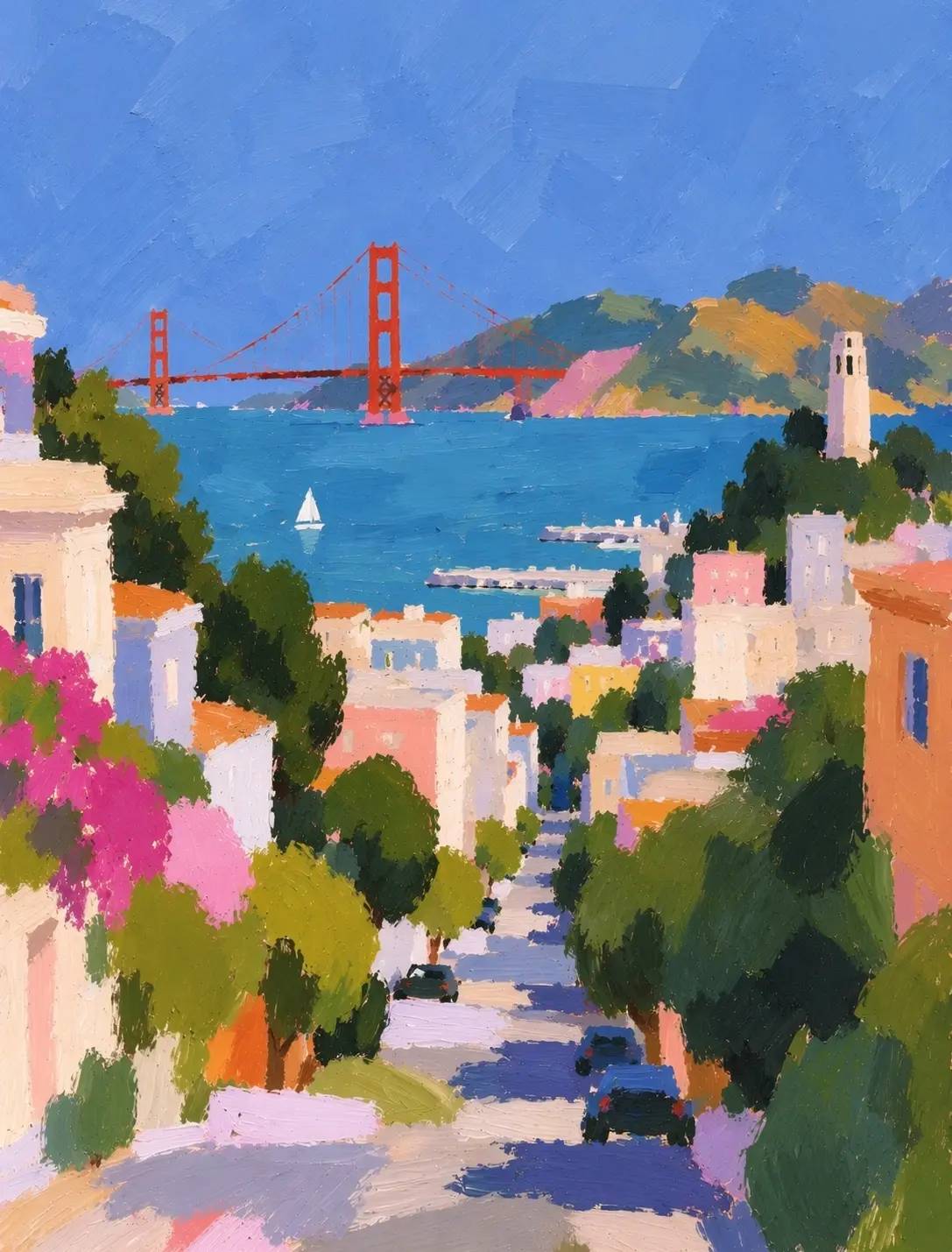
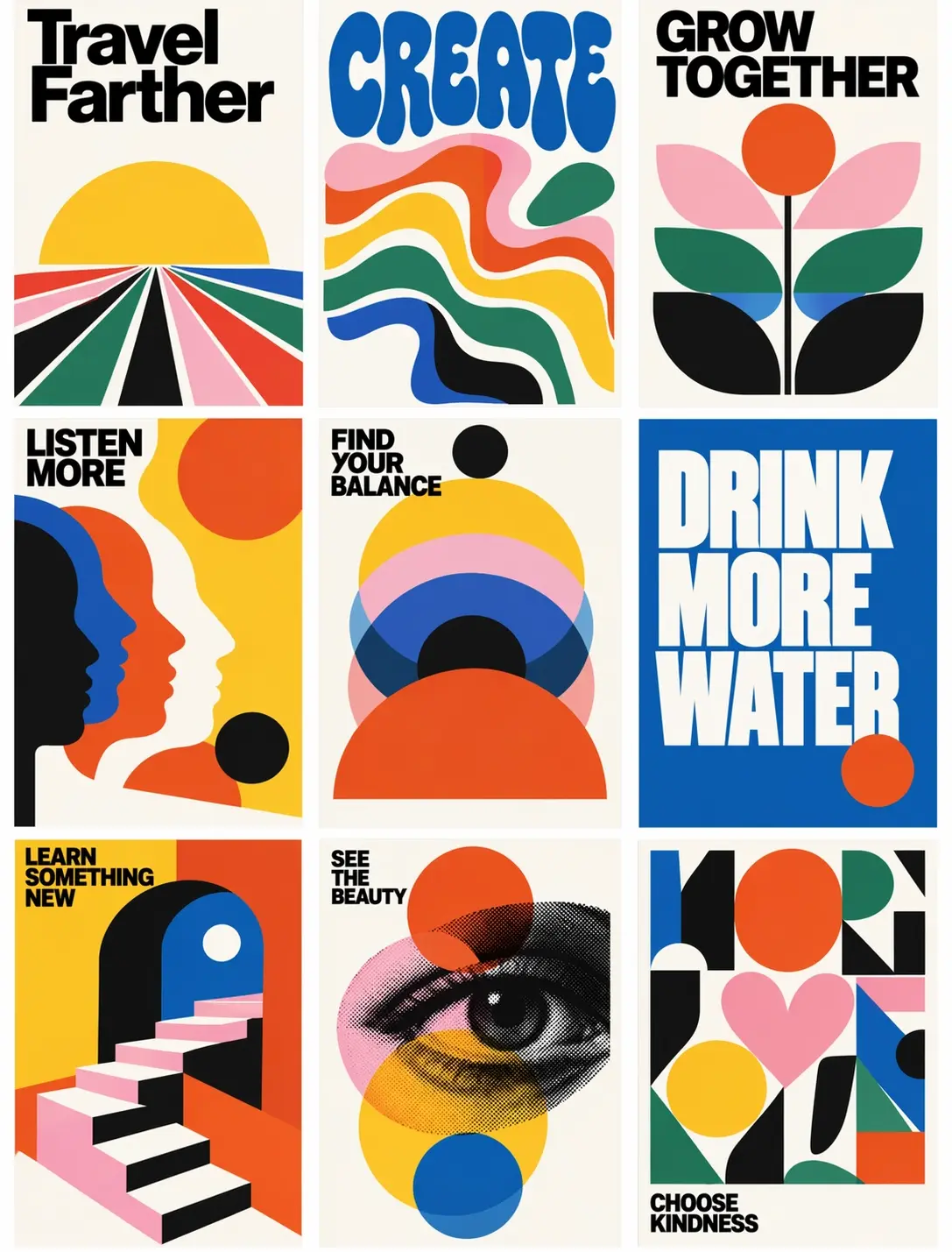
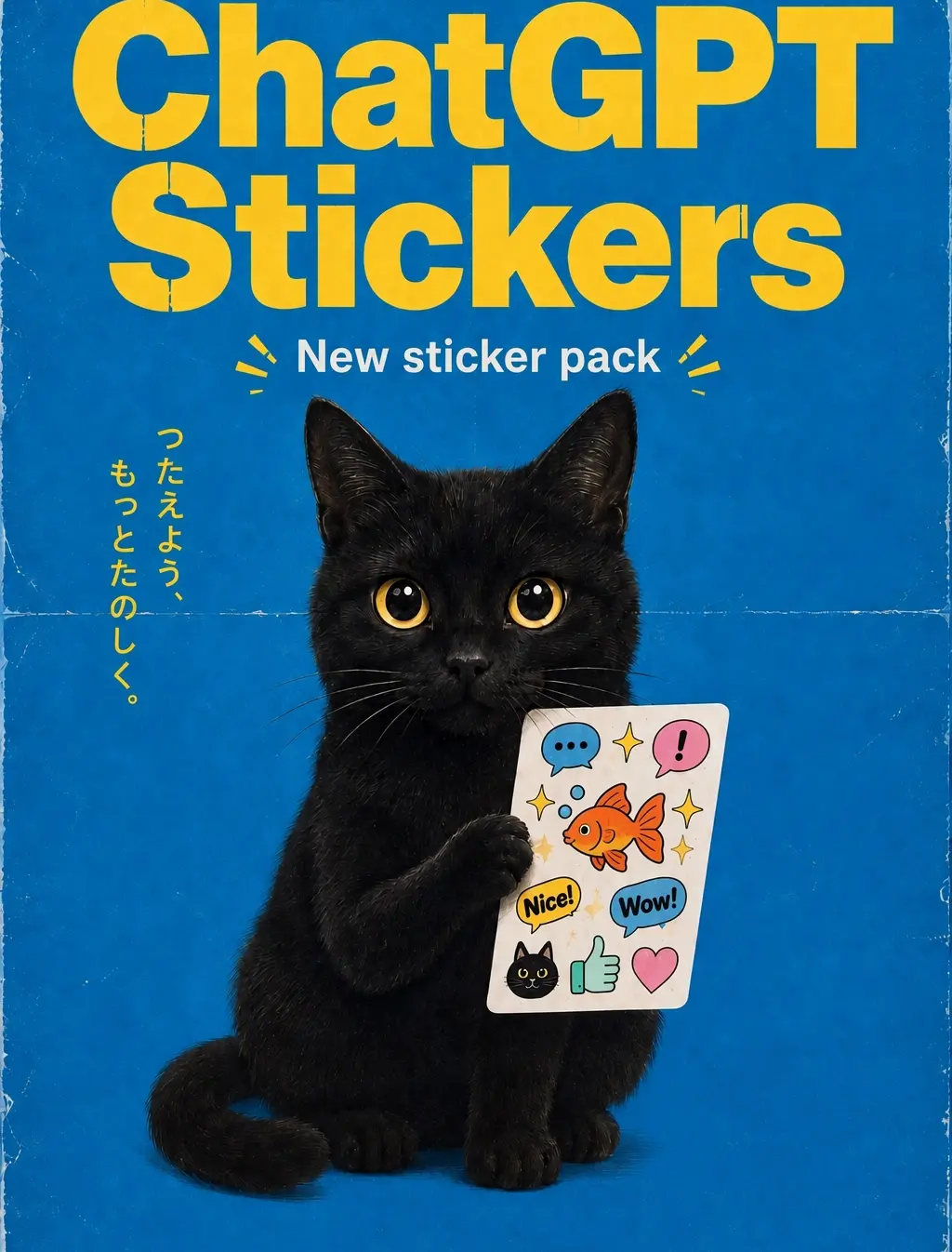
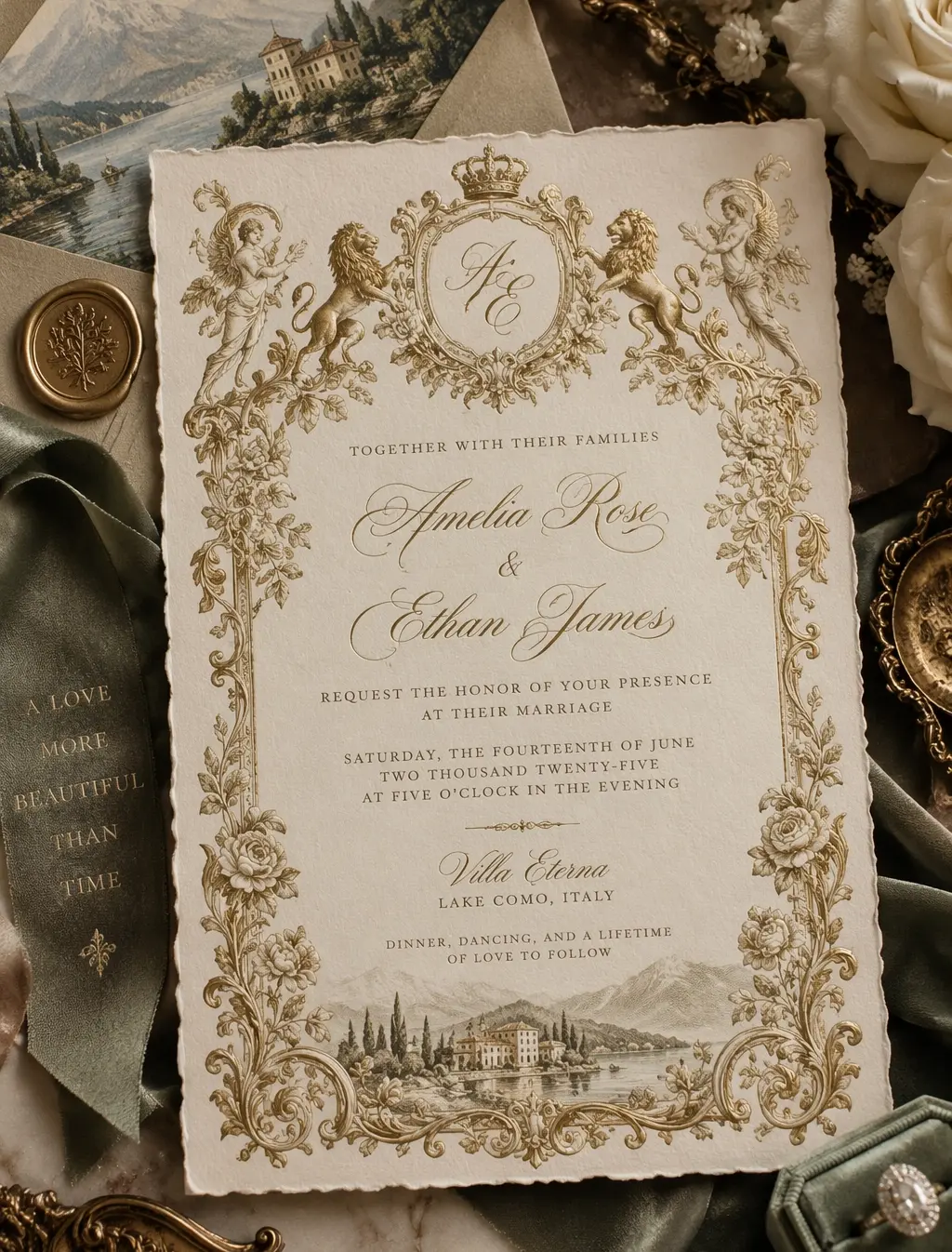
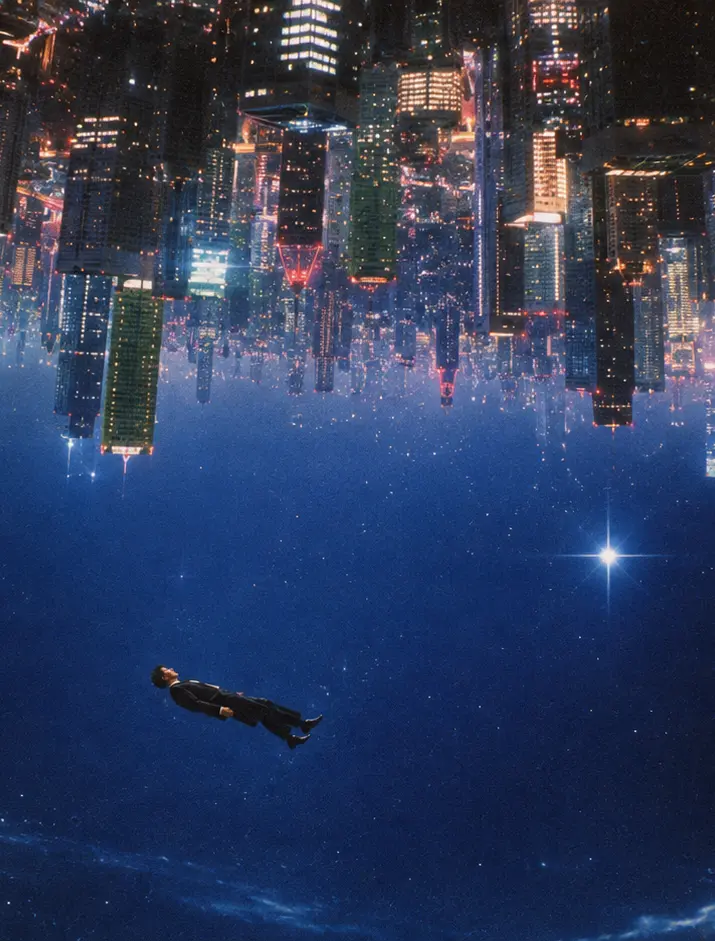
🚀 GPT Image 2.5 is live — sharper detail, precise edits, and up to 50% faster generation, with output up to 4K.
GPT Image 2.5
Generate stunning images using cutting-edge AI models — with optional reference images
 GPT Image 2.5
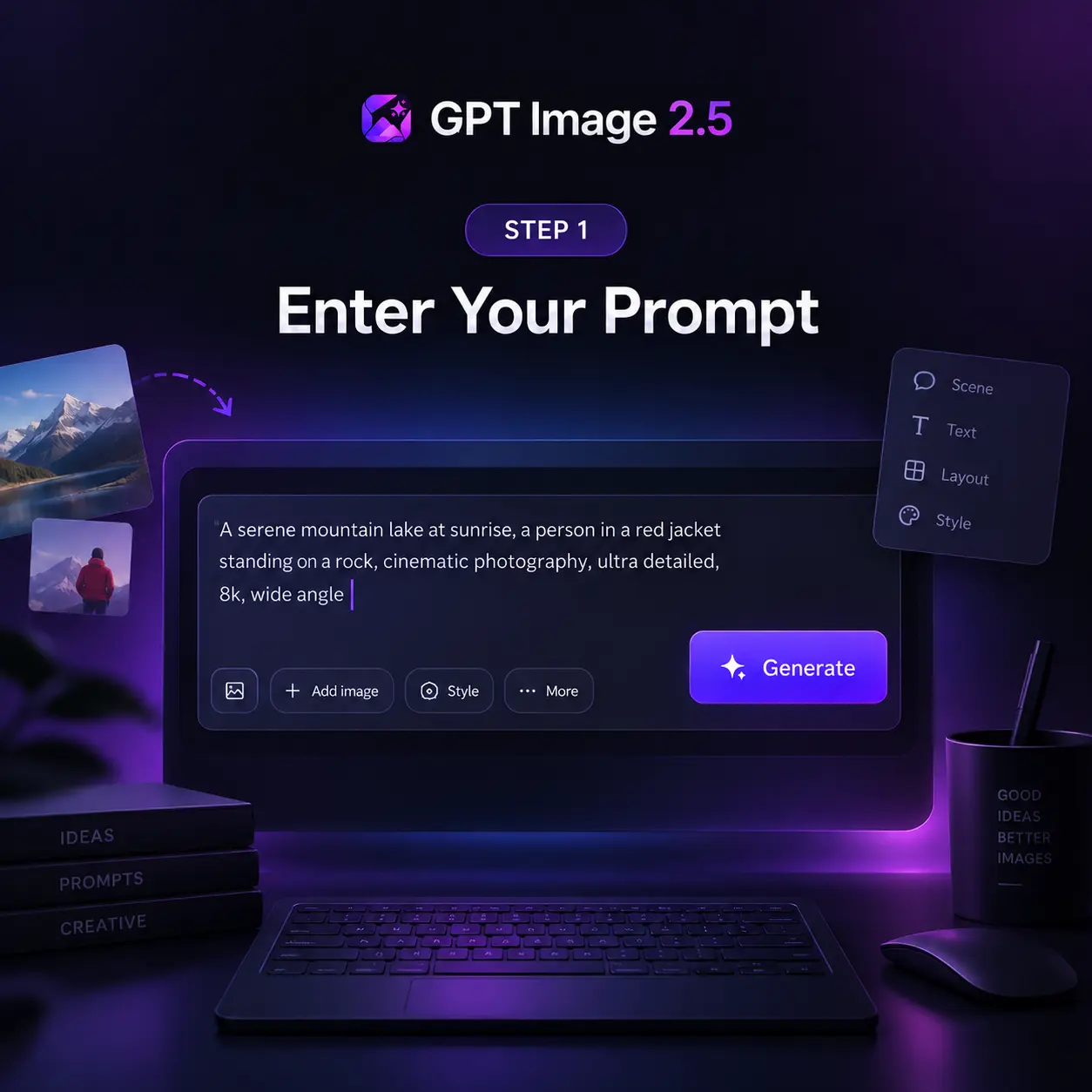
Be specific about subject, style, and lighting.
0/5000✨ Please login to try for FREE ✨
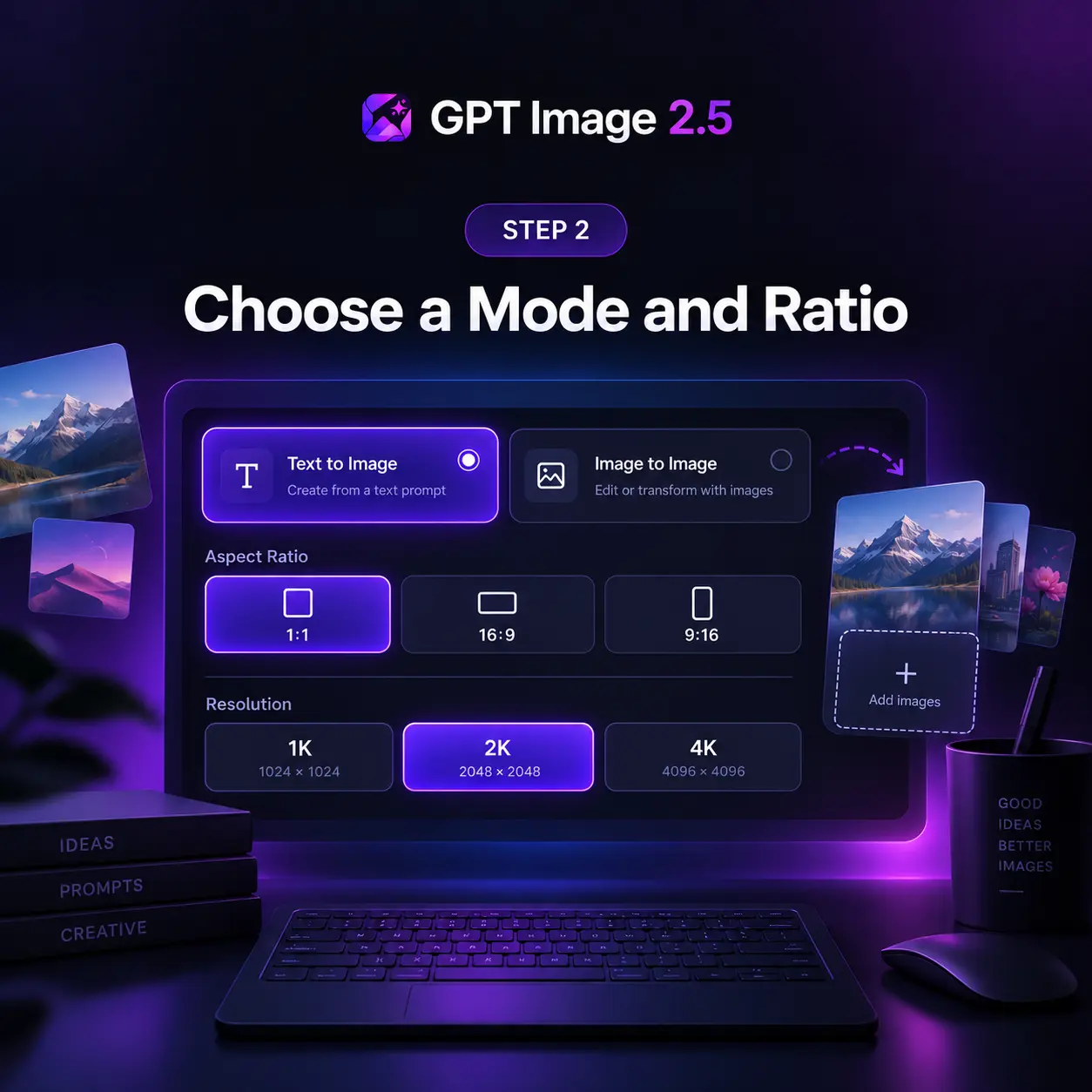
Using GPT Image 2.5
Generate production-ready images in four steps — from a text prompt or a set of reference images to a high-resolution download.
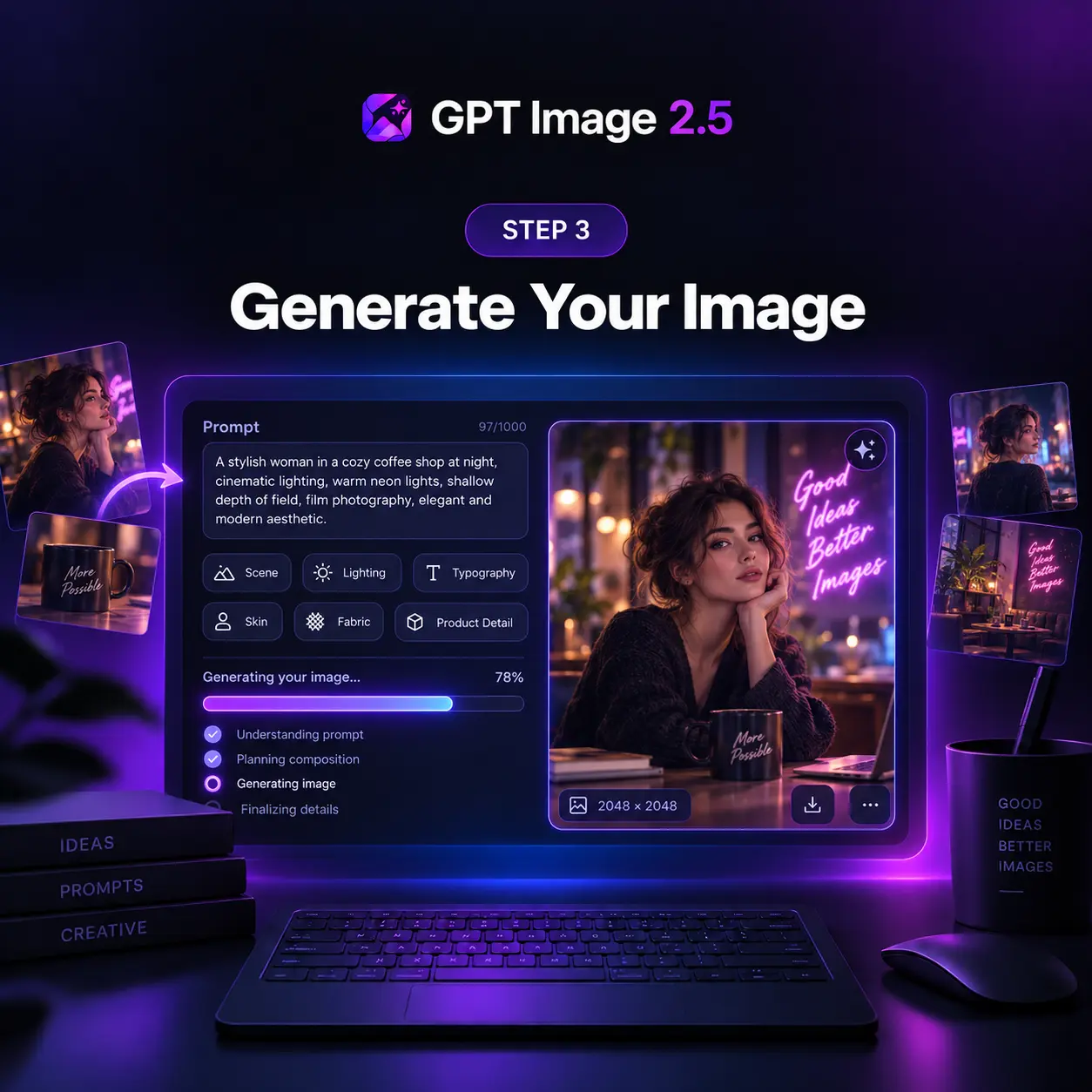
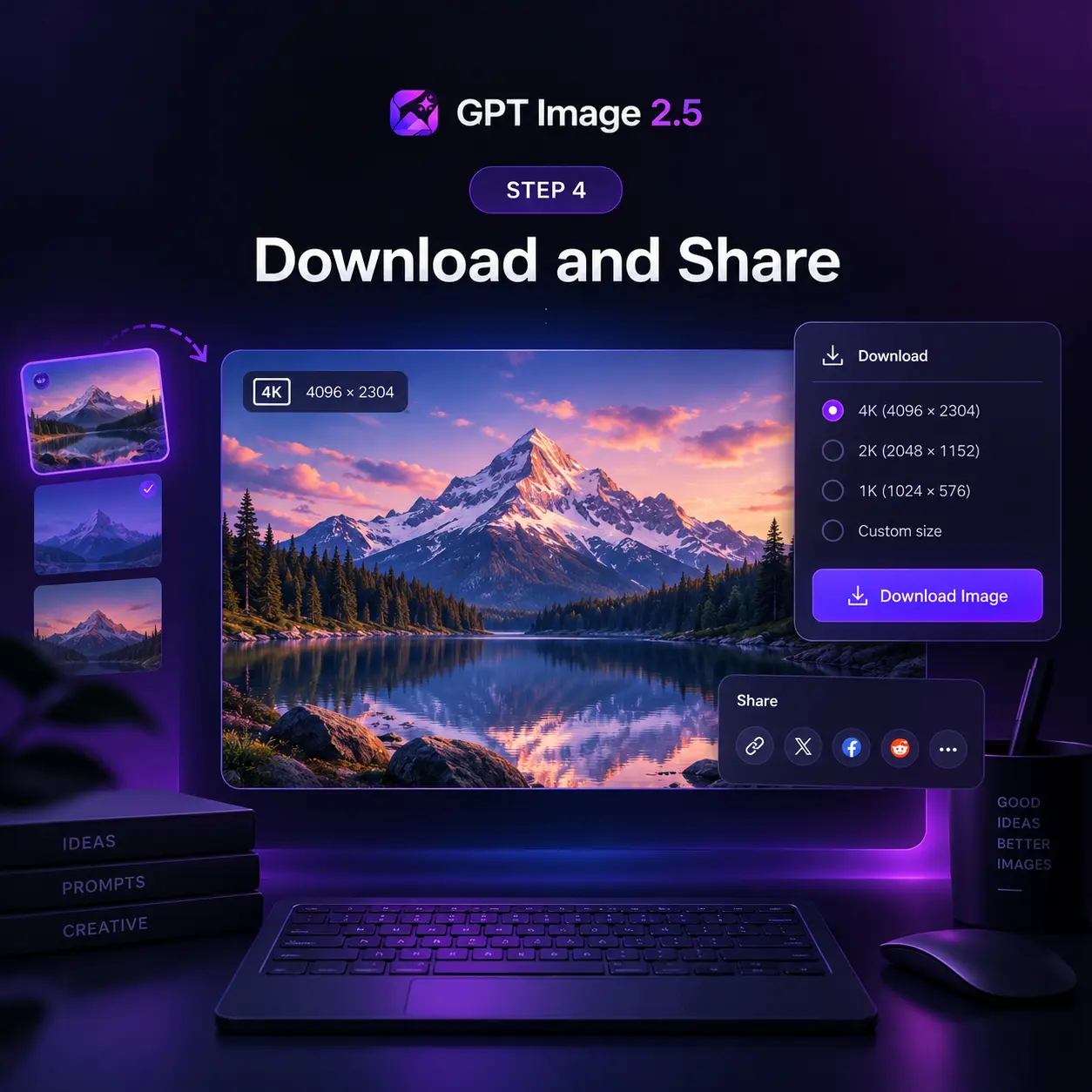
GPT Image 2.5 Feature Highlights
A focused upgrade for sharper detail, precise editing, steadier multi-turn revisions, and faster output.
Sharper High-Res Output
Keep edges, type, product contours, and scene detail crisp at large sizes, with no artificial sharpening or soft upscaling tricks.
Precision Editing
Change one element, such as a product, a background, or a line of copy, while the subject, composition, and styling stay put.
Consistent Multi-Turn Edits
Build each new edit on the last without any loss of quality, so earlier changes hold steady across a long chain of revisions.
Natural Light and Texture
Render lighting, skin, hair, fabric, and surface grain with a natural finish that reads as photographic instead of plastic or waxy.
Faithful Reference Subjects
Carry people, pets, and products from up to 16 reference images into new settings, styles, and compositions fully intact.
Exact Text and Layout
Place headlines, labels, and infographic copy on a true structure, with accurate real-world detail and no drift in long briefs.
GPT Image 2.5 at a Glance
Powered by OpenAI — the numbers behind every generation
Max Resolution
4K
1K, 2K, and 4K output
Reference Images
16
per image-to-image edit
Lower Latency
50%
faster than GPT Image 2
What to Build with GPT Image 2.5
Six workflows where GPT Image 2.5 earns its place: anywhere a drifting subject, a muddy texture, or a broken layout would send the image back for another round.
Cinematic Concept Art
Rain on the balcony, billboards ten stories tall, one figure at the rail. GPT Image 2.5 keeps the mood you asked for through every revision, so the lighting never slides toward generic, and the neon stays exactly where you put it, every time.
Material and Texture
Ask for glass tile, and every tessera catches light the way fired glass does. Gold leaf, grout lines, and the curve of the planet read as physical objects that you could run a hand across, never a flat texture pasted on as an afterthought.
Editorial Illustration
You name the decade and the medium; the model commits to both. A 1950s magazine spread arrives with period color, halftone grain, and the optimism of the era carried in every brushstroke, ready for the printed page or the screen.
Presentation Slides
Give it the topic and the structure, and the slide comes back with a real hierarchy: a title, a hero image, four numbered steps, and captions whose facts survive a fact-check from the sharpest, most skeptical person in the audience.
Print Series and Sets
Eight stamps, eight parks, one visual system. Type, borders, and perforations match across the sheet while each landscape keeps its own light, and every park name comes out spelled right on the very first attempt, with no retouching pass.
Long Edit Chains
Rotate it, recolor it, move the light, then rotate it again. Dozens of edits later the cube is still the same cube, with no drift, blur, or artifacts creeping in anywhere between the first frame and the very last one you export at full size or send to print.
Pricing
Get Started with GPT Image 2.5 AI image generation.
1300 Credits
Most popular for individual creators!
Includes
- 1300 credits / month
- Credits never expire
- Text to Image
- Image to Image
- Models Support:GPT Image 2.5
 Nano Banana 2
 - Private Generation
- Commercial License
cancel anytime
550 Credits
Perfect for trying out.
Includes
- 550 credits / month
- Credits never expire
- Text to Image
- Image to Image
- Models Support:GPT Image 2.5Nano Banana 2
- Private Generation
cancel anytime
2500 Credits
Best for professional creators!
Includes
- 2500 credits / month
- Credits never expire
- Text to Image
- Image to Image
- Models Support:GPT Image 2.5Nano Banana 2
- Private Generation
- Commercial License
- Priority Support
cancel anytime
What Creators Say About GPT Image 2.5
Feedback from designers, marketers, and developers generating with GPT Image 2.5 every day
Michael Chen
Graphic Designer
The text rendering saves me hours on banners. Headlines, offer lines, and fine print come out spelled right the first time, so I skip the retouch pass entirely.
Sarah Kim
Content Creator
I switch between anime, watercolor, and photoreal looks daily. GPT Image 2.5 keeps the character recognizable across all of them without any presets or fine-tuning.
James Thompson
Product Manager
We generate app mockups and UI screenshots every sprint. Edits change only the label I point at, so a small copy tweak no longer breaks the layout we already approved.
Elena Garcia
Marketing Director
Localized visuals for eight markets from one prompt is our normal now. Small-label typography holds up in every language, and packaging review got a lot shorter.
David Wilson
E-commerce Seller
Studio-quality product shots with natural lighting at a fraction of the old cost. Reflections and shadows stay consistent across every placement in the campaign.
Mia Zhang
UX Designer
I upload wireframes and brand guides and get mockups that look shipped. Sixteen references in one prompt means the palette and logo treatment never drift.
GPT Image 2.5 Around the Web
Fresh results and reactions from creators testing GPT Image 2.5.
How GPT Image 2.5 Works
The native multimodal architecture behind the GPT Image family, and the refinements that make 2.5 sharper, faster, and more precise in edits.
Native Image Tokens
GPT Image 2.5 draws an image the way a language model writes a sentence: inside one omni model, visual tokens are predicted in order alongside the text. Words, layout, and lighting are decided together, so type comes out spelled and placed right, never painted over random noise and cleaned up afterwards.
Planning Before Pixels
In Thinking mode a reasoning pass runs before the first pixel is rendered. The model reads the brief and the reference images, resolves composition, style, and text content, then checks its plan for conflicts. Long prompts survive intact, and a chain of edits leaves every approved region just where it was.
Flare and Sunburst
The 2.5 release ships as two API models on one base. Flare is the everyday engine: the same fidelity and editing gains at up to 50% lower latency than GPT Image 2. Sunburst spends longer per image for tighter control across edits. Both refine the final render so skin, fabric, and glass keep natural grain.
Frequently Asked Questions About GPT Image 2.5
Have more questions? Contact us by email
What is GPT Image 2.5?
GPT Image 2.5 is the next generation of OpenAI's GPT Image model family, released in September 2026 and available here as an online image generator and editor. It turns written prompts and reference images into finished visuals, and it is tuned for the details production work depends on: sharper detail, natural lighting and texture, subjects that stay recognizable, and edits that leave the rest of the image untouched. You can use it in the generator above without any setup.
How does GPT Image 2.5 improve on GPT Image 2?
GPT Image 2 introduced reasoning before the render, reliable multilingual text, and batches of consistent images. GPT Image 2.5 refines that base in four areas: sharper detail with more natural lighting and richer texture, better preservation of the subjects in your reference photos, precision edits that change only what you asked for, and instructions that hold across multiple turns without quality loss. Generation is also up to 50% faster.
What can I generate with GPT Image 2.5?
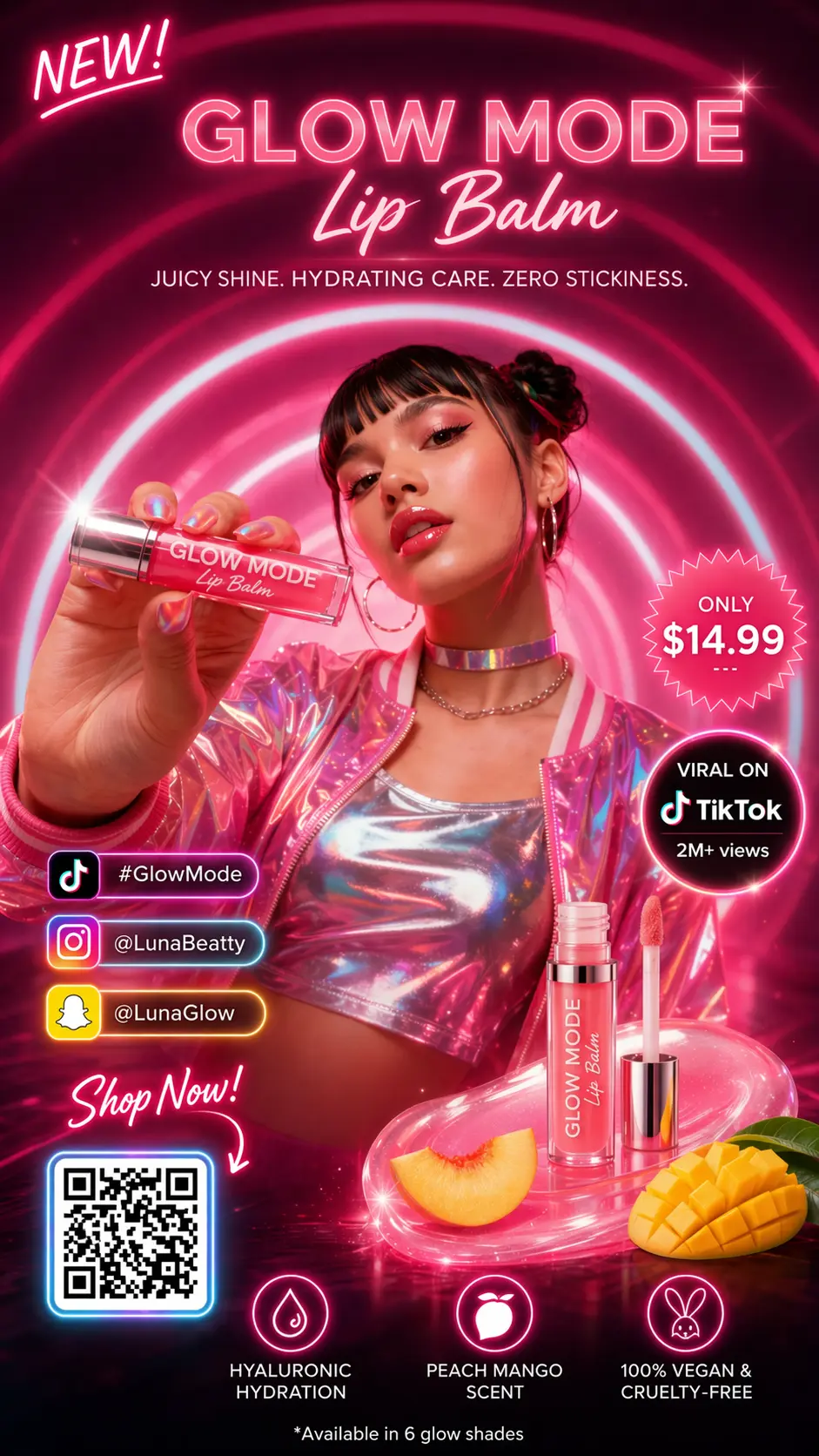
Anything from a single hero image to a coordinated set: marketing posters, product and packaging shots, UI and app mockups, presentation slides, comics and storyboards, infographics, and localized visuals with text in multiple languages. Text-to-image starts from a prompt; image-to-image takes up to 16 reference images, rough sketches included, to guide character, style, composition, or product details.
What resolutions and aspect ratios are supported?
Output is available at 1K, 2K, and 4K. Aspect ratios include 1:1, 16:9, 9:16, 4:3, and 3:4, plus an automatic option that lets the model choose the frame. The 1:1 ratio renders up to 2K, and the automatic ratio renders at 1K. Higher resolutions cost more credits per image, and the exact cost is shown in the generator before you run it.
Is GPT Image 2.5 the same as MAI-Image-2.5?
No. MAI-Image-2.5 is a Microsoft image model available through OpenRouter and other providers. GPT Image 2.5 is powered by OpenAI and belongs to the GPT Image family, the same line as GPT Image 2 and GPT Image 1.5; in the API it ships as GPT-Image-2.5 Flare and GPT-Image-2.5 Sunburst. The shared version number causes confusion in search results, so check the vendor before comparing samples or pricing.
Do I need an account, and what does it cost?
You can browse examples without signing in, and a free account includes starter credits to try GPT Image 2.5. Each generation deducts credits based on resolution, with 1K the cheapest and 4K the most expensive. Credits never expire. Paid plans add larger credit bundles, private generation, a commercial license, and priority support on the top tier. Every plan is listed in the pricing section on this page.
Try GPT Image 2.5 Now
Sharper detail, precise edits, and faster generation — create your first image in seconds.