
What Is GPT Image 2.5? Everything You Need to Know About OpenAI’s Latest Image Model
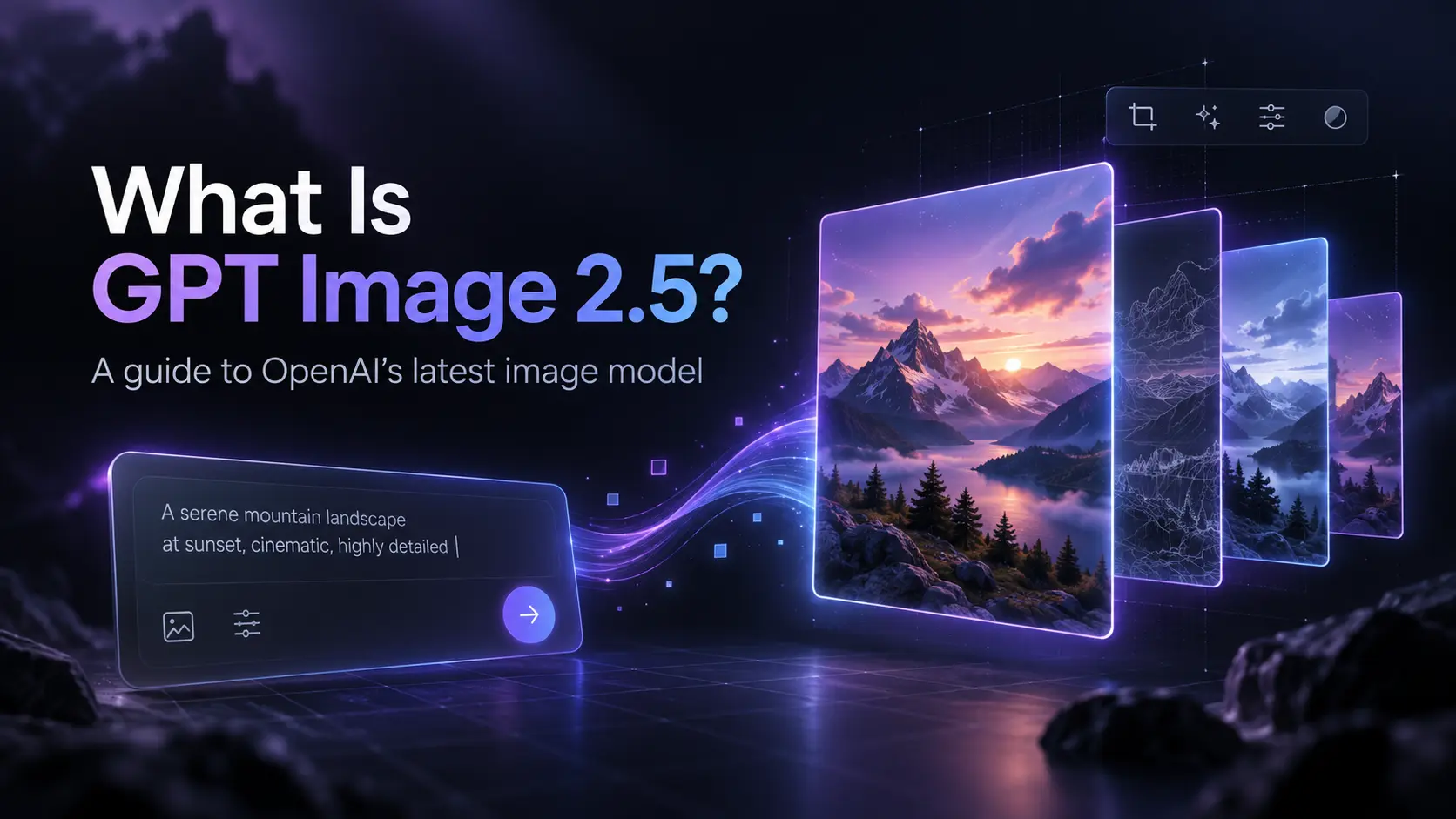
AI image generation has evolved rapidly over the past few years, moving from simple text-to-image experiments to sophisticated creative systems capable of generating, editing, and refining visual content through natural-language instructions. OpenAI’s latest step in that evolution is GPT Image 2.5, a new generation of its image technology designed to make AI-created visuals faster, more detailed, and easier to control.
Released on September 8, 2026, ChatGPT Images 2.5 introduces improvements across image quality, editing accuracy, subject preservation, generation speed, and multi-turn creative workflows. OpenAI says people now create more than three billion images every week through ChatGPT Images and GPT-Image models in the API, highlighting how image generation has increasingly become part of everyday creative workflows.
So what exactly is GPT Image 2.5, how is it different from previous AI image generators, and where can it be useful?
What Is GPT Image 2.5?
GPT Image 2.5 is OpenAI’s latest family of AI models for generating and editing images from natural-language instructions and image references.
Rather than functioning only as a traditional text-to-image generator, the model is designed around an iterative creative process. Users can generate an initial image, provide feedback, modify specific elements, upload reference images, and continue refining the result while preserving important details from previous versions.
For anyone interested in experimenting with the technology and following new workflows built around the model, GPT Image 2.5 provides a convenient place to explore the model and its evolving image-generation capabilities.
One of the most significant changes in this generation is its stronger ability to understand not only what should be changed, but also what should remain unchanged. This distinction is particularly important for practical image editing.
For example, imagine uploading a product photograph and asking an AI system to replace the background with a modern studio environment. A weaker editing model might unintentionally modify the product itself, alter its proportions, change the logo, or introduce visual inconsistencies. GPT Image 2.5 is designed to preserve important subjects and visual details more reliably while applying the requested changes. OpenAI specifically highlights stronger subject preservation and more reliable editing across multiple turns as key improvements.
Better Image Quality and More Natural Details
Visual fidelity remains one of the most important areas of competition among modern AI image generators.
GPT Image 2.5 improves several aspects of image quality, including lighting, textures, and fine details. OpenAI describes the new generation as producing more natural lighting and richer textures than its previous image system.
These improvements matter because realistic image generation depends on much more than resolution.
An image may technically contain plenty of pixels while still feeling artificial because shadows behave incorrectly, textures look too smooth, objects lack physical consistency, or different parts of the composition appear to come from different photographic environments.
Improved lighting and texture modeling can therefore have a noticeable impact on areas such as:
- Product photography
- Advertising creatives
- Social media graphics
- Character concepts
- Lifestyle photography
- Interior visualization
- Game assets
- Marketing illustrations
- Posters and promotional materials
The goal is not simply to create a visually impressive first result, but to make AI-generated images practical enough to become part of repeated production workflows.
More Precise Image Editing
Image editing may be one of the most important capabilities of GPT Image 2.5.
Early AI image generators primarily focused on generating an entirely new image from a prompt. Modern creative workflows are different. Users often already have an image that is 80% correct and only need to modify the remaining 20%.
That could mean changing a shirt color, replacing text on a poster, removing an unwanted object, adjusting lighting, changing the environment, or adding a new design element.
GPT Image 2.5 is designed to handle these targeted edits more reliably.
According to OpenAI's system documentation, the model improves consistency when editing existing images and can change elements such as setting, style, or composition while retaining more of the original details. It also improves infographic accuracy and layout handling.
This is particularly useful for workflows where repeatedly regenerating an entire image would be inefficient.
Instead of treating every prompt as an independent generation request, users can gradually move toward the desired result through conversation.
Improved Multi-Turn Editing
Another important improvement is consistency across multiple edits.
Suppose you generate a character and then make several requests:
- Change the background to Tokyo at night.
- Make the jacket black.
- Add a small backpack.
- Make the lighting more cinematic.
- Change the camera angle slightly.
Traditional image generators may gradually lose important characteristics of the original subject as each edit is applied.
GPT Image 2.5 is designed to retain more of those details across successive editing steps. OpenAI describes the model as following editing instructions more reliably across multiple turns and preserving subjects from reference images more effectively.
That makes conversational image editing increasingly similar to working with a creative assistant rather than repeatedly operating a standalone generation tool.
Faster Image Generation
Speed is another major improvement.
OpenAI says Images 2.5 can reduce image-generation latency by as much as 50% compared with Images 2.0.
That difference becomes especially important when users generate many variations.
A single image generation may only save a small amount of time, but creative workflows often involve dozens of attempts. Faster generation means designers, marketers, developers, and creators can test more concepts before deciding which direction to pursue.
For AI applications, reduced latency is equally important because waiting time directly affects the user experience.
GPT Image 2.5 Flare vs. Sunburst
For developers using the API, GPT Image 2.5 is available through two primary models: GPT-Image-2.5 Flare and GPT-Image-2.5 Sunburst.
GPT-Image-2.5 Flare
Flare is positioned as the faster option for everyday image generation.
OpenAI describes it as the default choice for most applications, combining high-quality generation with significantly lower latency than GPT-Image-2. It is intended for use cases such as creator content, social media, visual search, product experiences, rapid prototyping, and high-volume image generation.
For applications that generate large numbers of images or prioritize responsiveness, Flare is likely to be the more practical choice.
GPT-Image-2.5 Sunburst
Sunburst focuses more heavily on precision.
OpenAI describes it as its most capable GPT Image 2.5 model for image generation and editing, particularly for workflows where editing accuracy and control are important.
Potential use cases include polished product imagery, advertising campaigns, detailed creative assets, and workflows involving repeated edits to the same image.
In simple terms, Flare emphasizes speed and scalability, while Sunburst emphasizes precision and control.
Transparent Backgrounds and Production Assets
GPT Image 2.5 also supports transparent backgrounds through the API.
Both Flare and Sunburst can generate images with transparent backgrounds when using supported formats such as PNG or WebP.
Although this may sound like a relatively small feature, it is valuable for production workflows.
Transparent output makes it much easier to create standalone objects, icons, characters, product assets, stickers, interface illustrations, game elements, and graphics that can immediately be placed into another design.
This moves AI image generation further away from being merely a tool for producing finished pictures and toward becoming part of a broader asset-production pipeline.
New Creative Workflows in ChatGPT
The underlying model improvements are accompanied by new creative tools inside ChatGPT.
One example is Sketch, which allows users to draw a rough idea and use that sketch as a visual reference for generation. OpenAI has also introduced templates for common image formats such as product photos and flyers, along with the ability to place comments directly on images to request more targeted edits.
These features reflect a broader shift in generative AI.
Prompt engineering is becoming less about finding one perfect sentence and more about interacting with a multimodal creative environment where text instructions, images, sketches, selections, and repeated feedback can all contribute to the final result.
What Can GPT Image 2.5 Be Used For?
The range of potential applications is broad.
Content creators can generate thumbnails, illustrations, social graphics, and promotional images. E-commerce businesses can experiment with product backgrounds and advertising concepts. Designers can prototype layouts and visual directions before creating final production assets.
Developers can integrate image generation directly into applications through the API, while game developers may use it to experiment with concept art, objects, textures, or other creative assets.
Marketing teams can also create multiple visual concepts much faster than would traditionally be possible, then refine selected images instead of starting each version from scratch.
The real advantage may therefore come from iteration rather than one-shot generation.
Is GPT Image 2.5 the Future of AI Image Generation?
GPT Image 2.5 demonstrates where the broader AI image industry appears to be heading.
The next generation of image models is not simply competing to produce the most impressive picture from a single prompt. The focus is increasingly on controllability, editing consistency, reference-image preservation, speed, and integration into real creative workflows.
A useful image model must be able to generate an attractive result, understand detailed feedback, preserve what is already correct, and make precise changes without forcing the user to start over.
GPT Image 2.5 moves further in that direction.
For creators, developers, marketers, and businesses, the most interesting question may no longer be whether AI can generate a convincing image. Instead, it is how efficiently AI can become part of the entire creative process—from the first concept to the final production-ready asset.
As image models continue improving, tools built around GPT Image 2.5 could make that workflow increasingly fast, conversational, and accessible.