
GPT Image 2.5 vs GPT Image 2: Same Prompts, Three Models, What You See
GPT Image 2.5 ships as two models, Flare and Sunburst, and this page puts both of them next to GPT Image 2 on the same prompts. Every image below was generated on this site, 101 images in total, with the prompt printed above each row so you can rerun it yourself. The captions describe what is in each image and what we measured; they do not score the models. Before our samples, we summarise what other public tests have reported, so you can compare their findings with what you see here.
GPT Image 2.5 vs GPT Image 2 at a glance
| GPT Image 2.5 | GPT Image 2 | |
|---|---|---|
| Models | Two: Flare and Sunburst | One |
| OpenAI's positioning | Flare: speed-tuned, quality comparable to GPT Image 2. Sunburst: quality-tuned, above GPT Image 2 | Baseline |
| 4K generation time in our runs | About 32 s (Flare and Sunburst) | About 66 s |
| 1K generation time in our runs | 72–73 s average | 75 s average |
| Reference images | Up to 16 inputs | Multiple inputs |
| Transparent PNG | Yes, real alpha channel | Yes |
What other GPT Image 2.5 vs GPT Image 2 tests report
These are the public tests we could find that include measurements or side-by-side images, as of 16 September 2026. We list what each one reported; the links go to the originals.
| Reported finding | Source | Evidence |
|---|---|---|
| GPT Image 2.5 is faster | Tosea, Hacker News developers, @levelsio | At a matched token budget: Flare 19.7 s, Sunburst 27.7 s, GPT Image 2 37.3 s (41 API calls). 4K: 28–34 s against 92 s. One developer reported roughly 104 s falling to 35–40 s. |
| GPT Image 2.5 follows reference photos more closely | @levelsio, Hacker News, a Reddit UI thread cited by PixVerse | "GPT Image 2 uses the reference picture more literally and stitches it into the photo, whereas GPT Image 2.5 actually uses it as a reference." Reference-led UI prompts described as a noticeable improvement. |
| GPT Image 2.5 drifts less over sequential edits | Tosea, a four-edit desk test cited by Renoise | Three-turn pixel drift 11.4% (GPT Image 2), 9.9% (Sunburst), 9.2% (Flare), one chain each. Structural similarity of untouched regions 0.87–0.99 across four edits. |
| GPT Image 2.5 carries more texture and holds small type | ImagineArt, Pixmax | Six prompts, one generation each: "2.5 carries more texture in paper, metal and fabric, and holds small type more consistently." Pixmax rated Sunburst highest on material rendering and visual polish. |
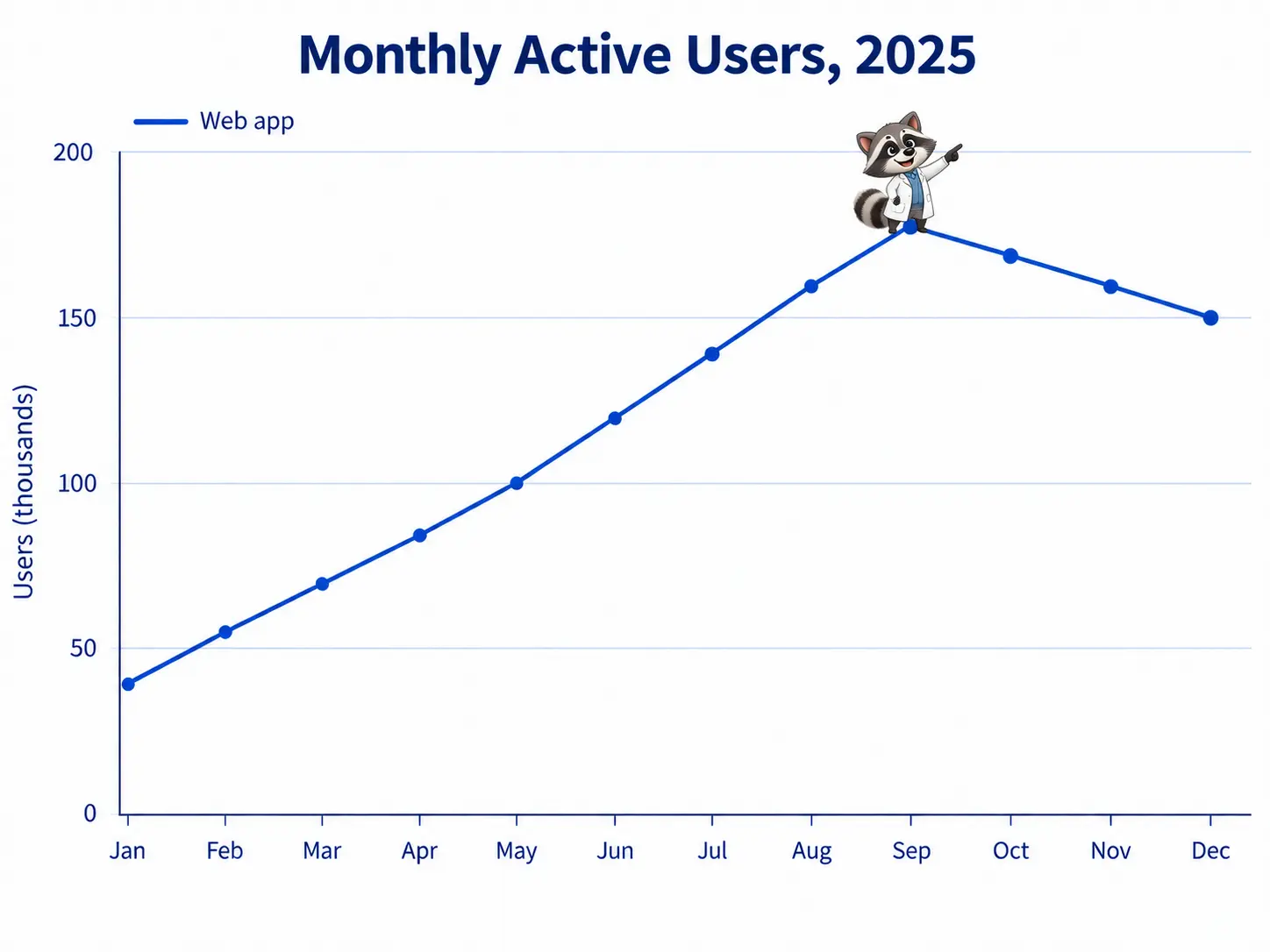
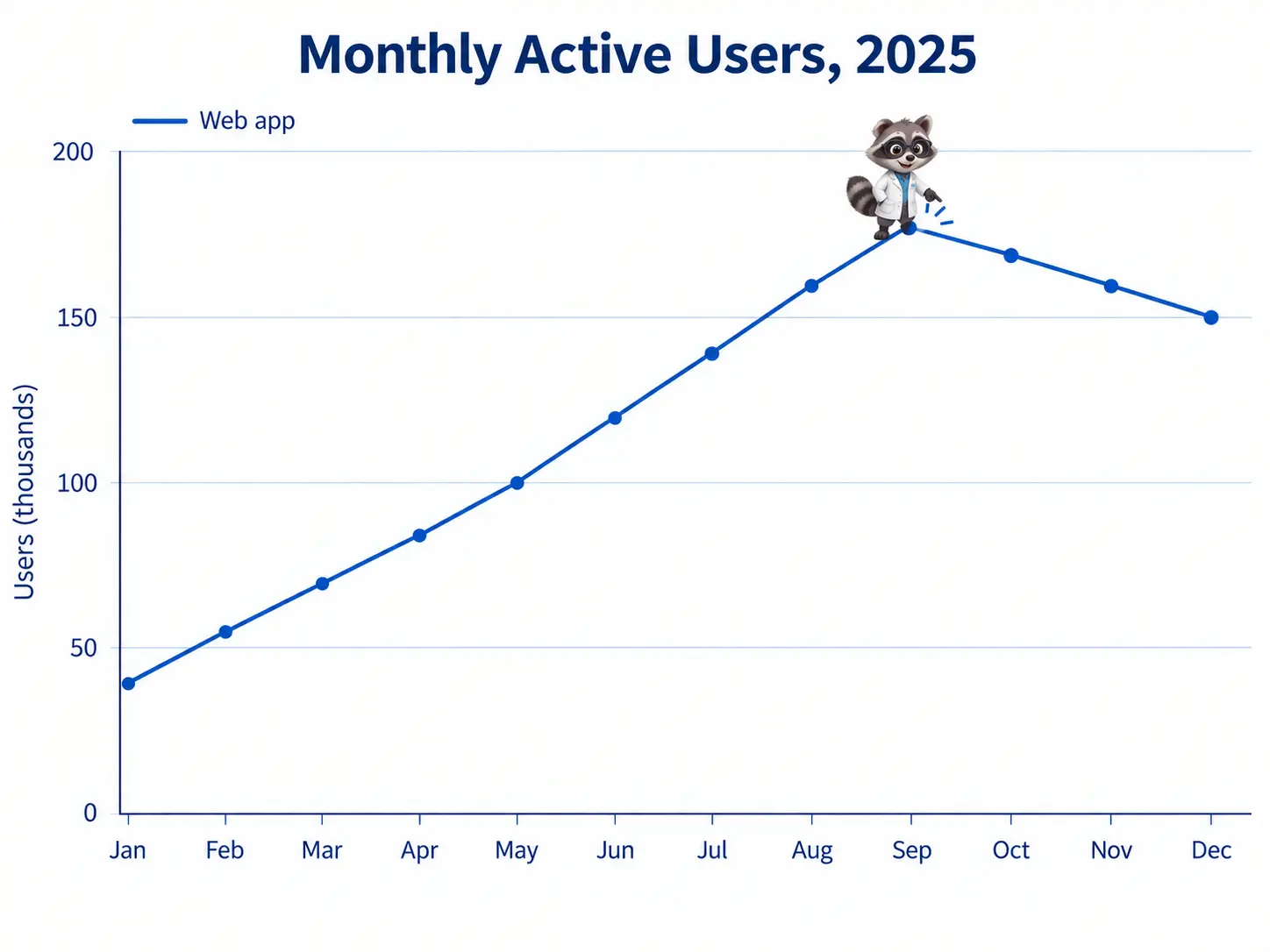
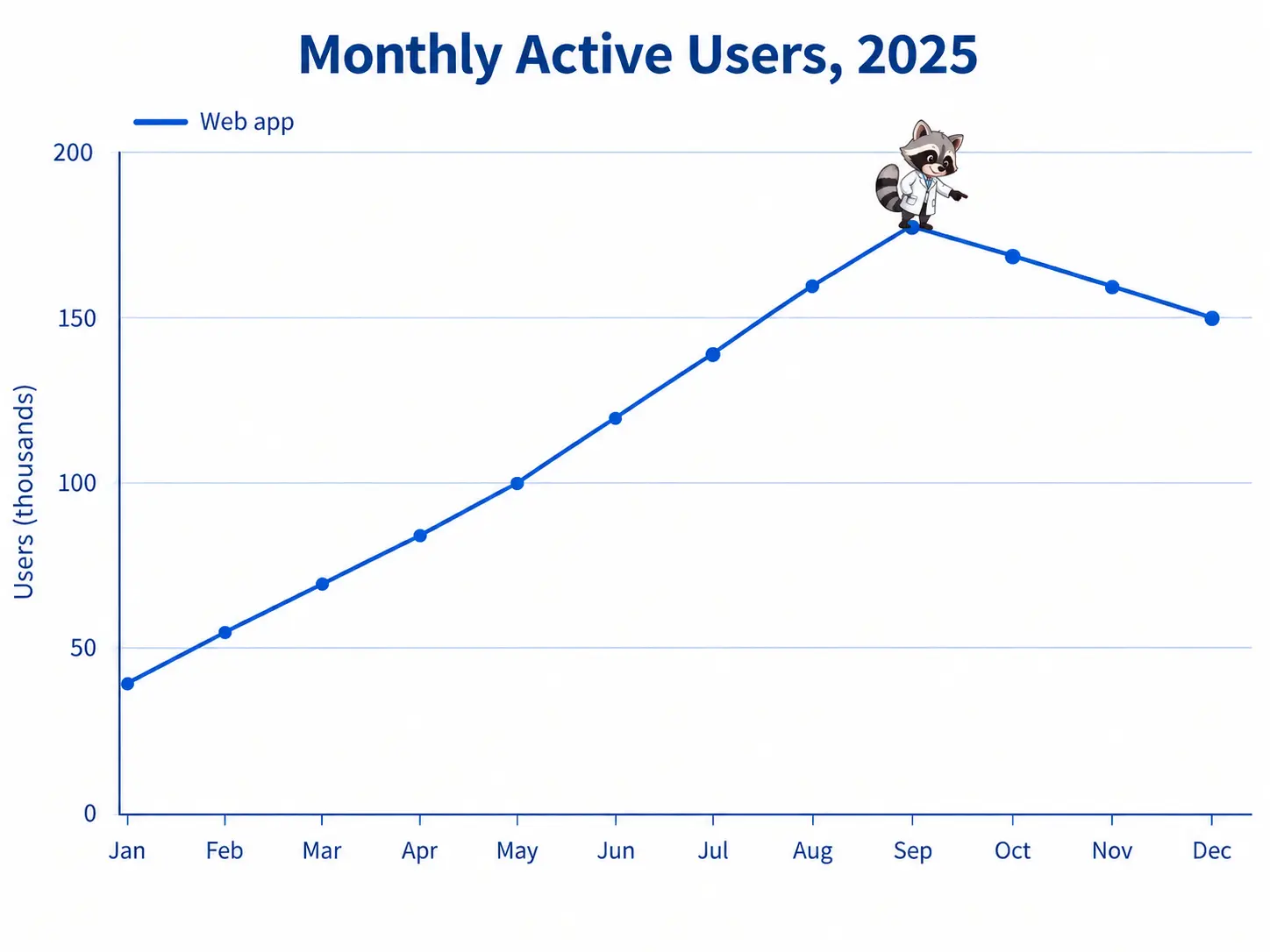
| GPT Image 2.5 preserves chart data when editing | Simon Willison, cited by Renoise | A raccoon added to an existing line chart with axes, gridlines and the data curve intact. |
| GPT Image 2.5 ranks above GPT Image 2 in arena voting | Artificial Analysis | Text-to-image Elo: Flare (max) 1189, Sunburst (max) 1183, GPT Image 2 (high) 1173, confidence intervals ±9 to ±11. |
| Text accuracy is the same | Tosea, Pixmax, Picsart | Fifteen slides with figures: all three models rendered every heading, bullet and number correctly. Timetable text reproduced accurately by all three. |
| GPT Image 2 scored higher on spatial precision and repeatability | Pixmax | Five stars for prompt adherence, spatial consistency and consistency between generations, against four to four and a half for the GPT Image 2.5 models. |
| Some users see no difference | r/ChatGPT launch thread cited by PixVerse | Some noticed faster generation and better facial expressions; others said the difference from Images 2.0 was hard to identify. |
Our tasks below were written to cover the same ground: speed, reference photos, sequential edits, texture and small type, chart editing, dense text, and low light.
GPT Image 2.5 vs GPT Image 2 on speed
| Model | 4K run 1 | 4K run 2 | 1K average (10 runs) | 1K range |
|---|---|---|---|---|
| GPT Image 2.5 Flare | 32 s | 160 s | 72 s | 67–80 s |
| GPT Image 2.5 Sunburst | 33 s | 33 s | 73 s | 65–96 s |
| GPT Image 2 | 68 s | 65 s | 75 s | 68–90 s |
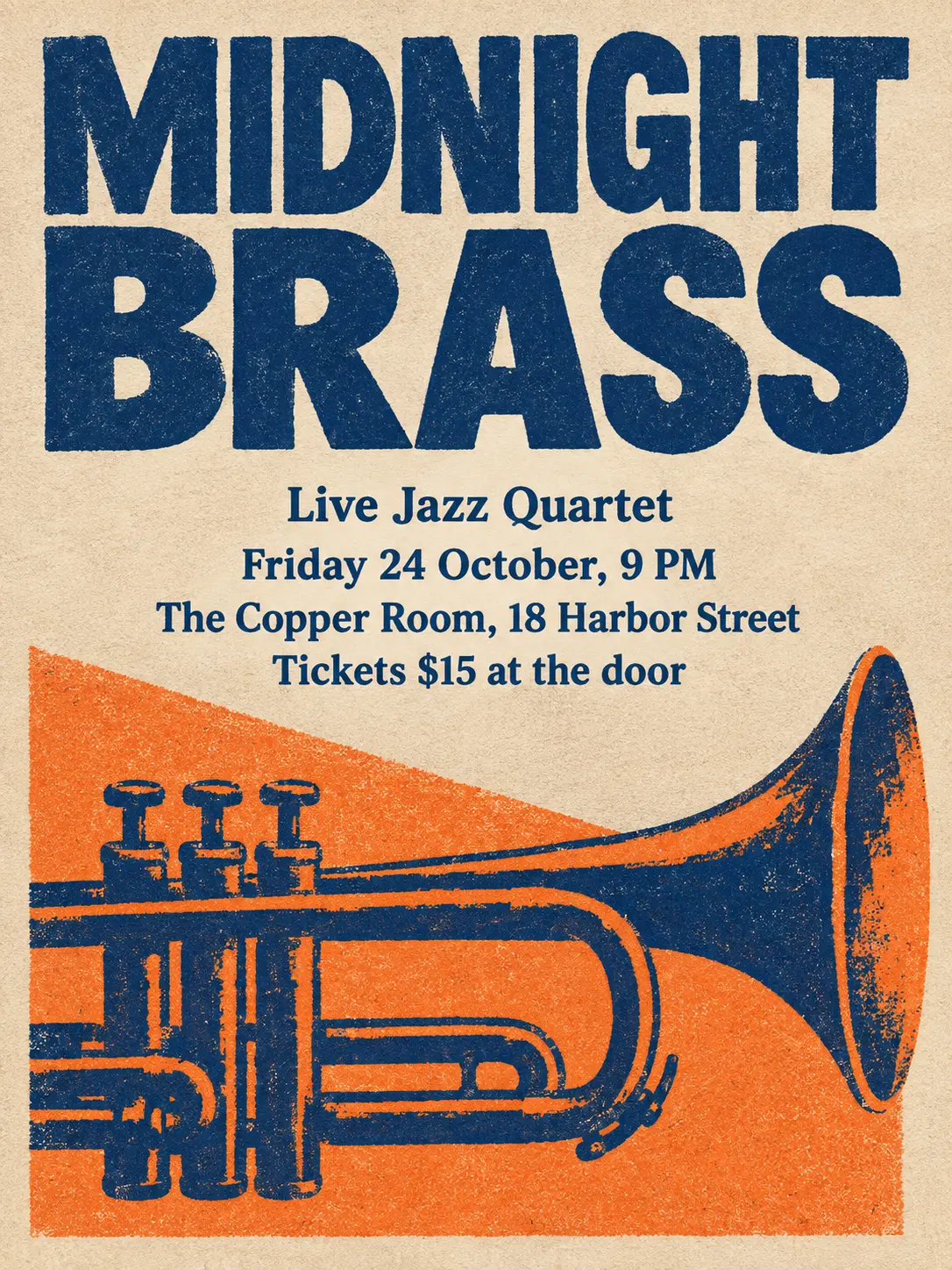
Times are wall clock on this site, from request to result, including queueing. The same poster prompt at 4K, first run of each model:
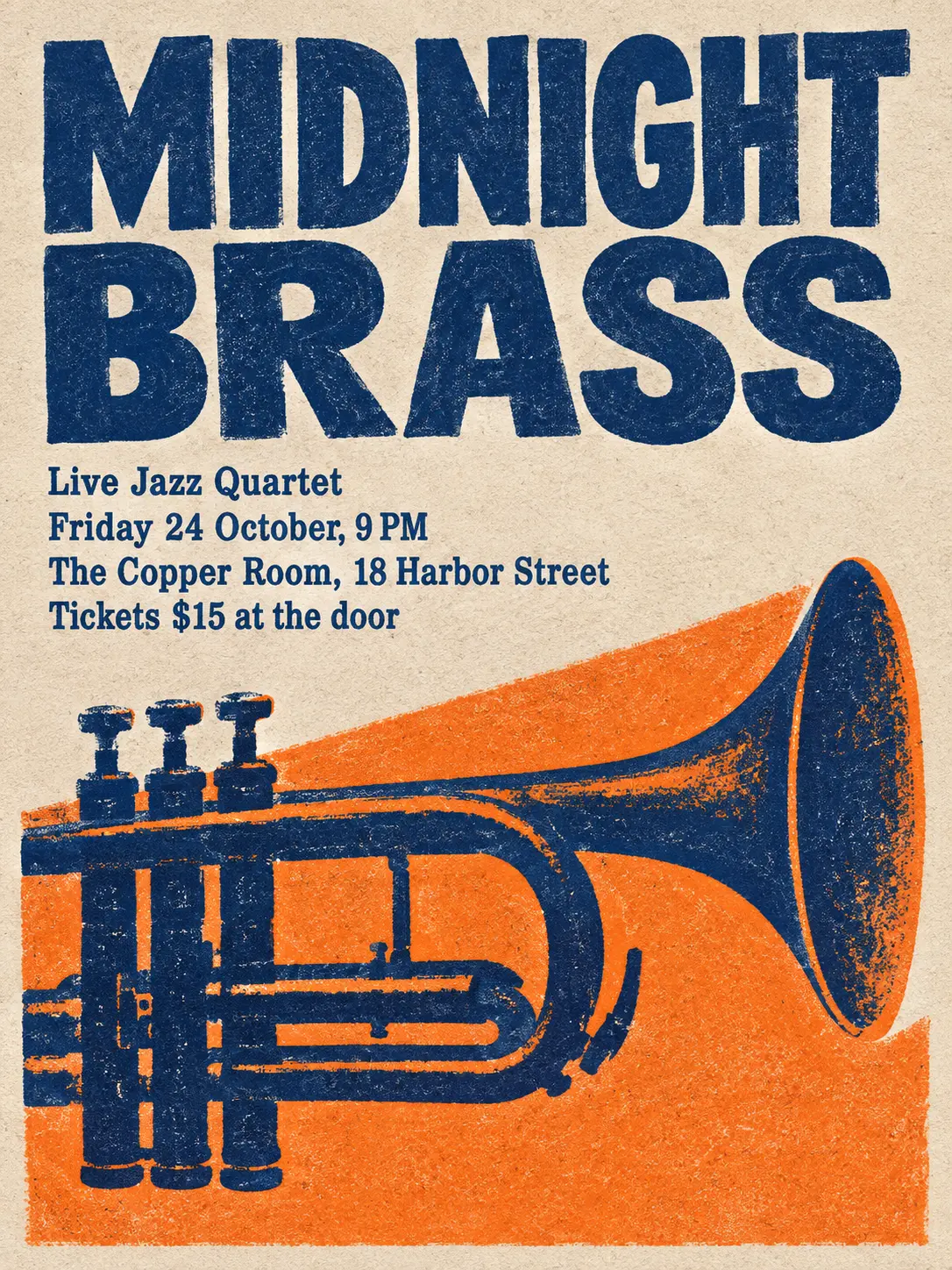
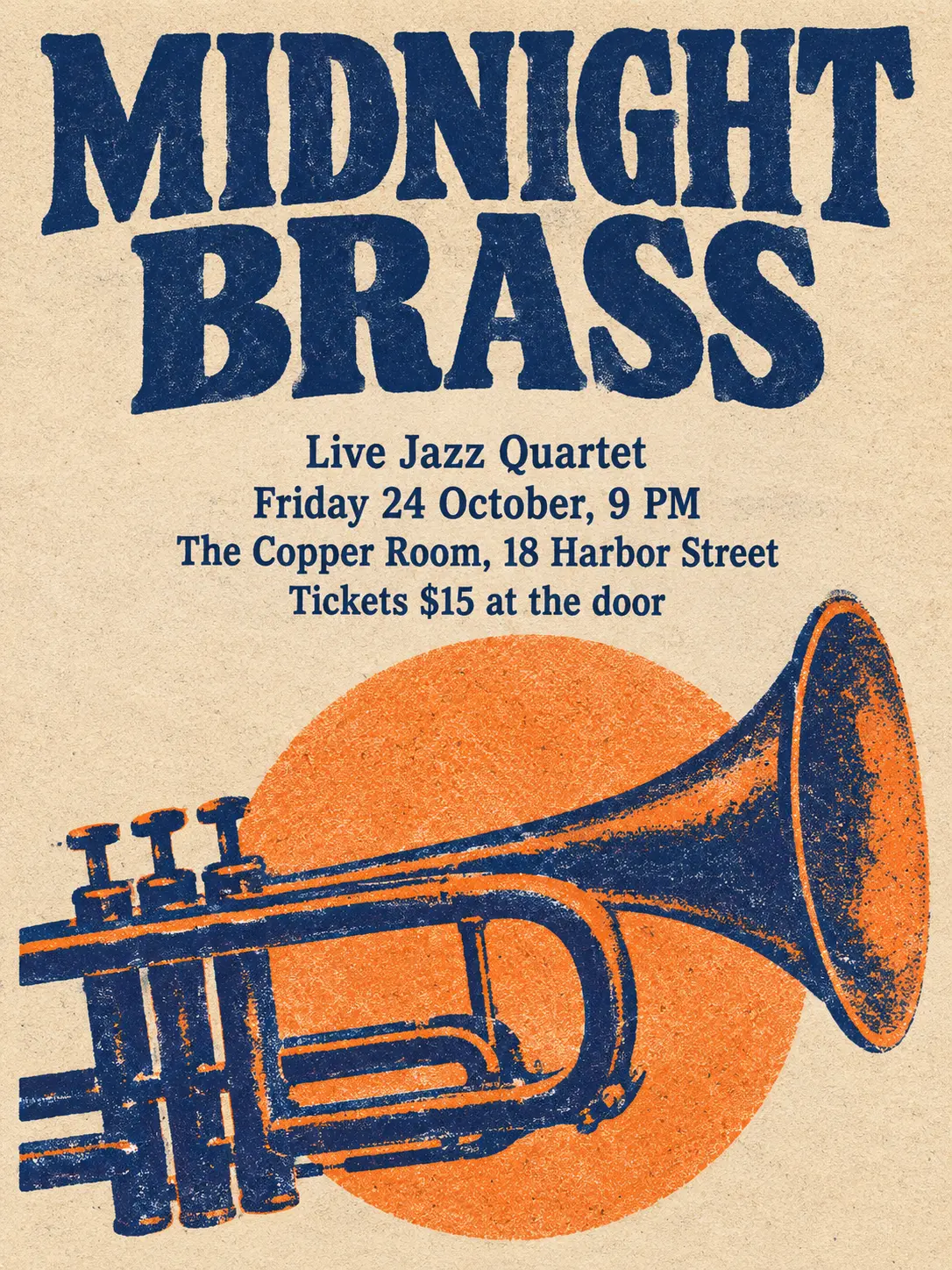
A gig poster for an indie jazz night, two-color risograph print style in deep navy and warm orange, heavy paper grain. Large hand-set headline at the top reading "MIDNIGHT BRASS". Below it, in smaller type, exactly these lines: "Live Jazz Quartet", "Friday 24 October, 9 PM", "The Copper Room, 18 Harbor Street", "Tickets $15 at the door". A stylized trumpet silhouette fills the lower half. All text must be spelled exactly as written, clean and legible, no extra words.
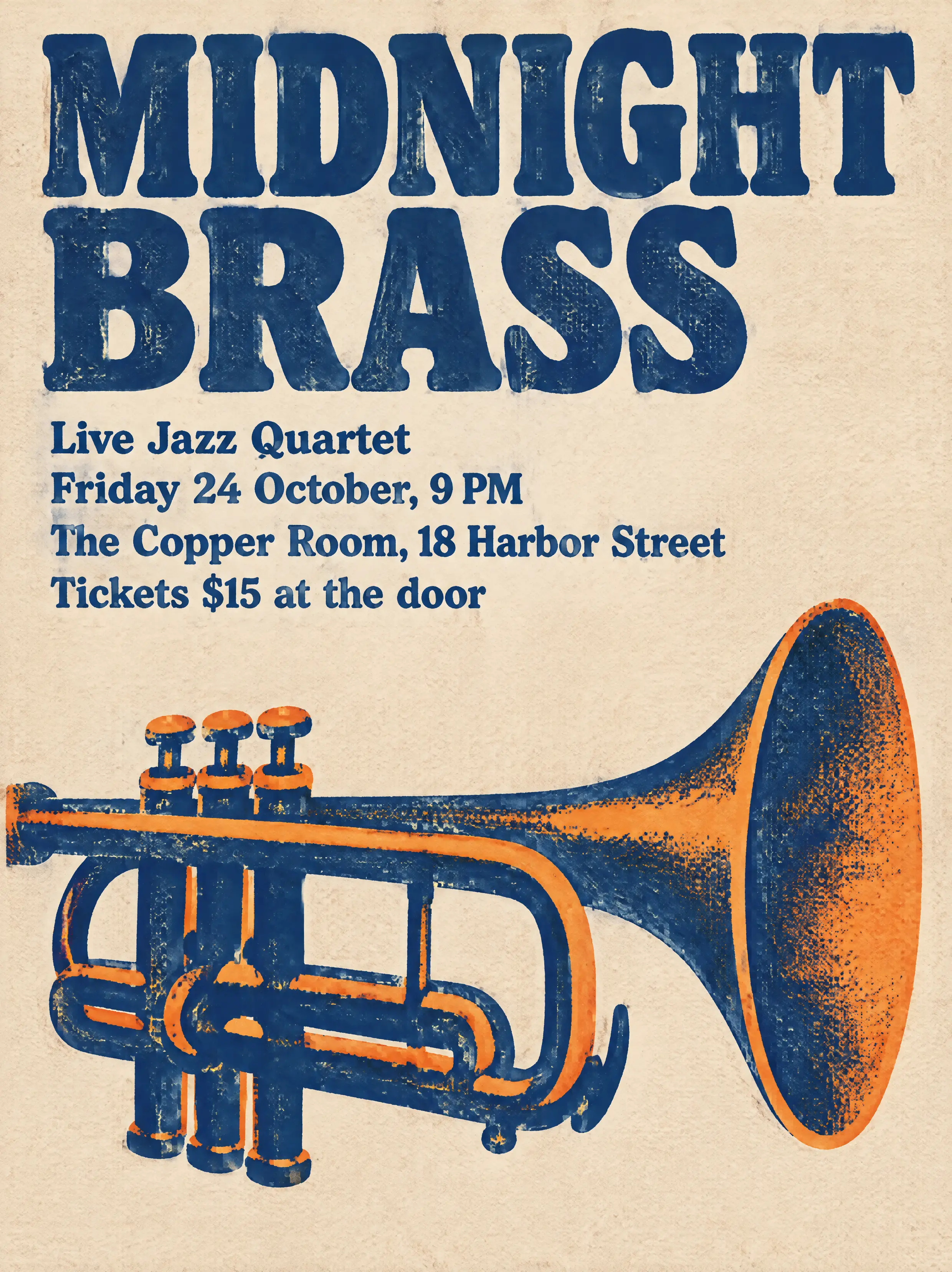
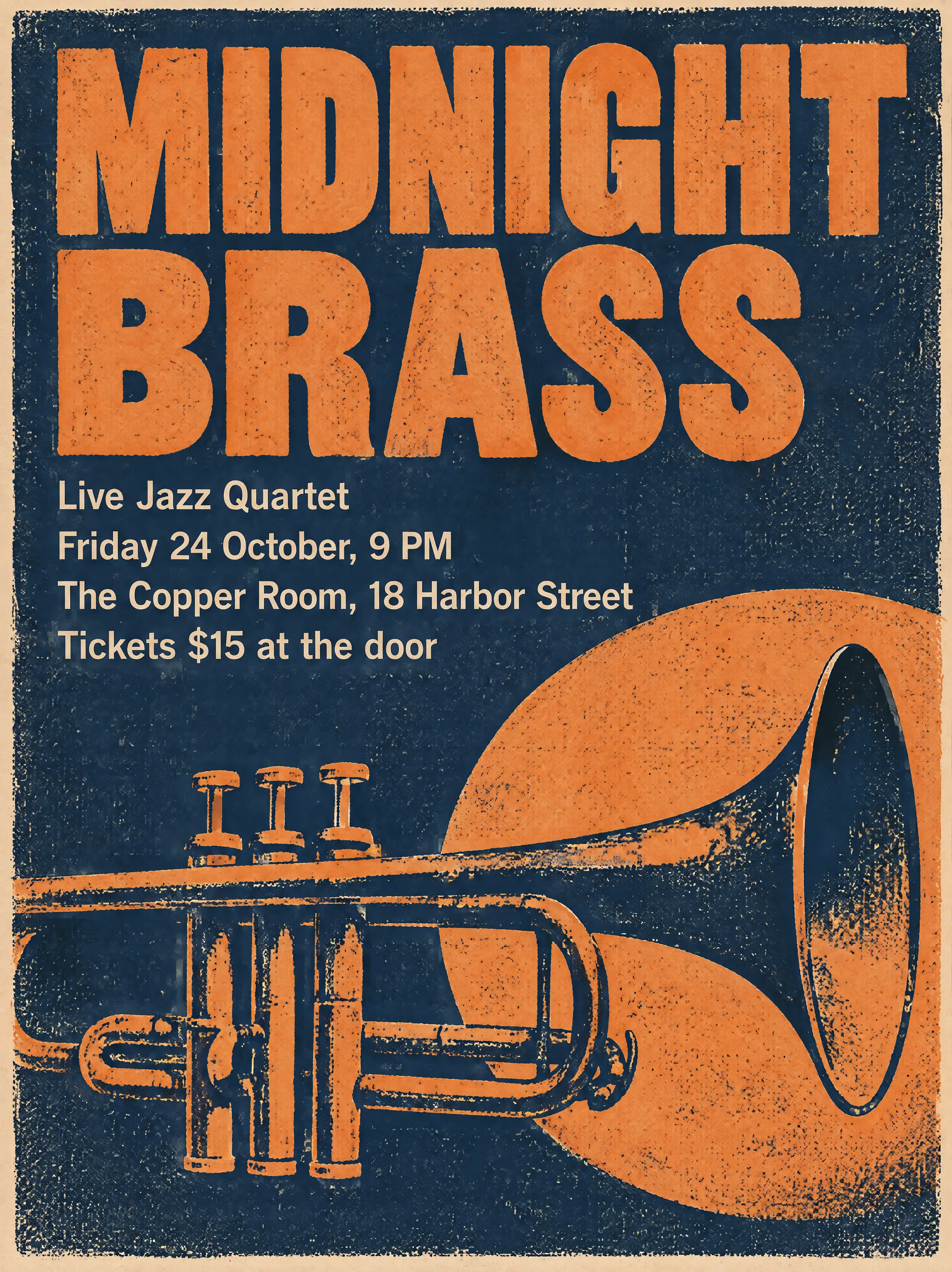
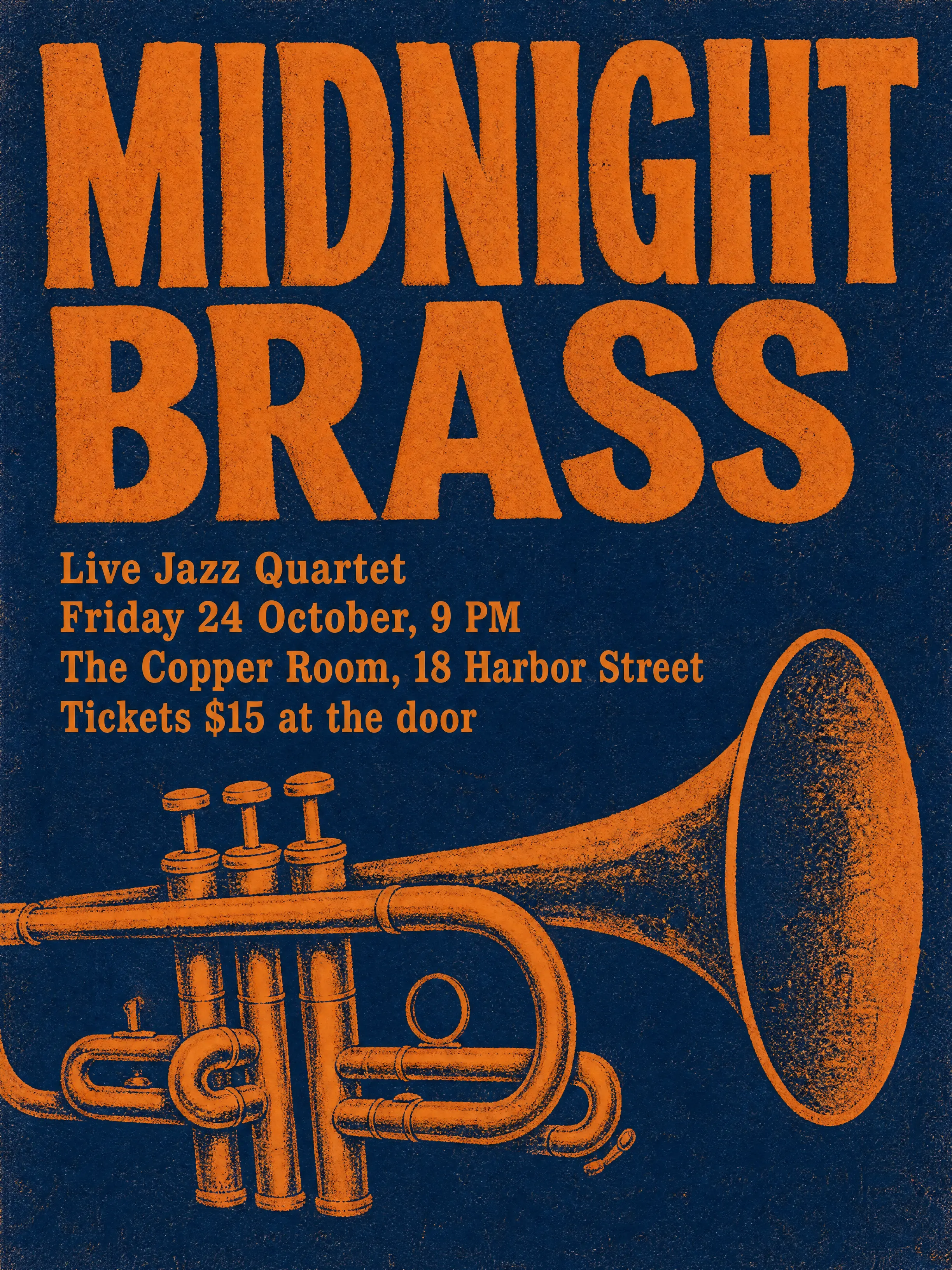
With three reference images (the composition further down), every model took longer: between 95 and 172 s across the six runs.
GPT Image 2.5 vs GPT Image 2 with reference photos
We generated a studio photo of a man and asked each model to place the same person in a new scene with a new expression.
Reference photo used for the two rows below.
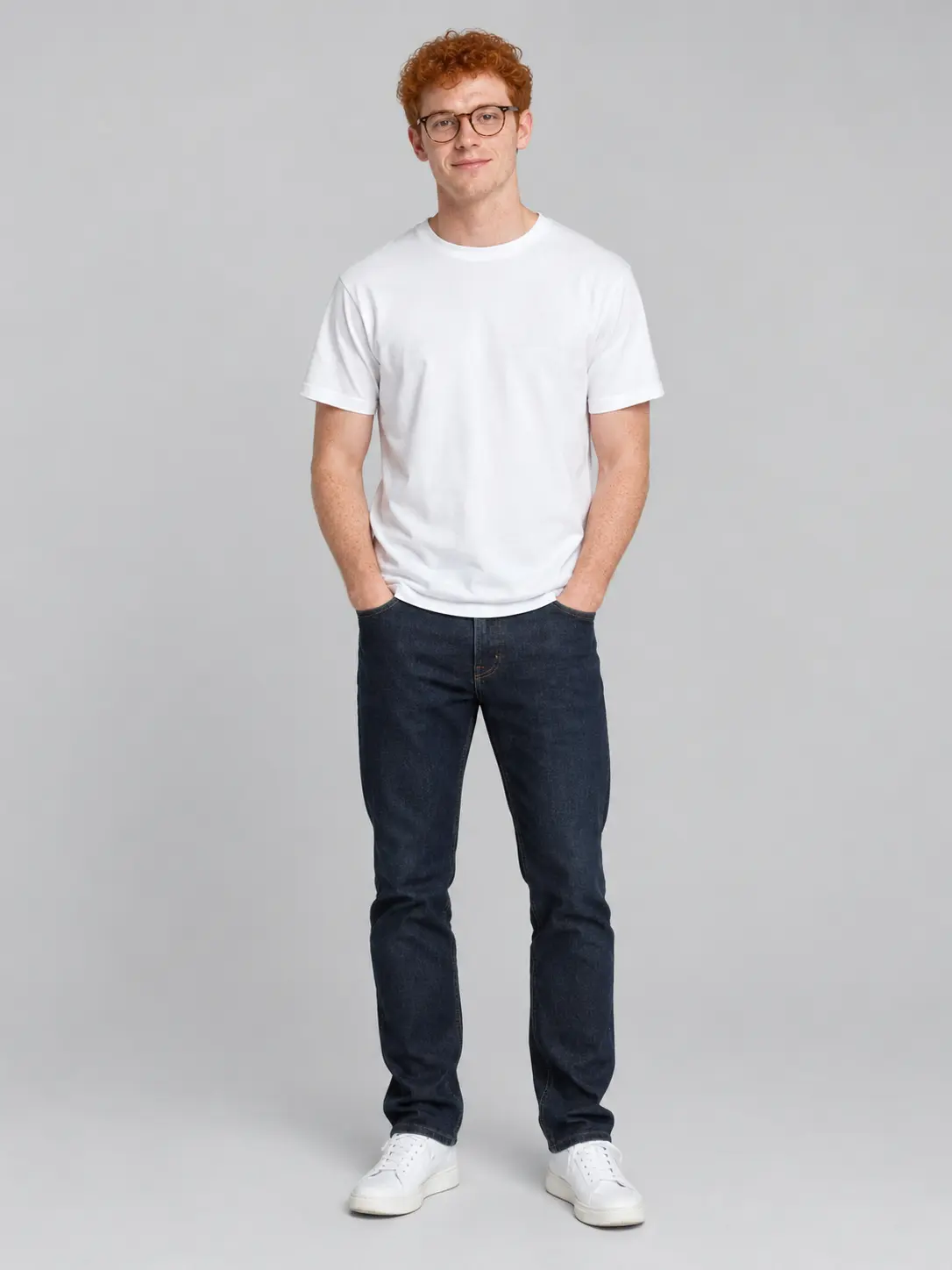
The same man from the reference photo, now laughing, three-quarter view, photographed outdoors at golden hour on a hiking trail with pine trees behind him, wearing a dark green fleece. Keep his face, red curly hair, round tortoiseshell glasses and freckles exactly as in the reference. 85mm portrait, shallow depth of field, photorealistic.
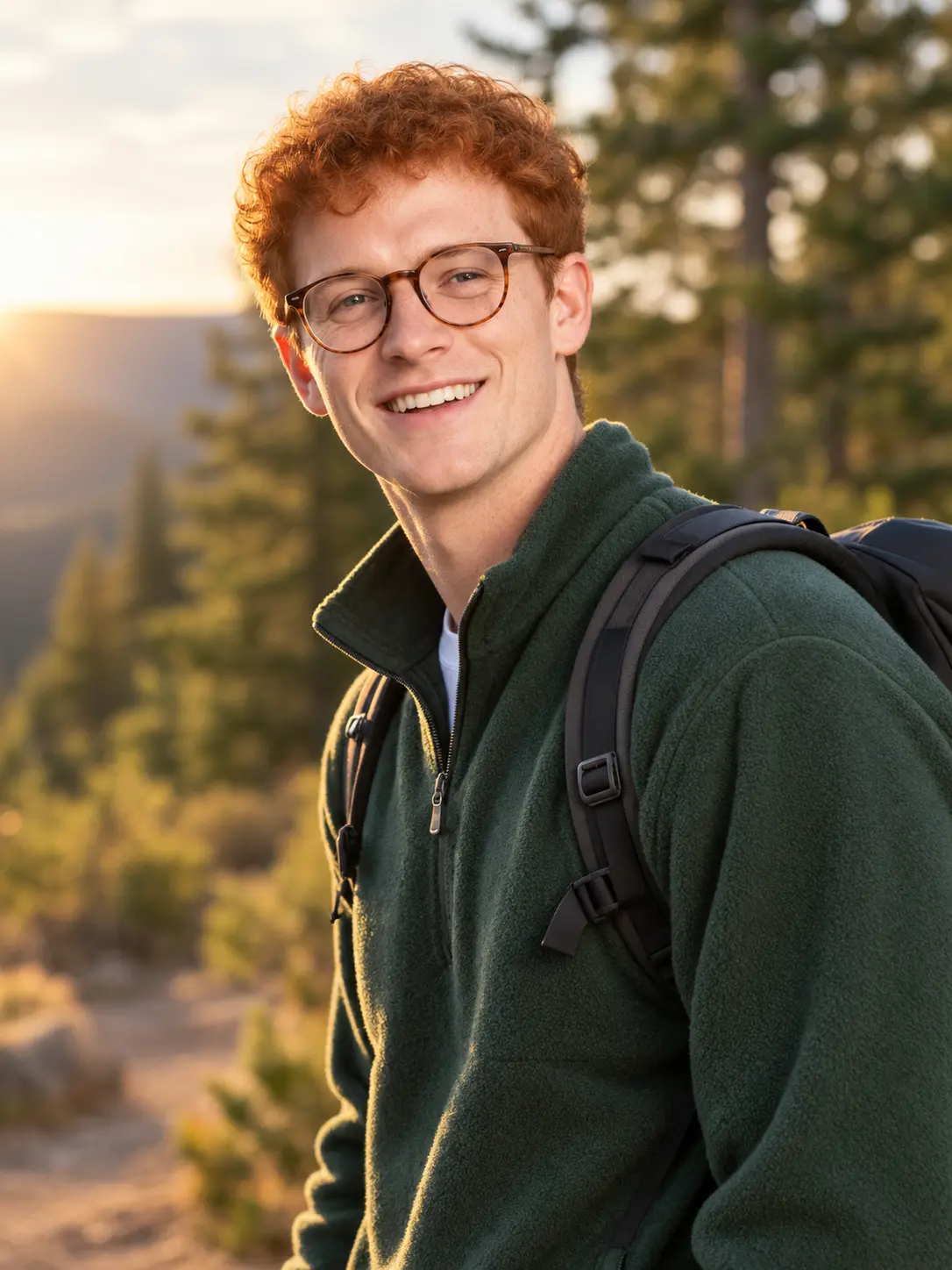
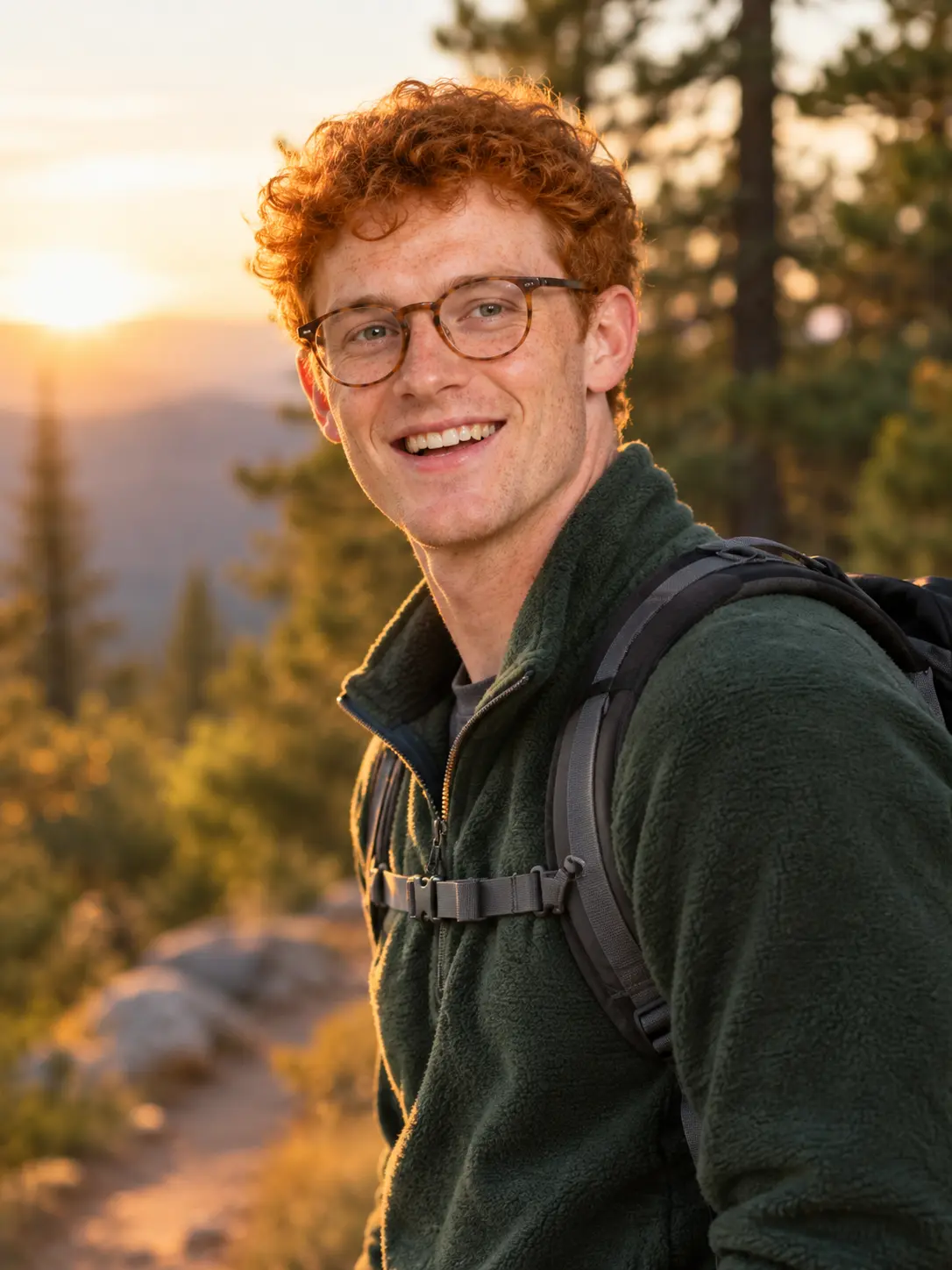
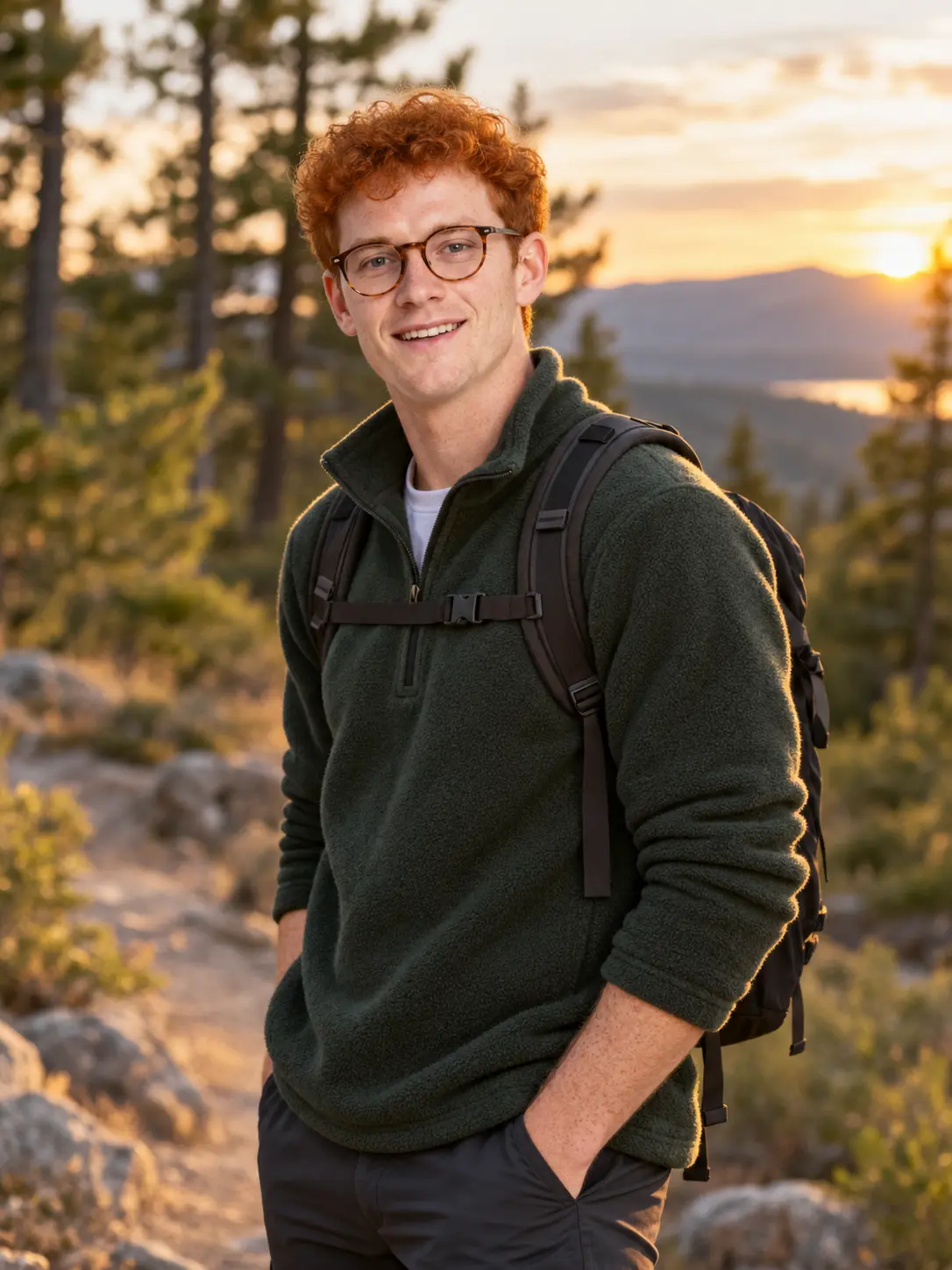
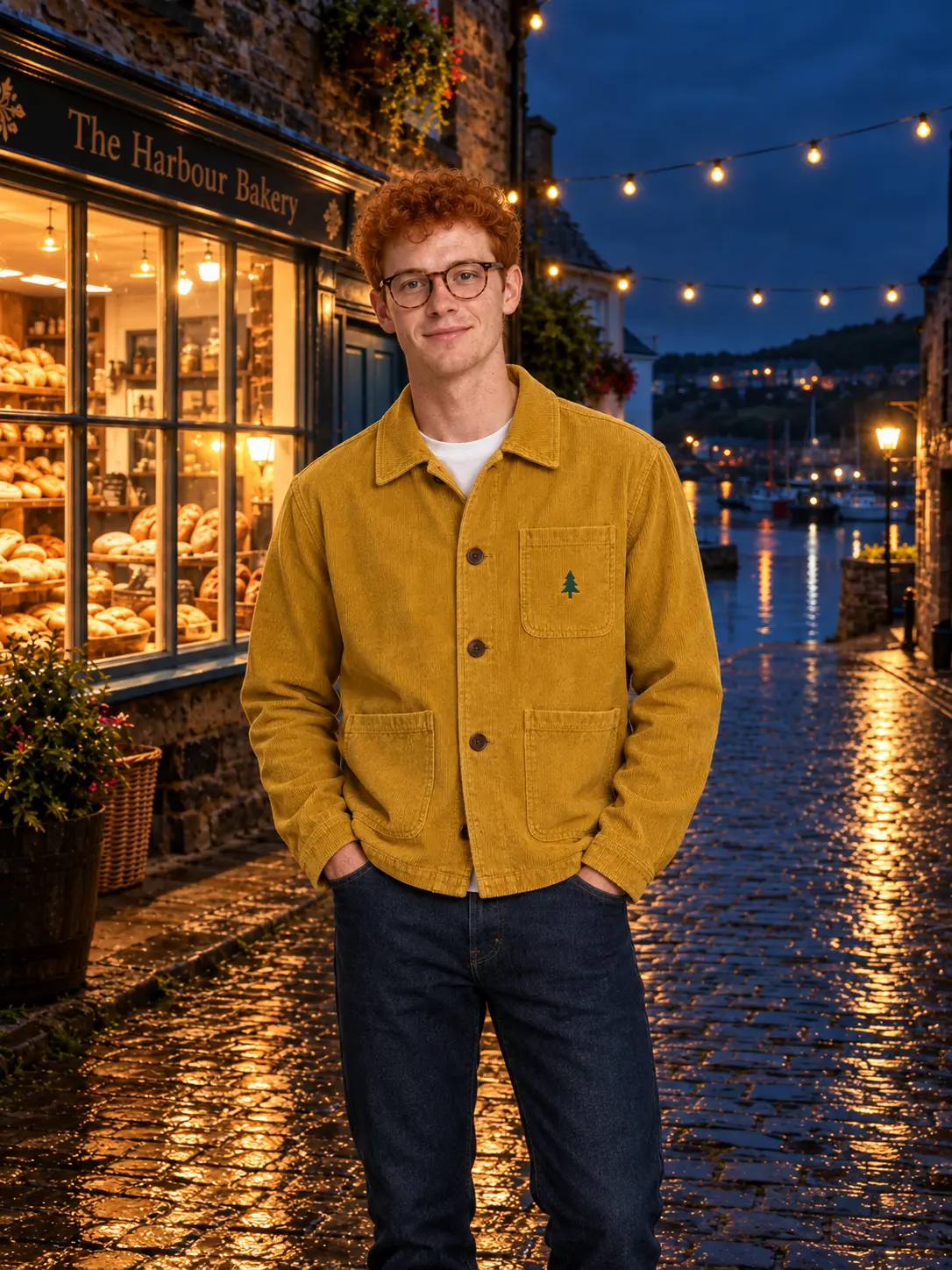
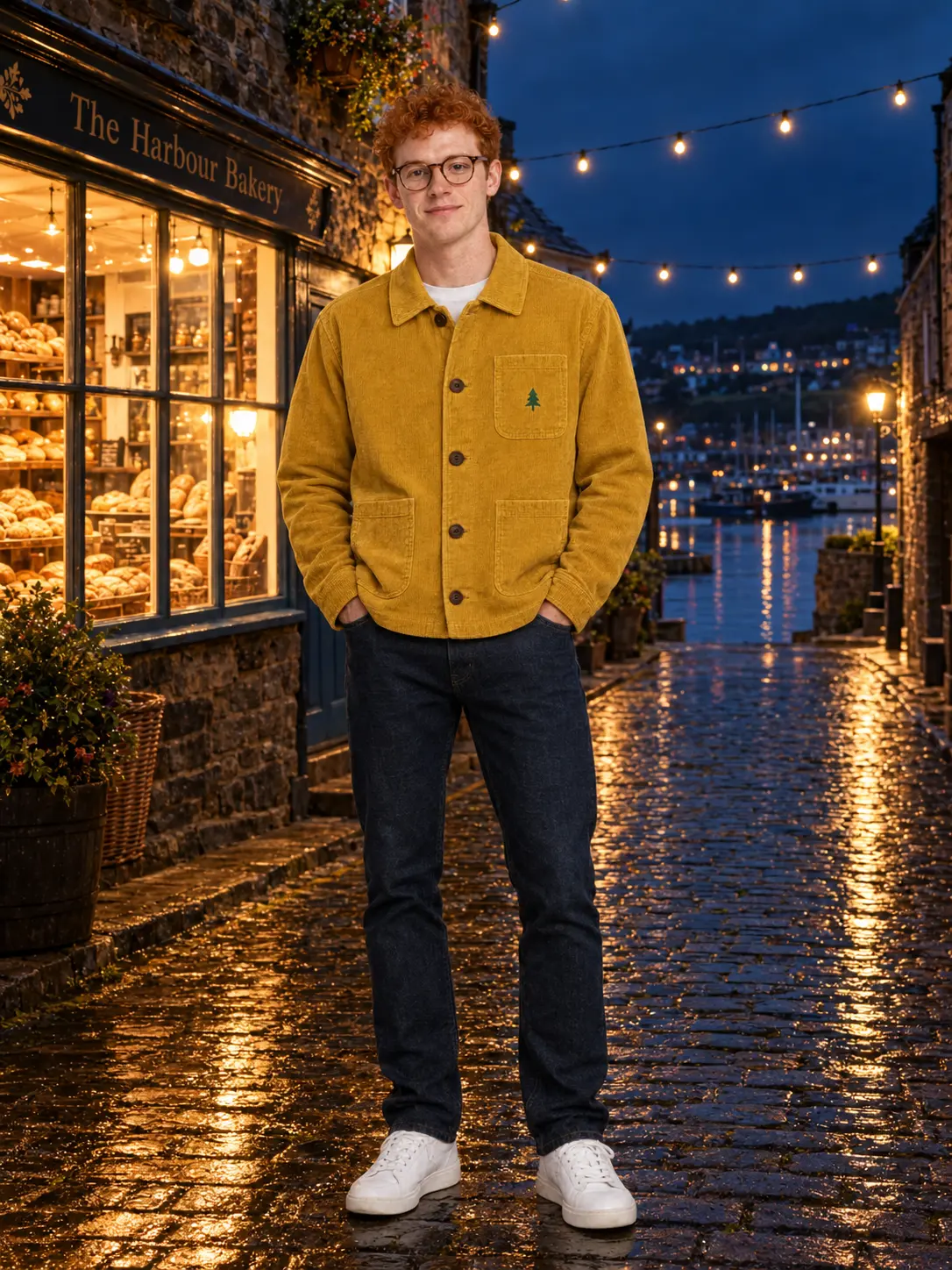
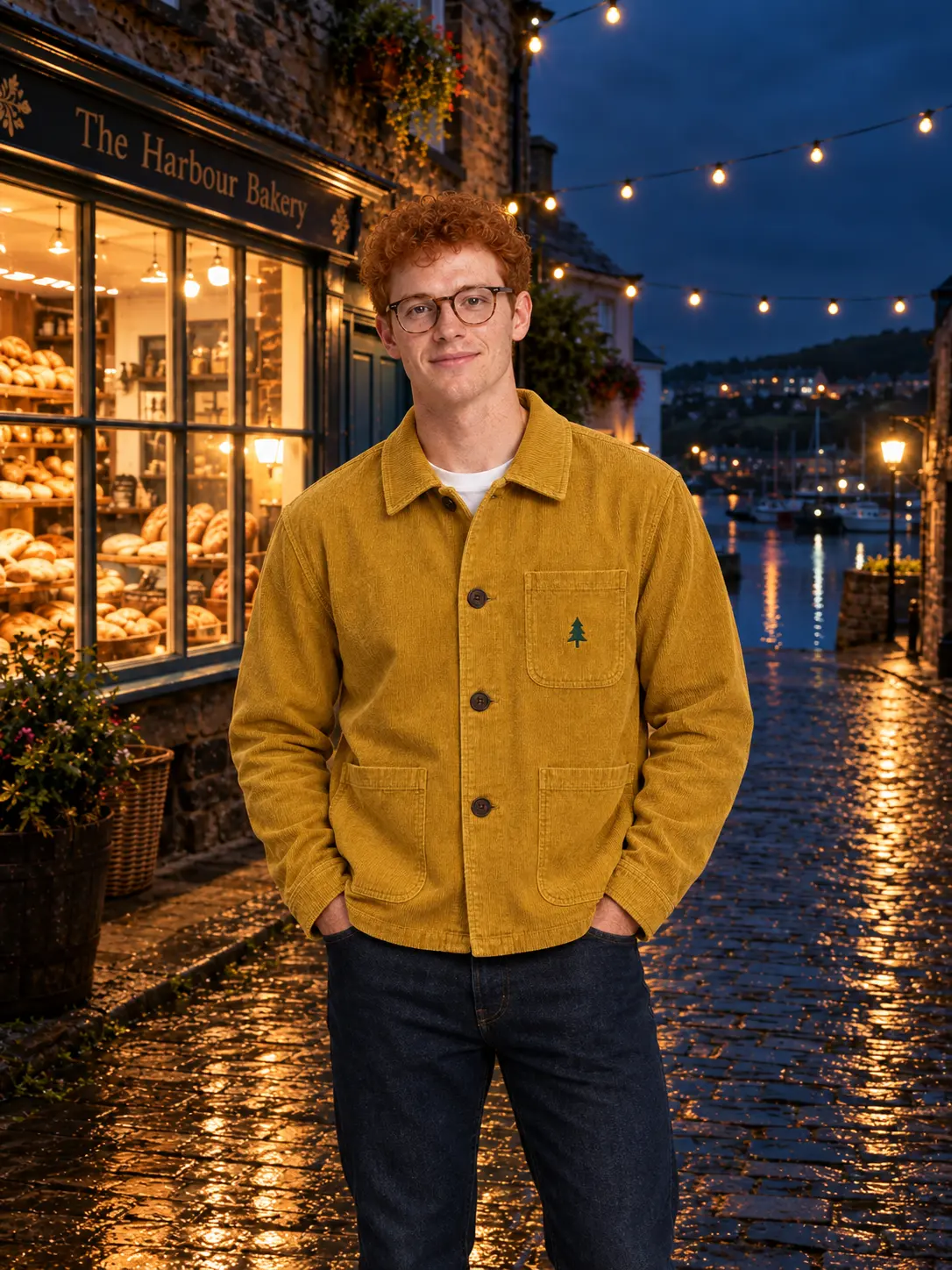
Three references at once: the same man, a jacket and a street, combined into one photo.
Inputs for the row below: image 1 person, image 2 jacket, image 3 street.
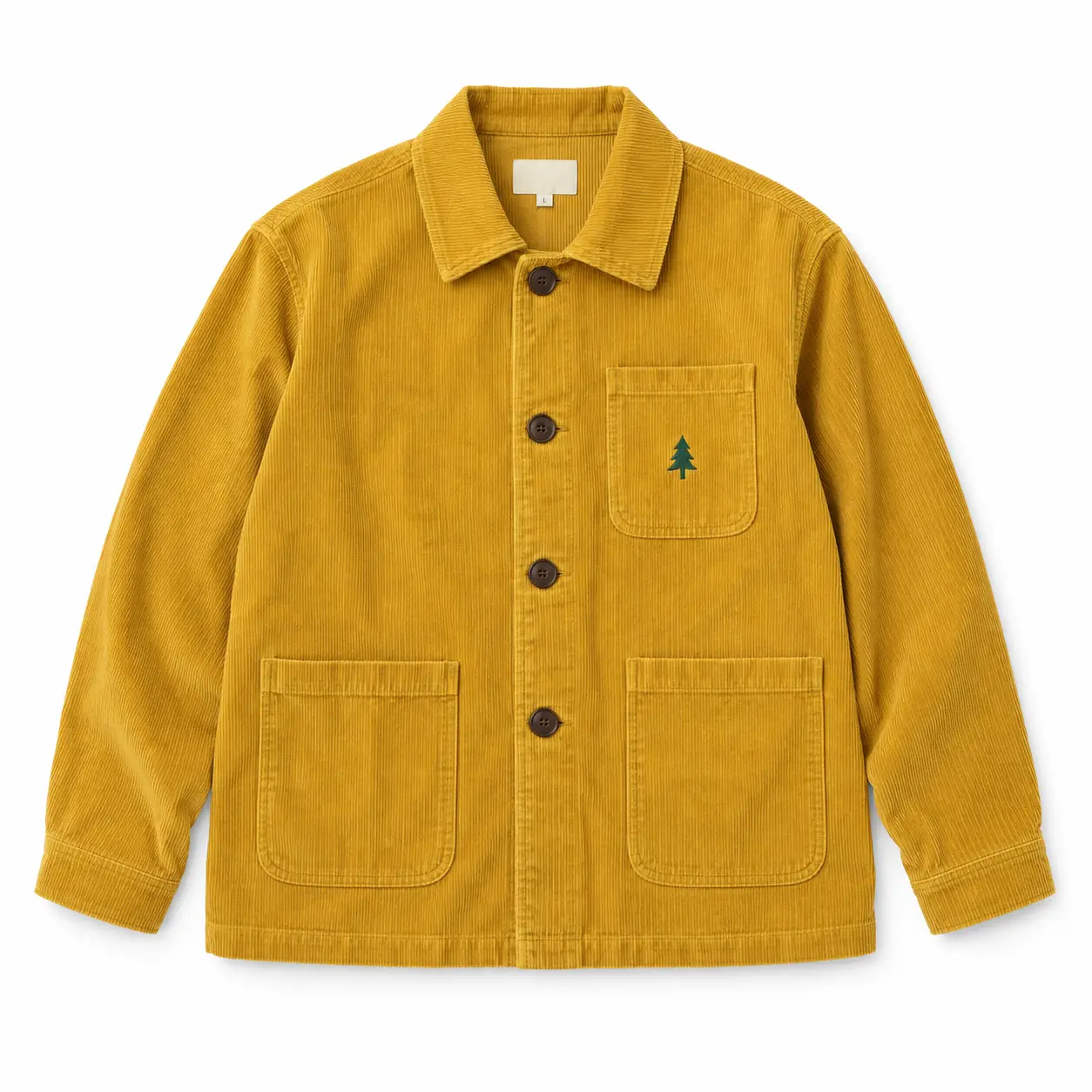
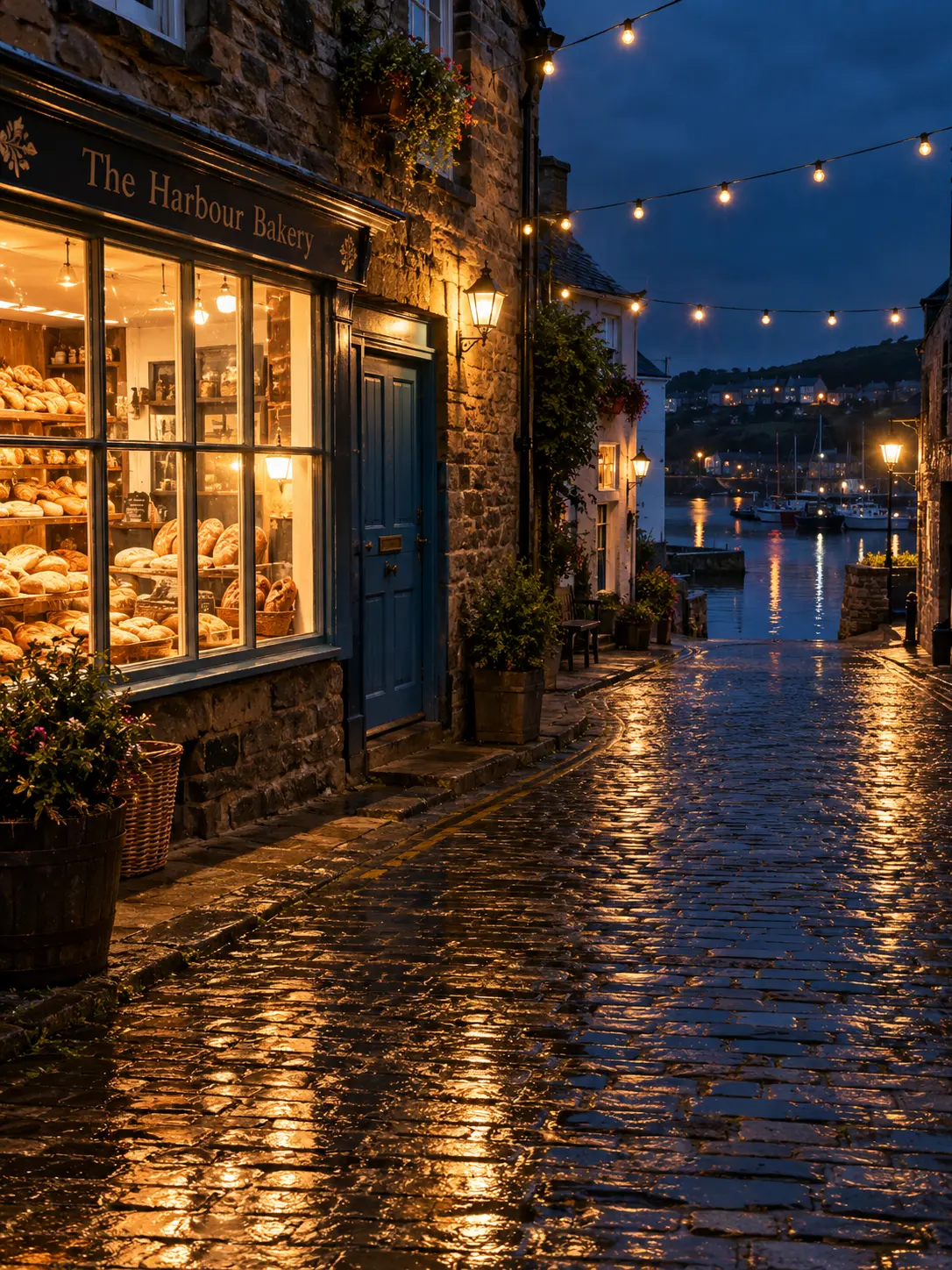
Show the man from image 1 wearing the jacket from image 2, standing on the street from image 3 in front of the bakery window, looking at the camera. Keep his face, hair, glasses and freckles identical to image 1. Keep the jacket's mustard corduroy, four brown buttons and green pine-tree embroidery identical to image 2. Keep the street, bakery window, blue door and string lights identical to image 3. Photorealistic, night, wet cobblestones.
GPT Image 2.5 vs GPT Image 2 on local edits
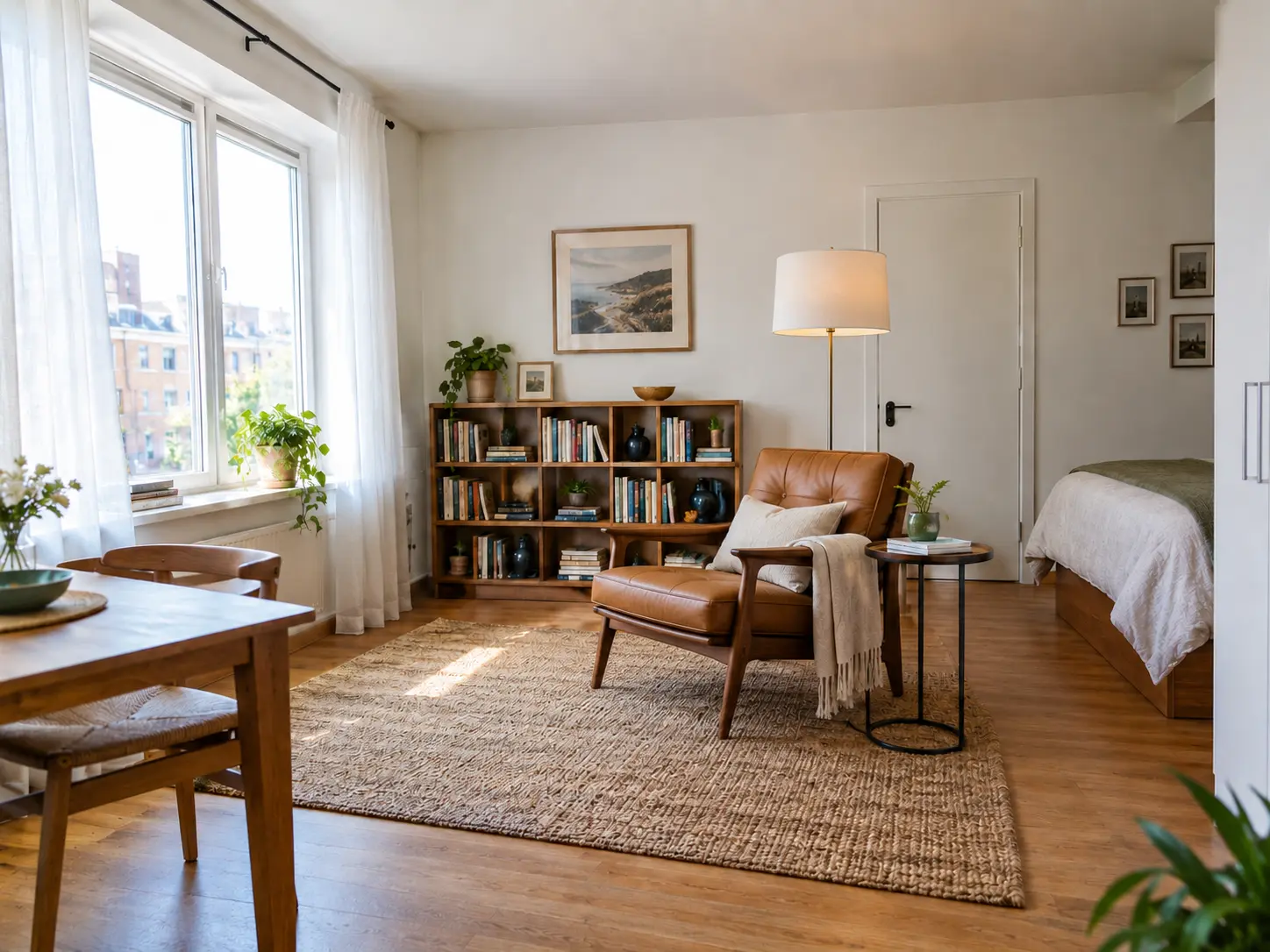
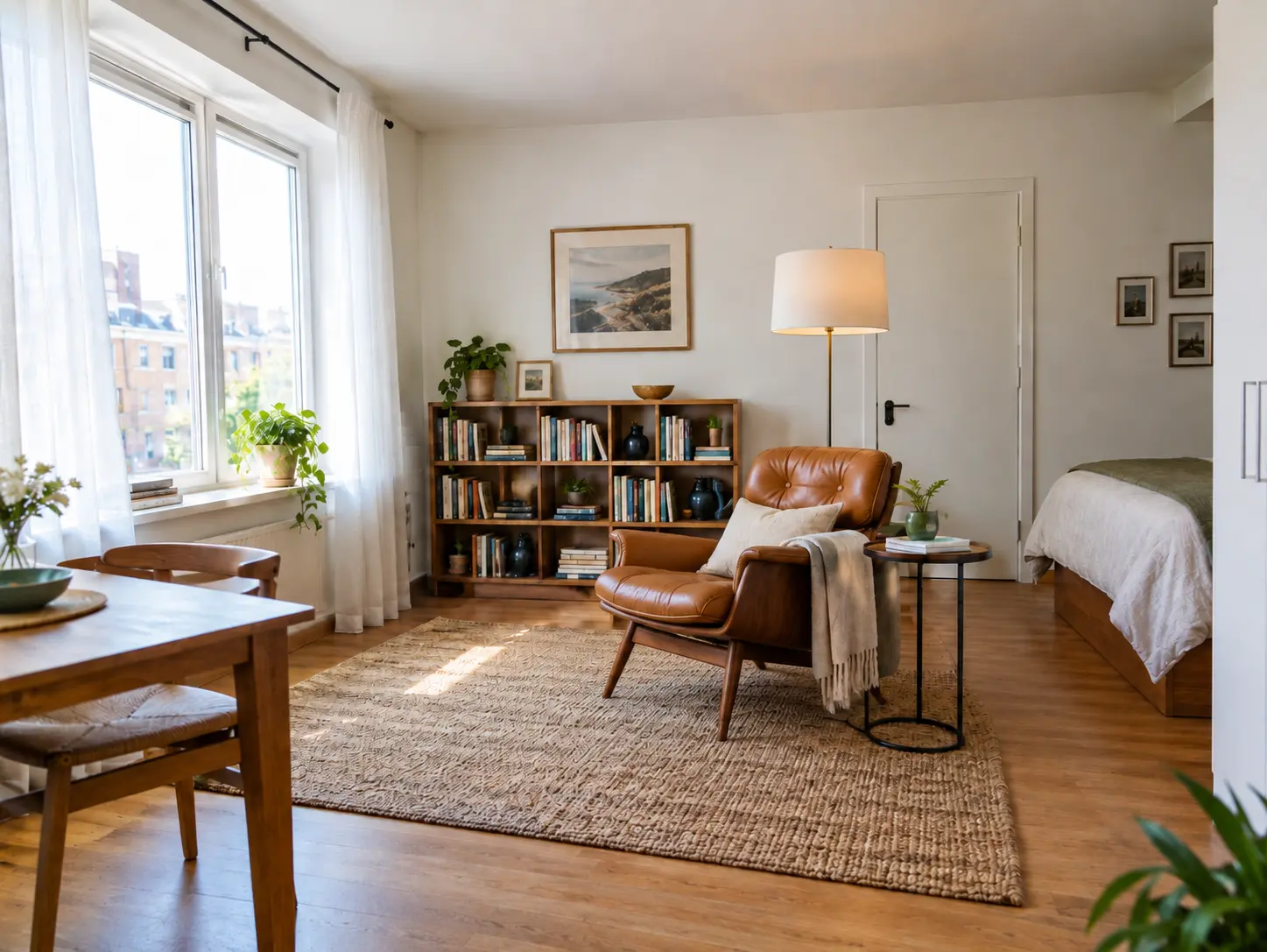
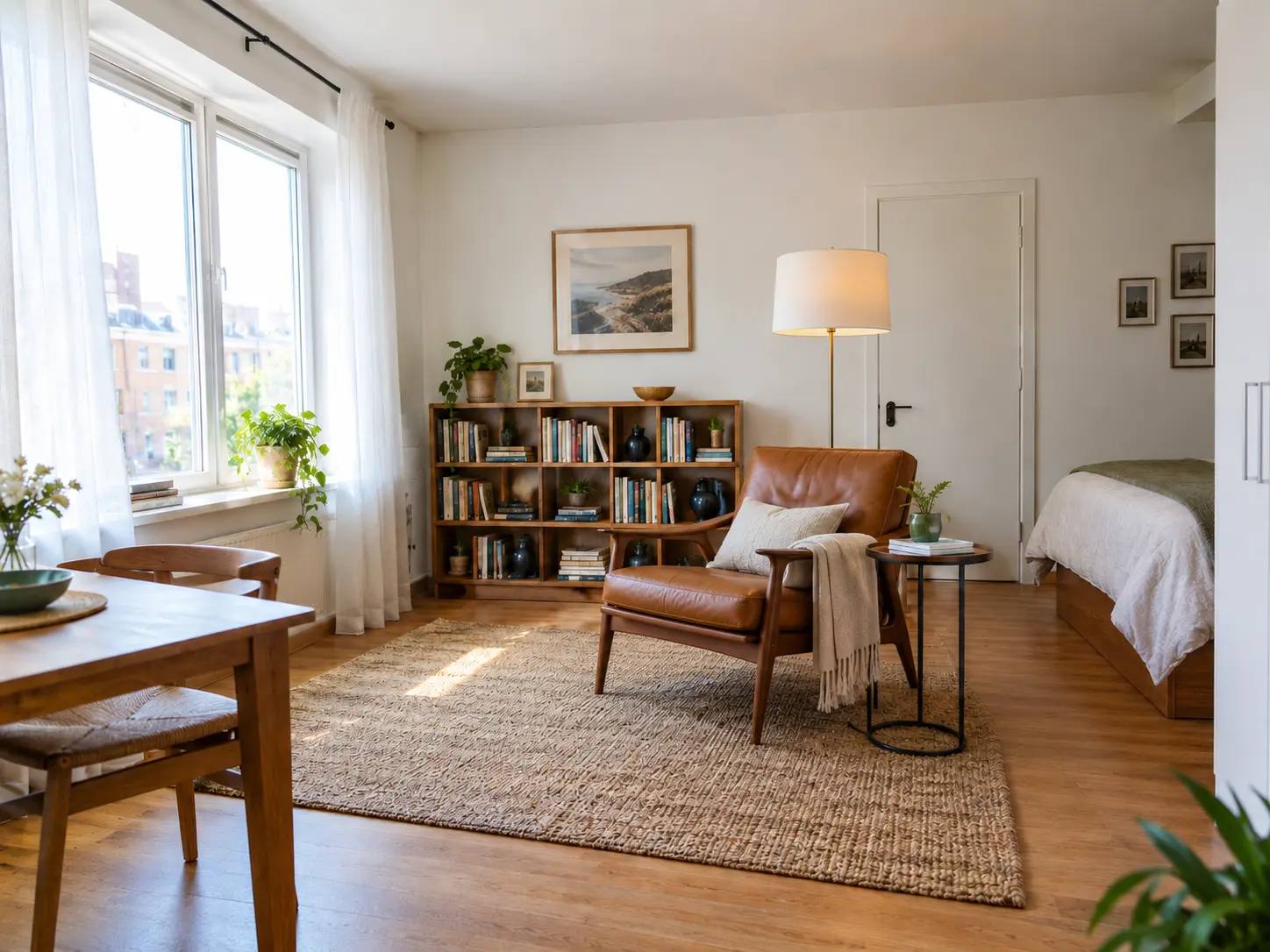
One armchair swapped in a generated apartment photo. The percentage is how many pixels outside the chair area changed by more than a small threshold, compared with the original.
Original photo used for the edit below.
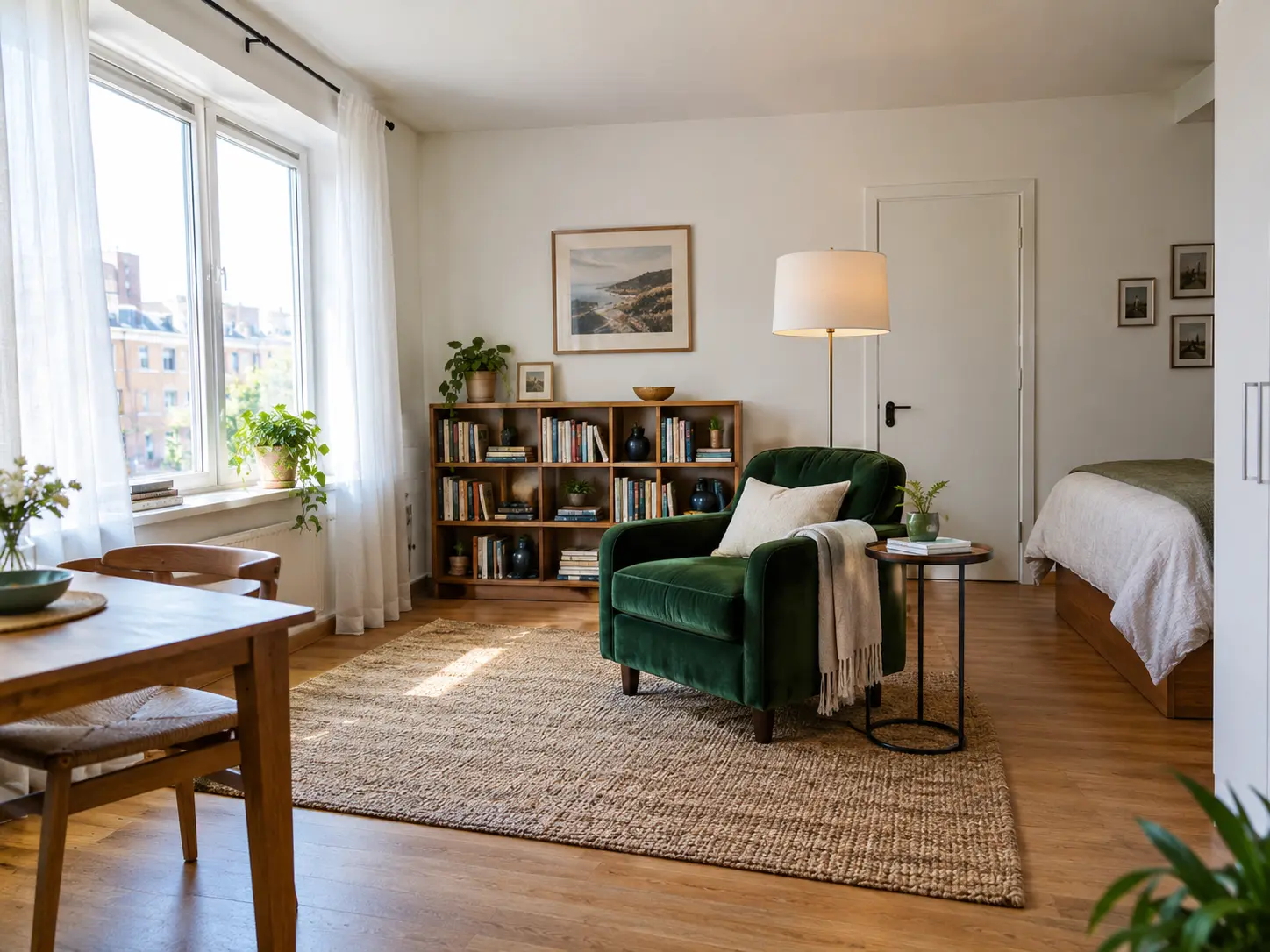
Replace only the green velvet armchair with a tan leather mid-century lounge chair on a walnut base. Keep everything else in the photo exactly the same: the window, curtains, side table, floor lamp, bookshelf, rug, lighting, camera angle and framing.
A cartoon added to a chart, with the instruction to leave the data alone. The percentage is pixels changed outside the raccoon's area.
Original chart used for the edit below.
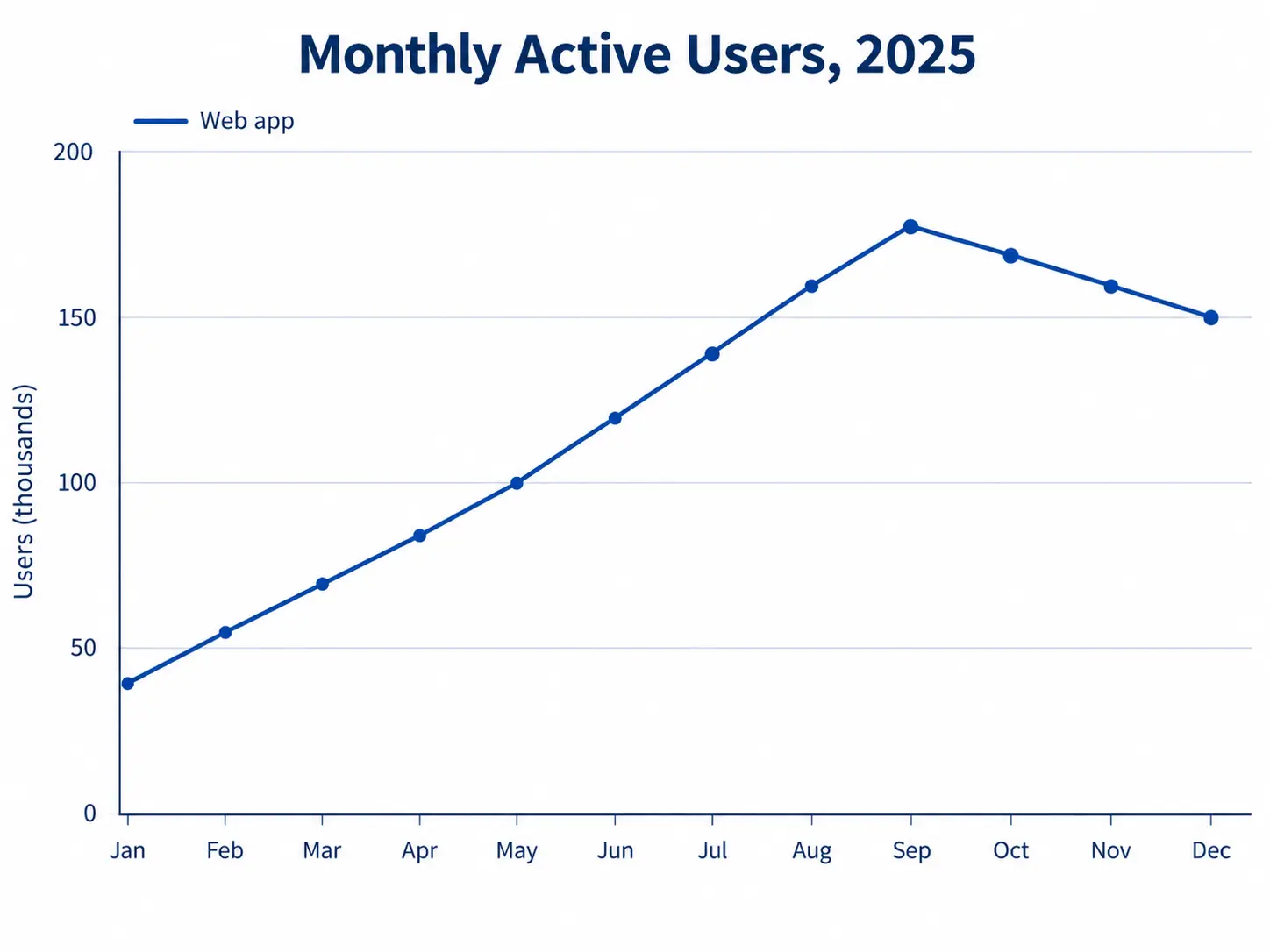
Add a small cartoon raccoon in a white lab coat standing on the September peak of the line and pointing at it. Keep the title, every axis label, every gridline, the legend and the data line exactly as they are. Do not change any numbers or move the line.
Five edits in a row on the apartment photo, each step fed the previous output: chair, lamp shade, wall colour, a plant, the rug. The images are the fifth step.
Step 1: replace the armchair. Step 2: matte black lamp shade. Step 3: sage green wall behind the bookshelf. Step 4: add a fiddle-leaf fig in the corner. Step 5: replace the rug with a dark navy flatweave. Each step ended with: keep everything else exactly the same.
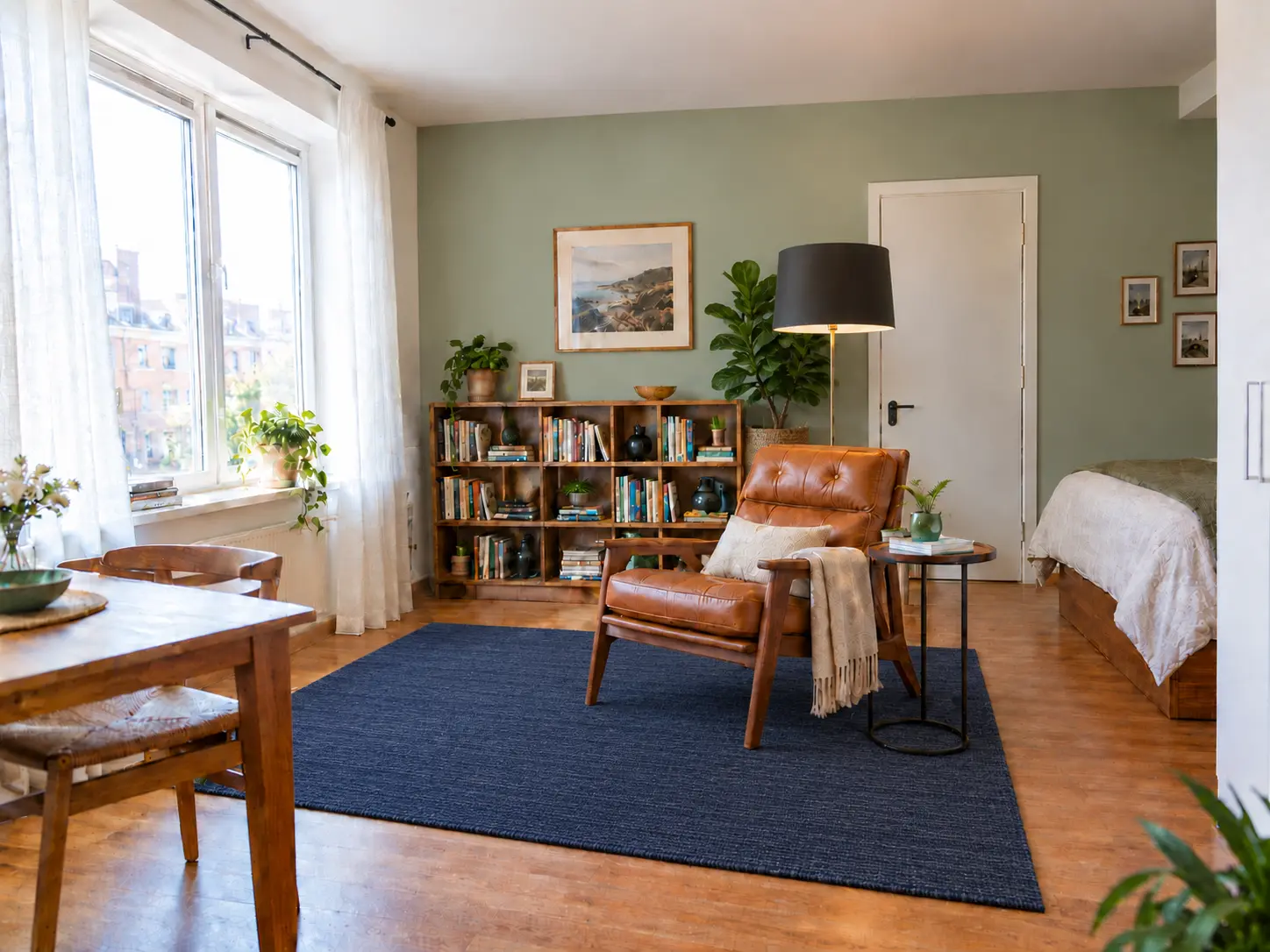
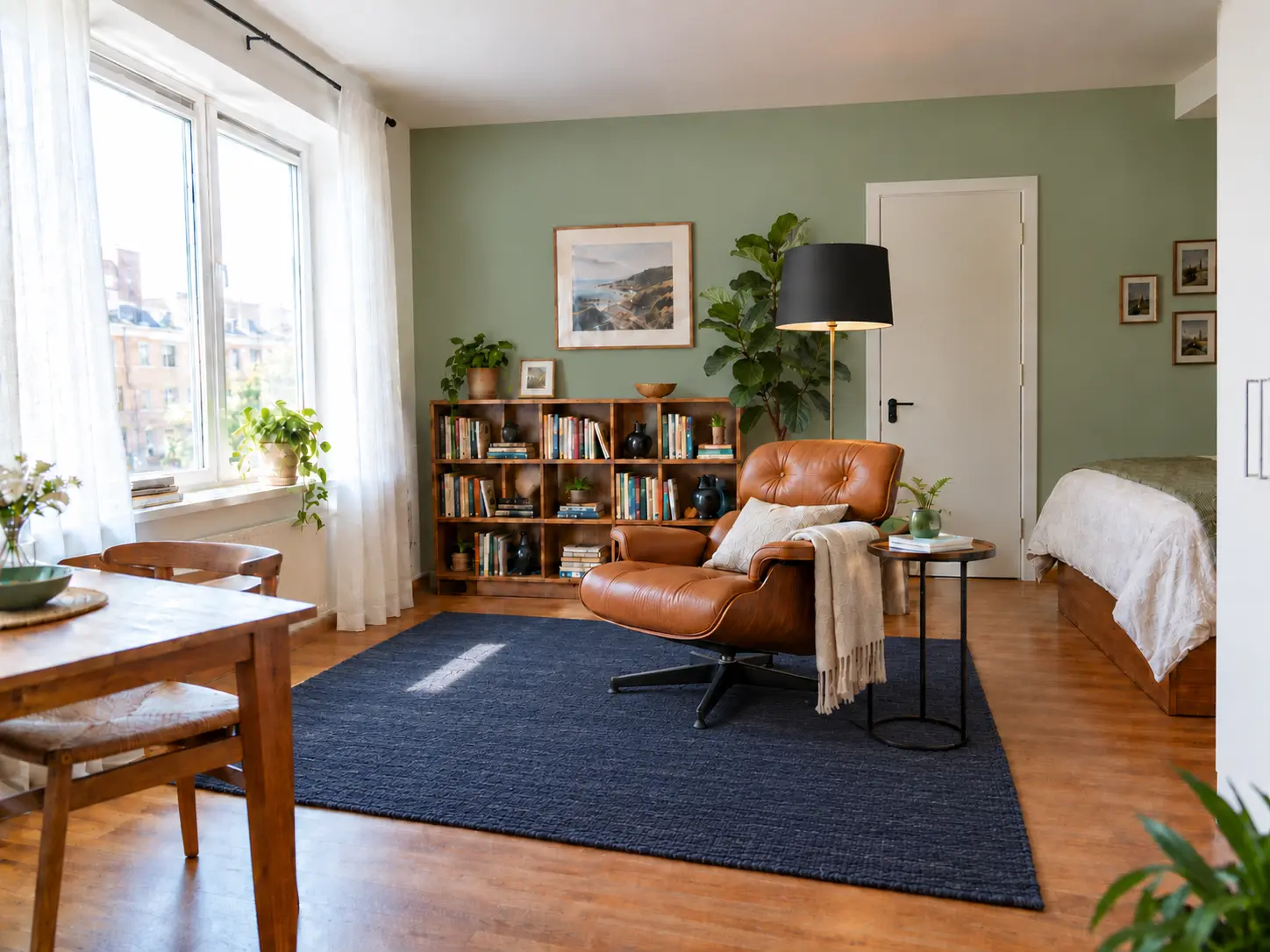
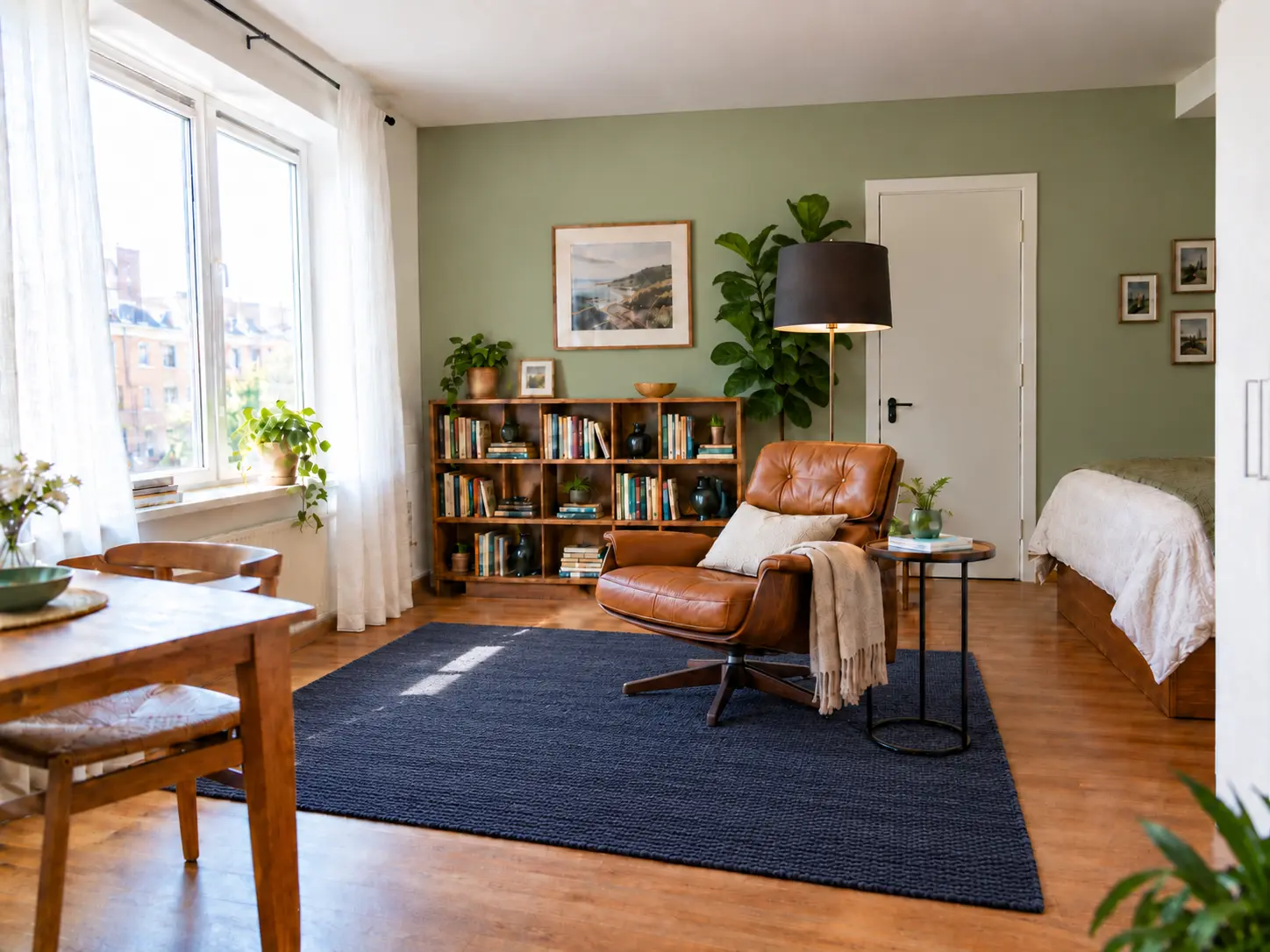
In all three chains the instruction "only the wall behind the bookshelf" also recoloured the adjoining wall by the door.
GPT Image 2.5 vs GPT Image 2 on texture and detail
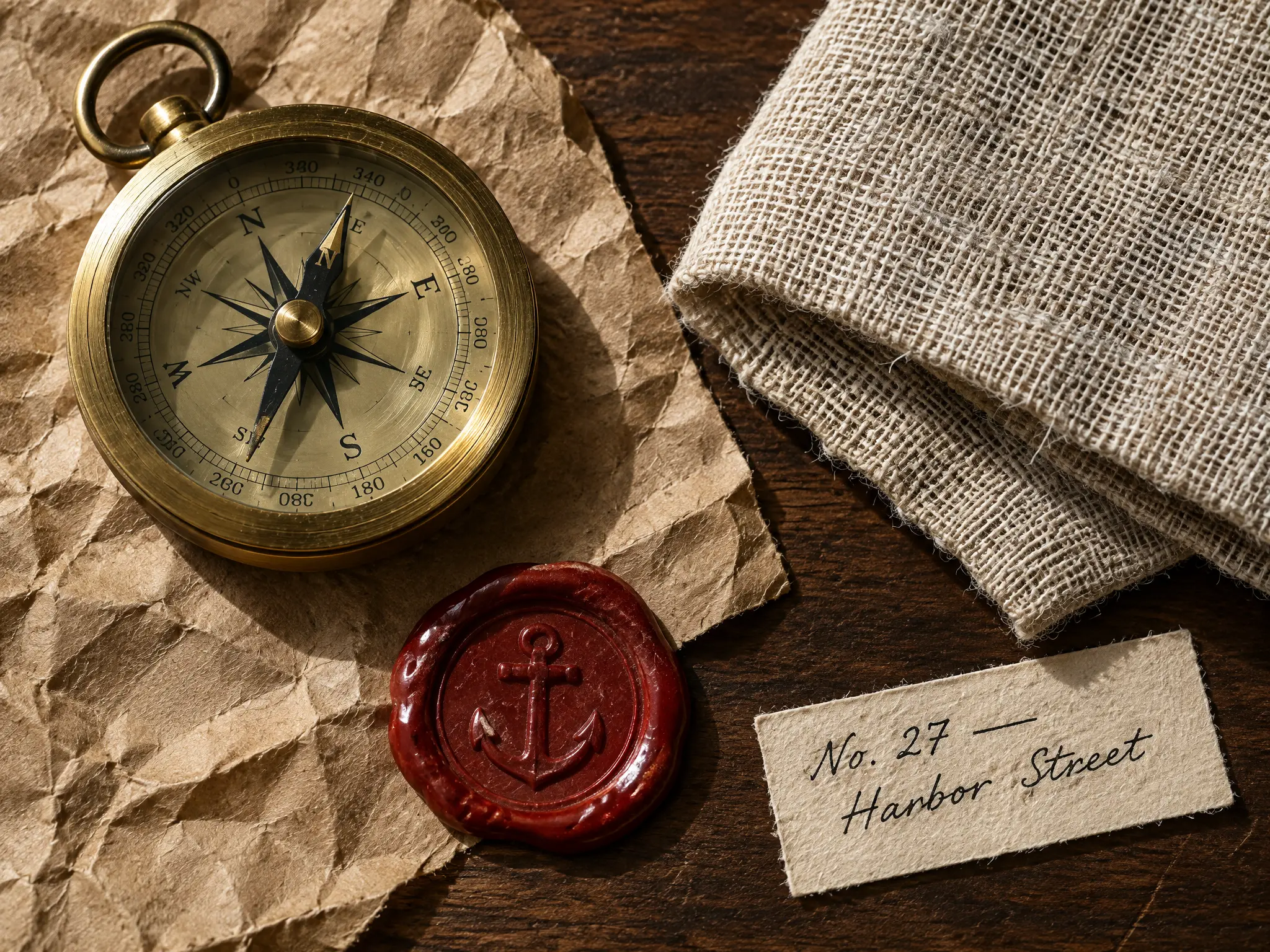
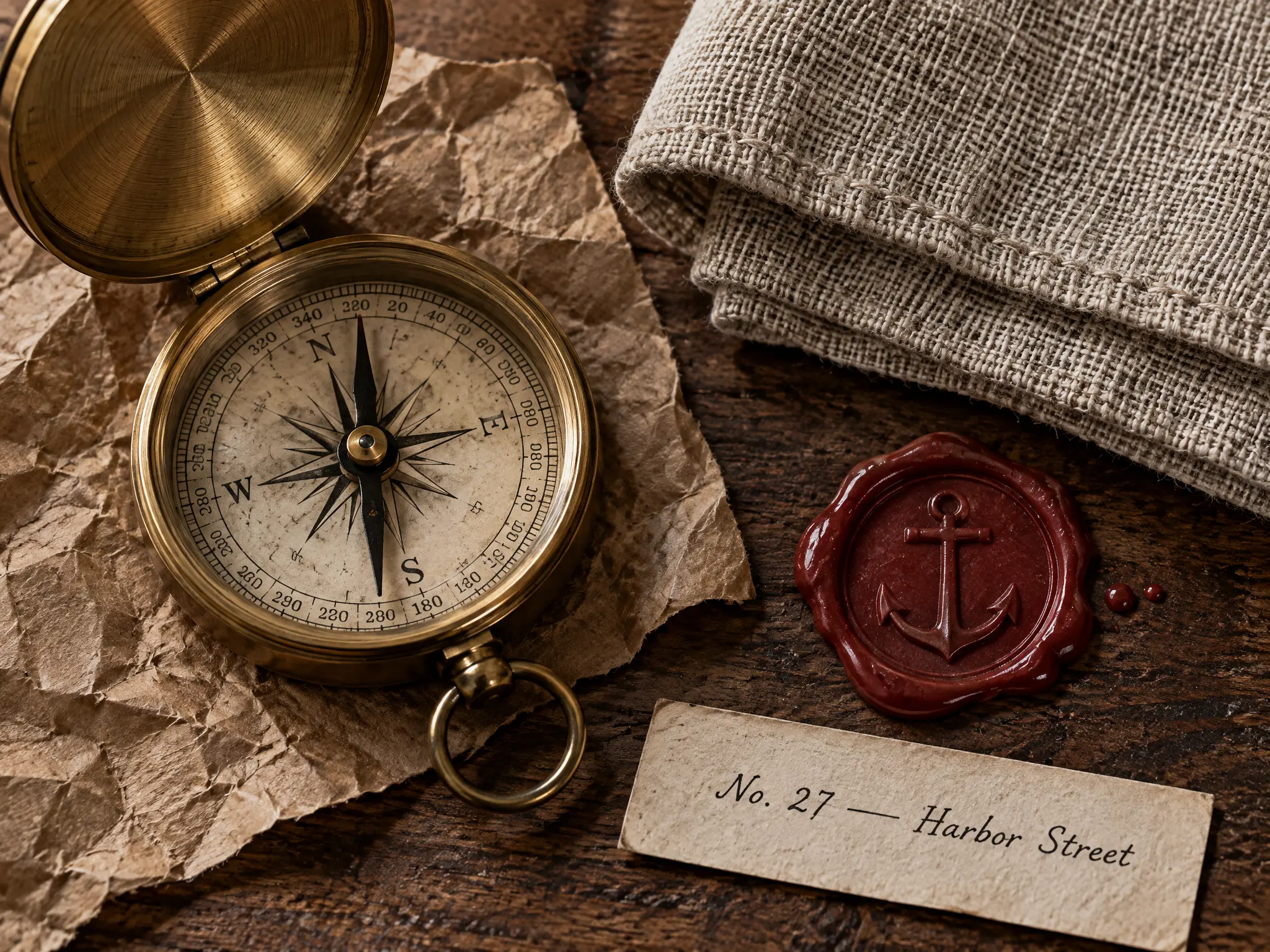
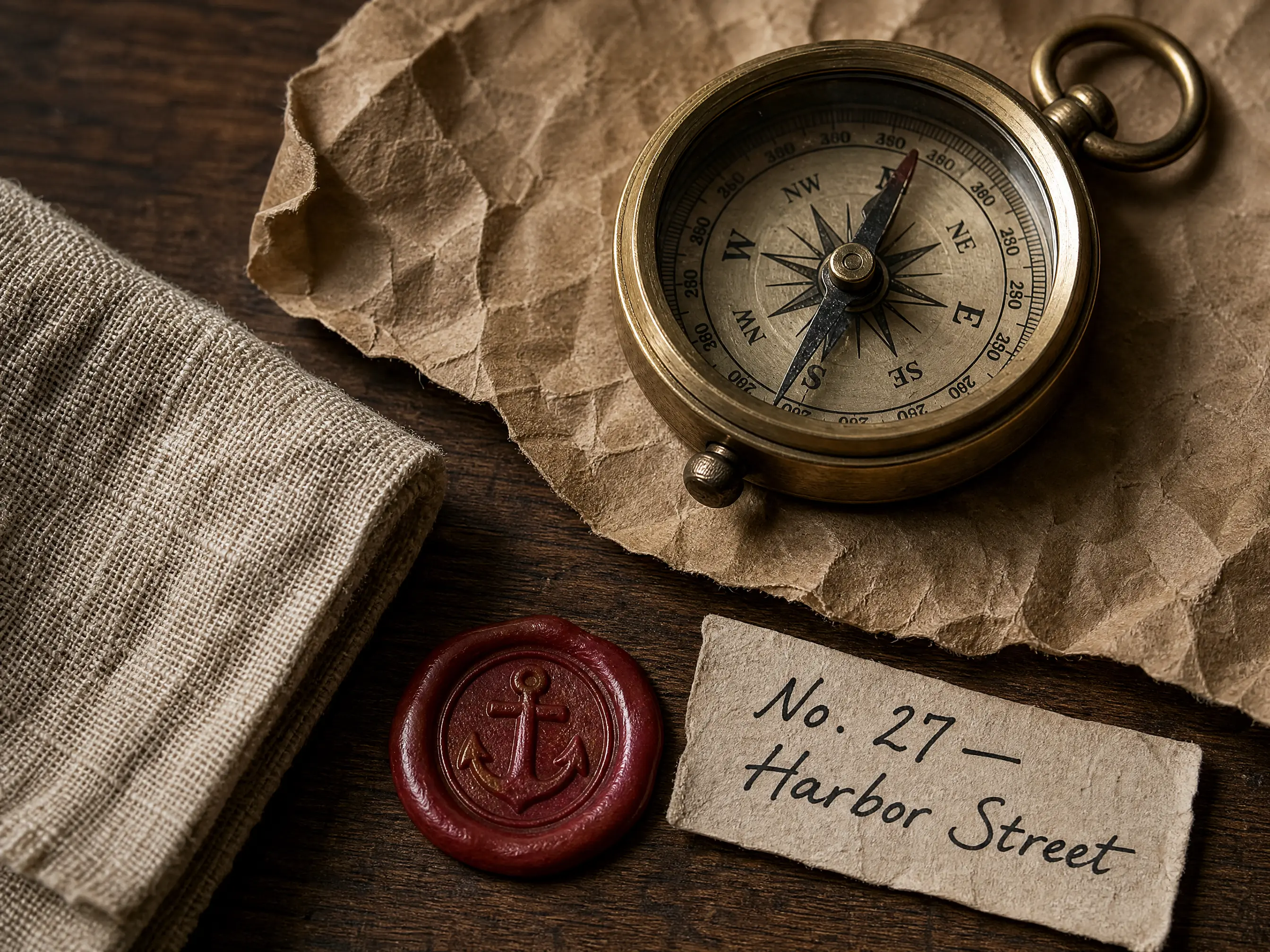
A 2K still life with five materials and a handwritten label.
Overhead still life on a dark walnut desk, hard side light: a sheet of crumpled kraft paper, a brushed brass pocket compass with visible machining marks, a folded piece of undyed linen with loose weave, a red wax seal with a stamped anchor, and a small handwritten paper label that reads "No. 27 — Harbor Street" in black ink. Every material should show its texture: paper fibres, brass grain, linen threads, wax gloss. Photorealistic, 100mm macro.
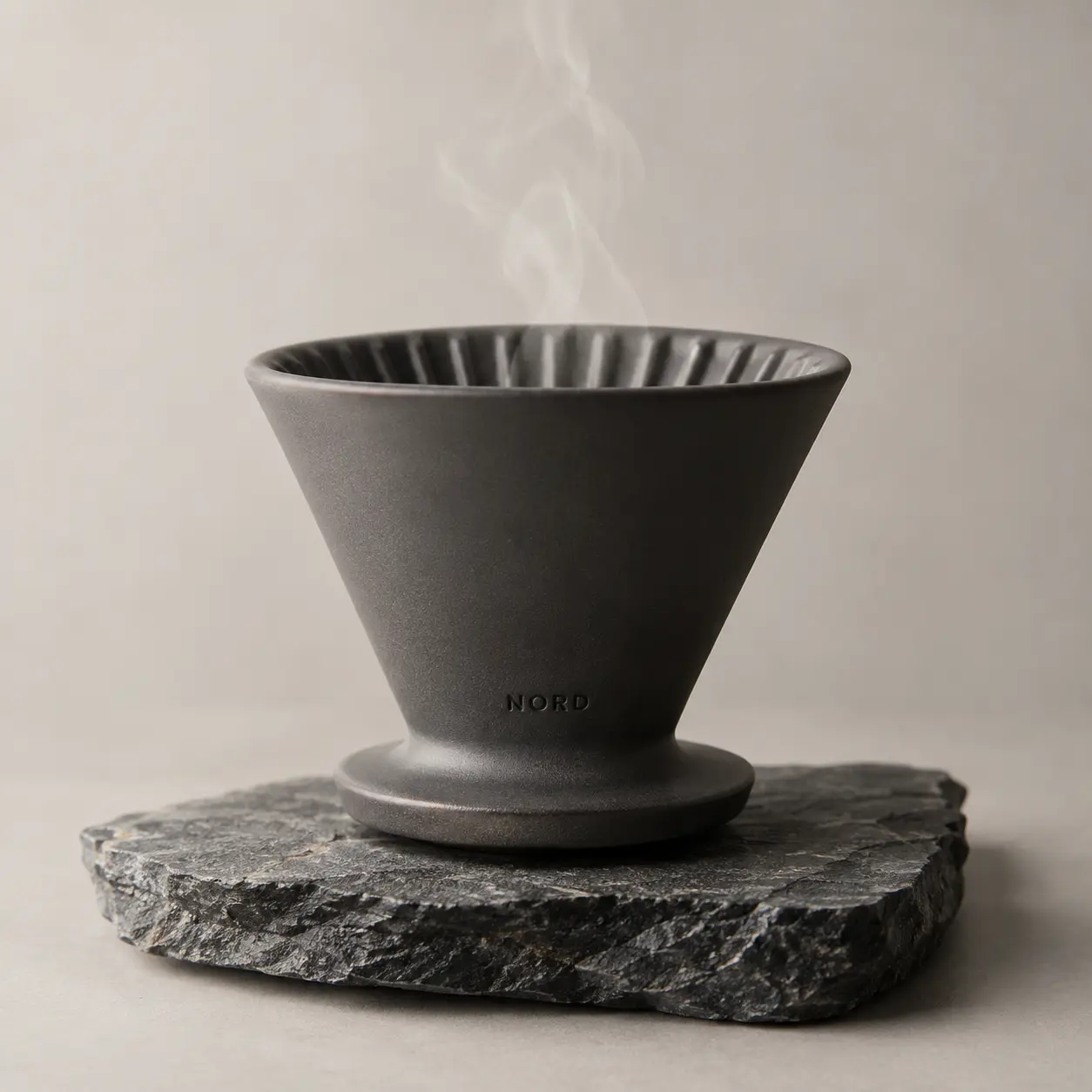
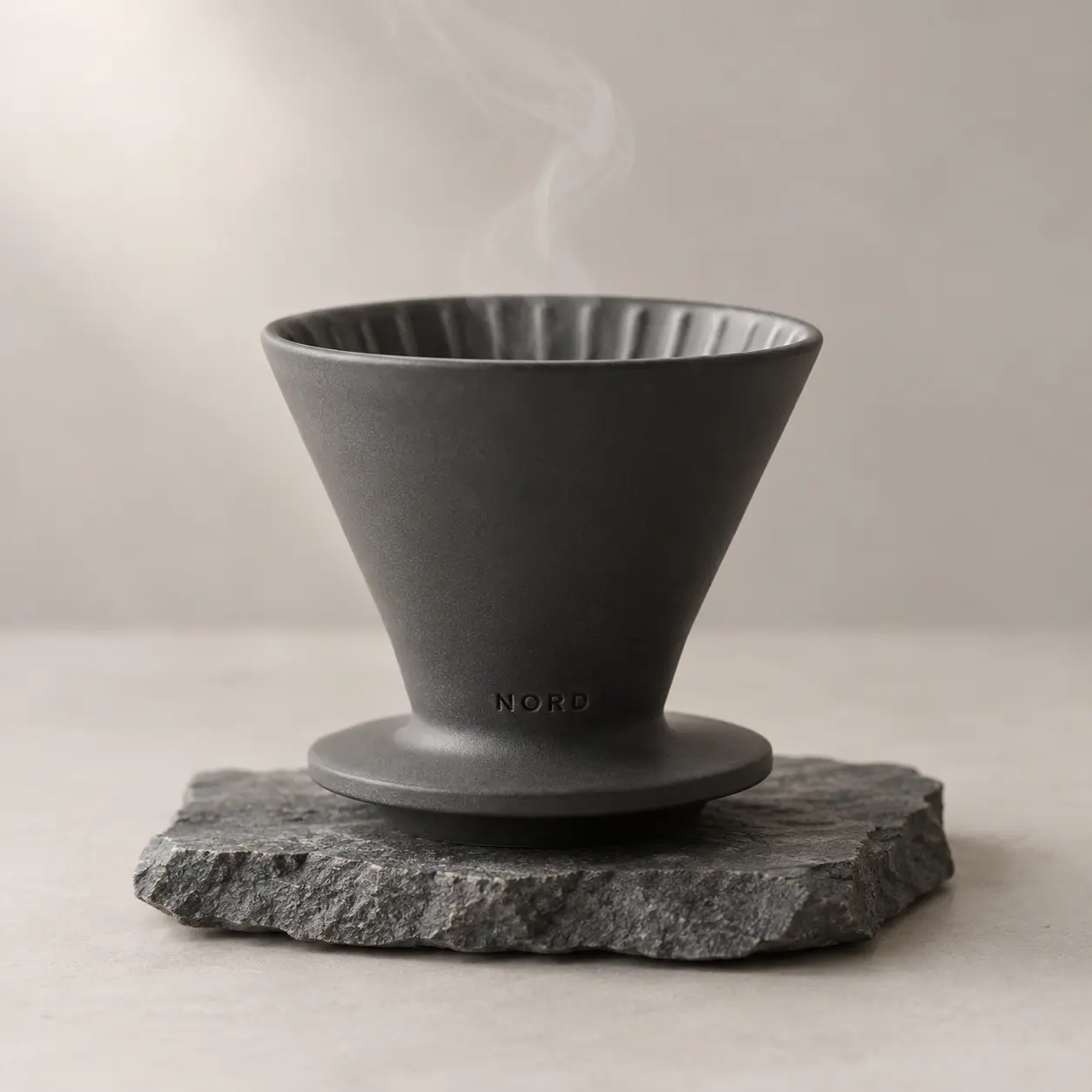
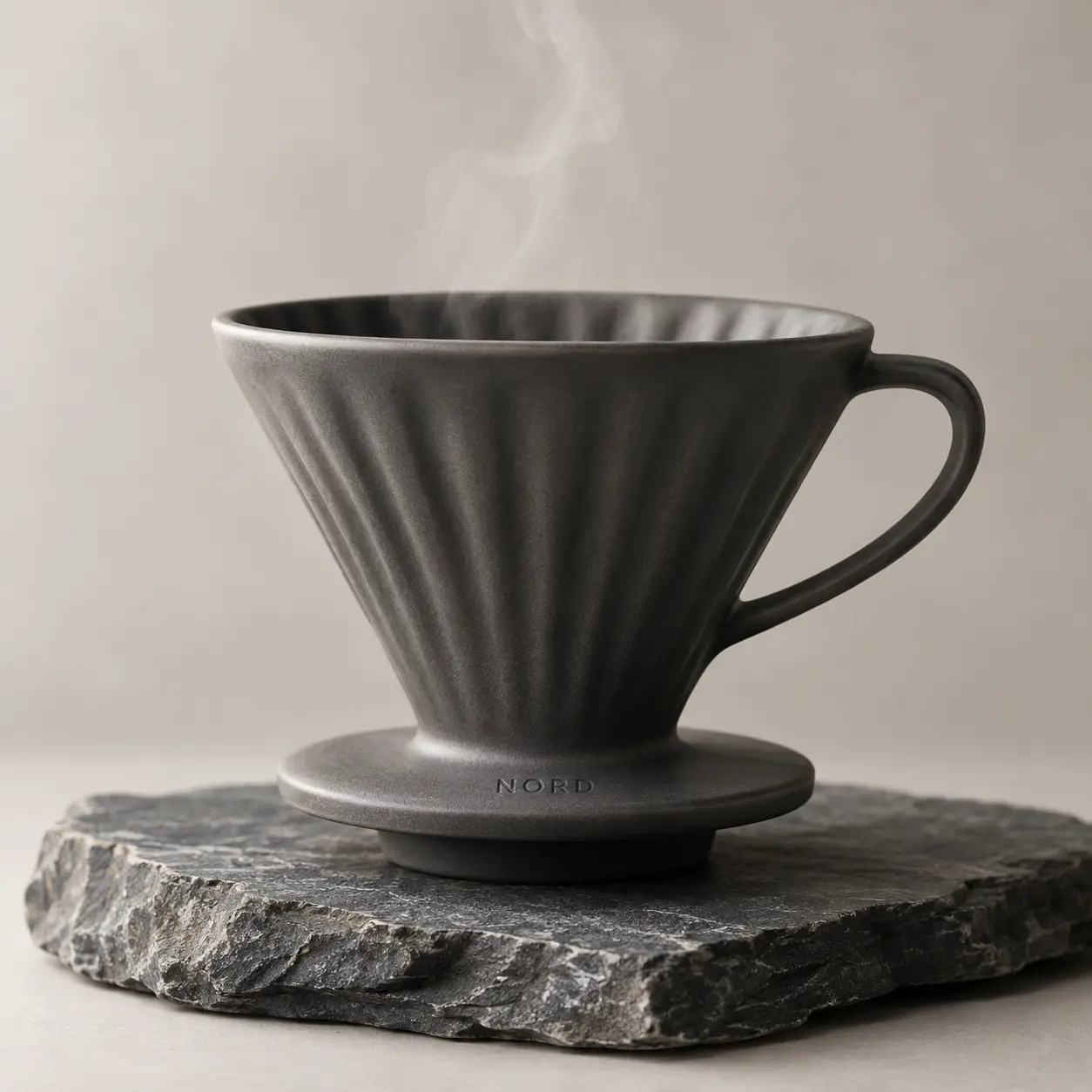
E-commerce hero photo of a matte charcoal ceramic pour-over coffee dripper standing on a small slab of raw slate, a thin ribbon of steam rising, soft diffused studio light from the upper left, pale warm grey seamless background, shallow depth of field. The word "NORD" is debossed in small clean sans-serif letters near the base of the dripper. Photorealistic, 100mm macro lens, product photography for a store listing.
Editorial portrait of a woman in her late thirties working at a potter's wheel in a small ceramics studio, clay on her hands and forearms, linen apron, hair tied back, looking at the wheel with concentration. Soft north-facing window light from the left, shelves of unglazed bowls blurred in the background. Shot on 85mm at f/2, natural skin texture, no retouching look, realistic photograph.
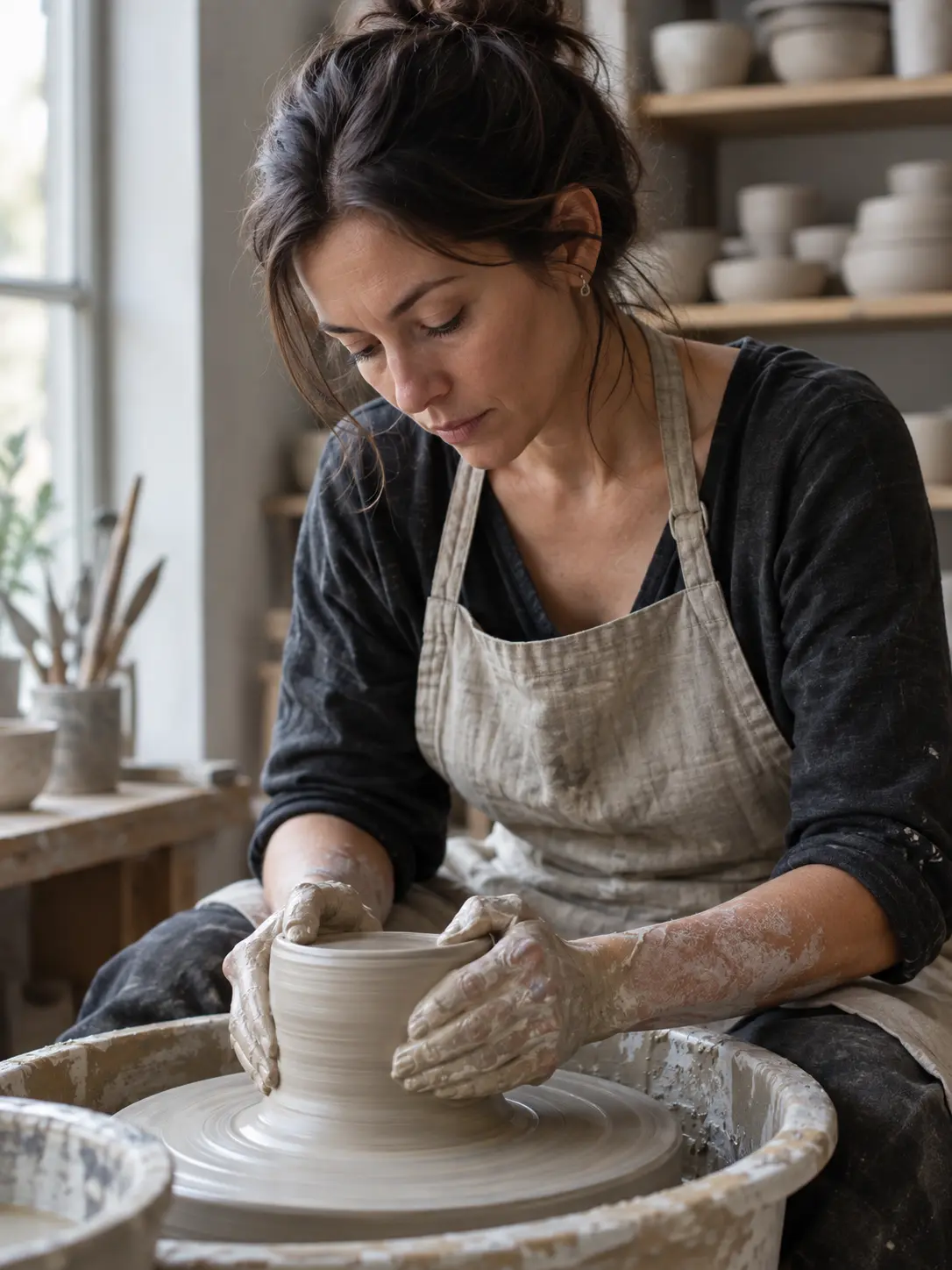
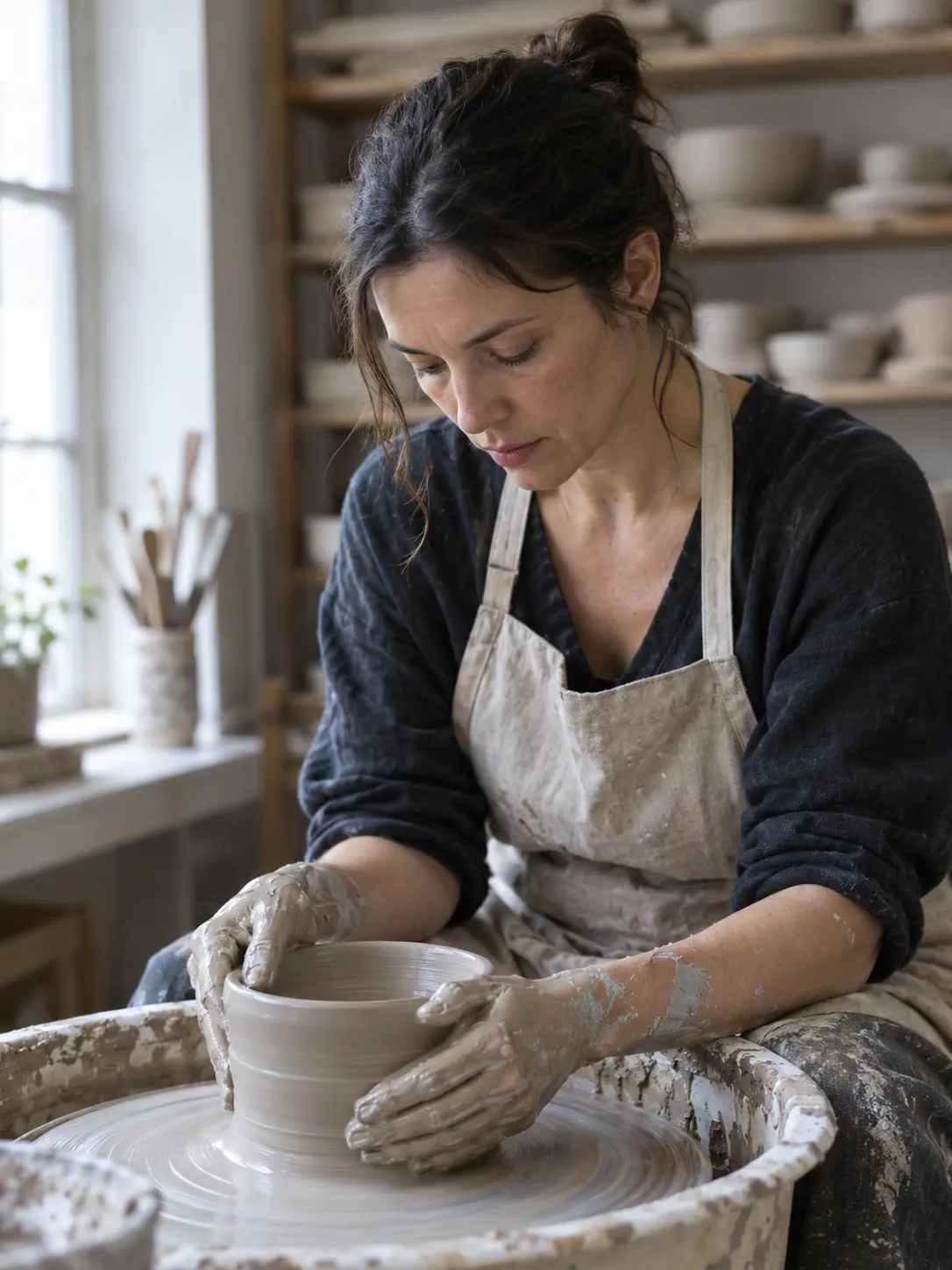
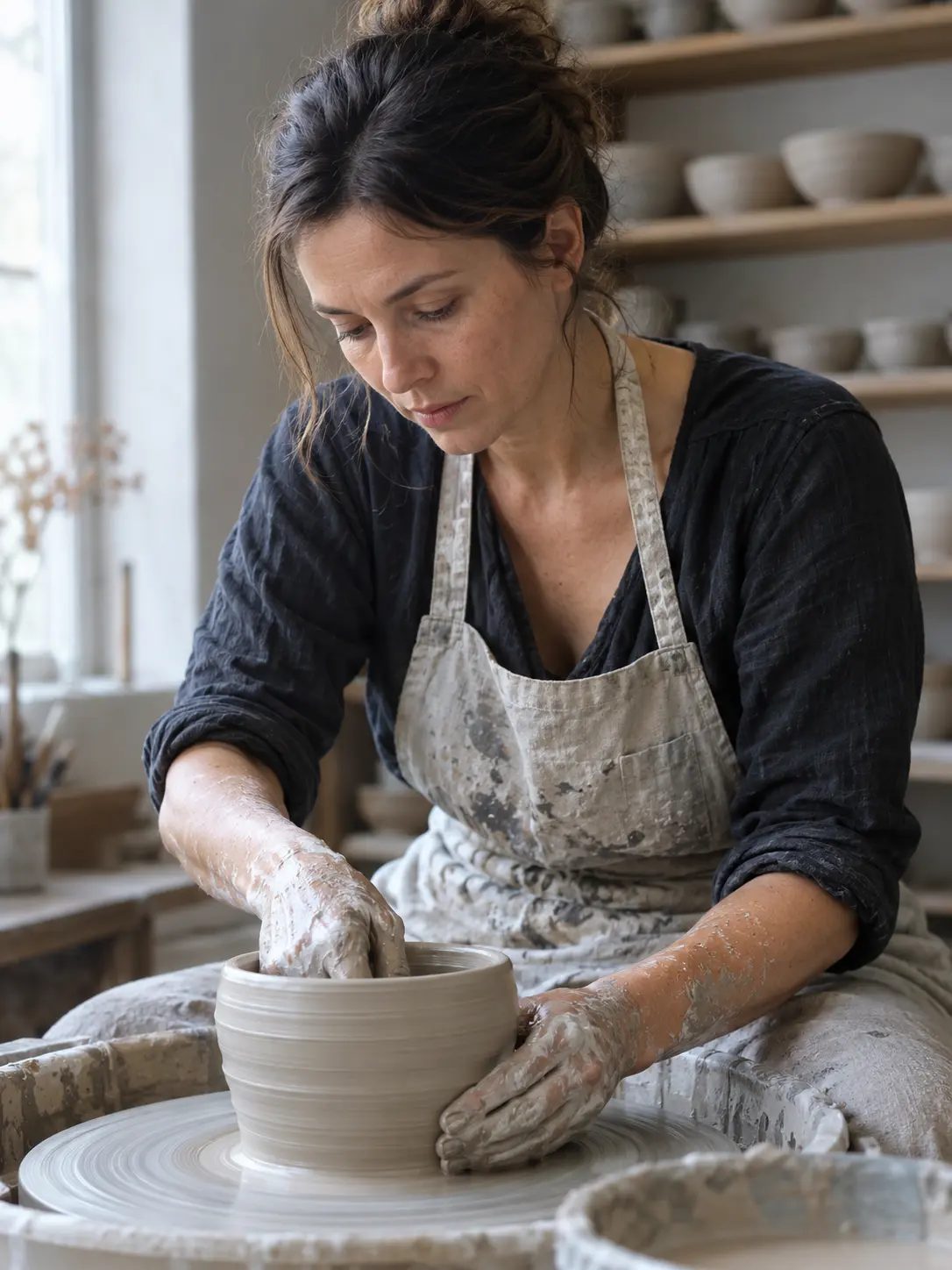
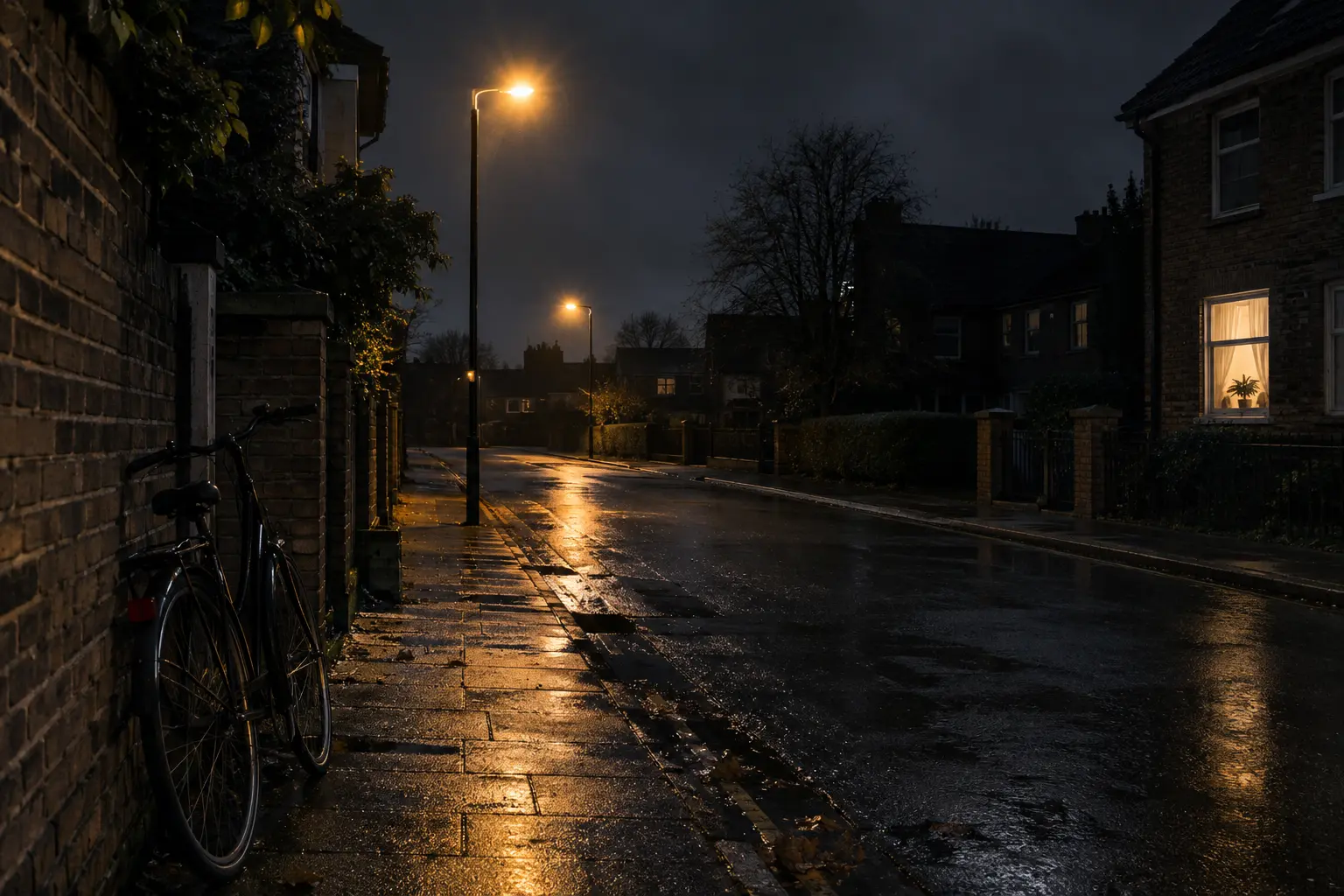
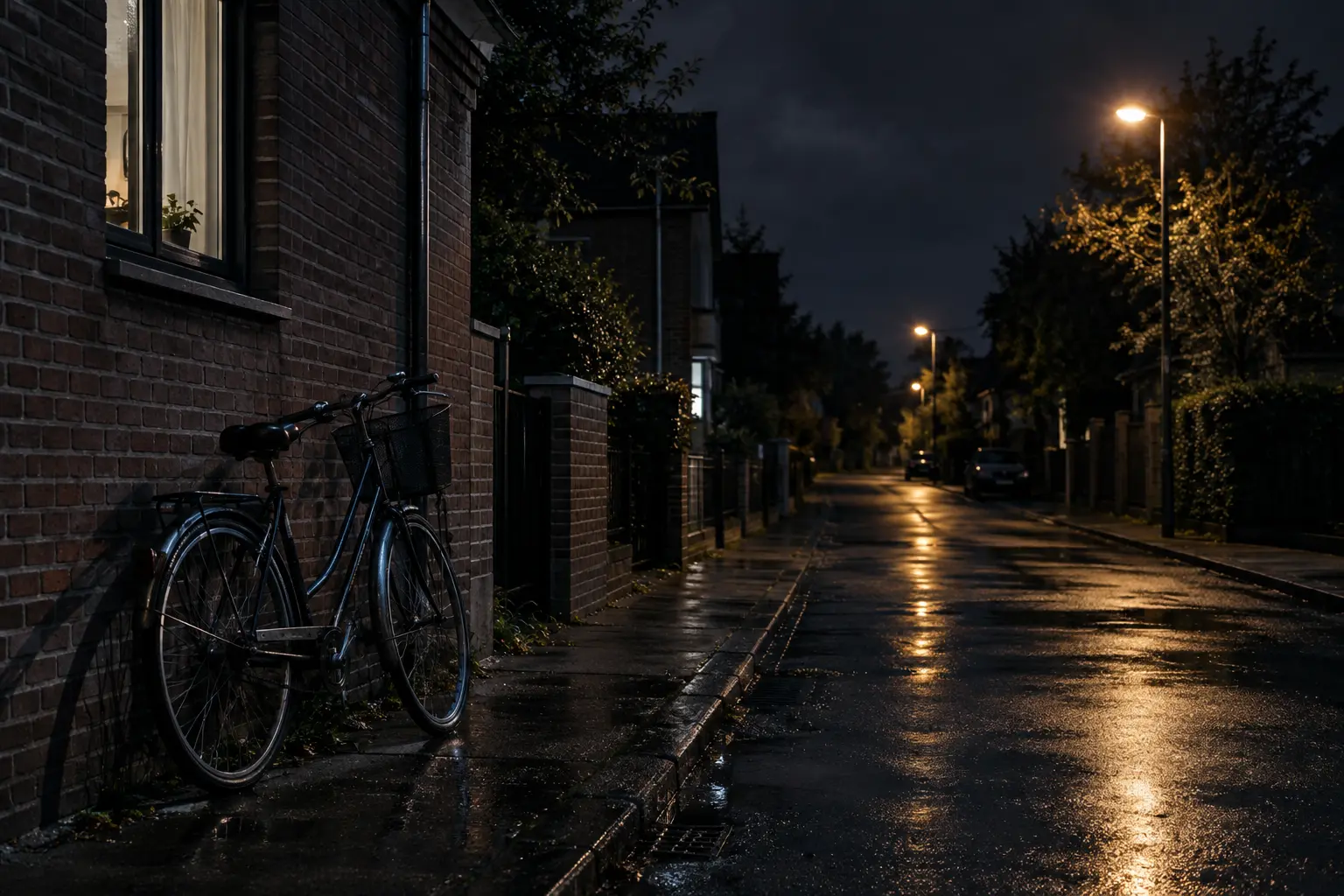
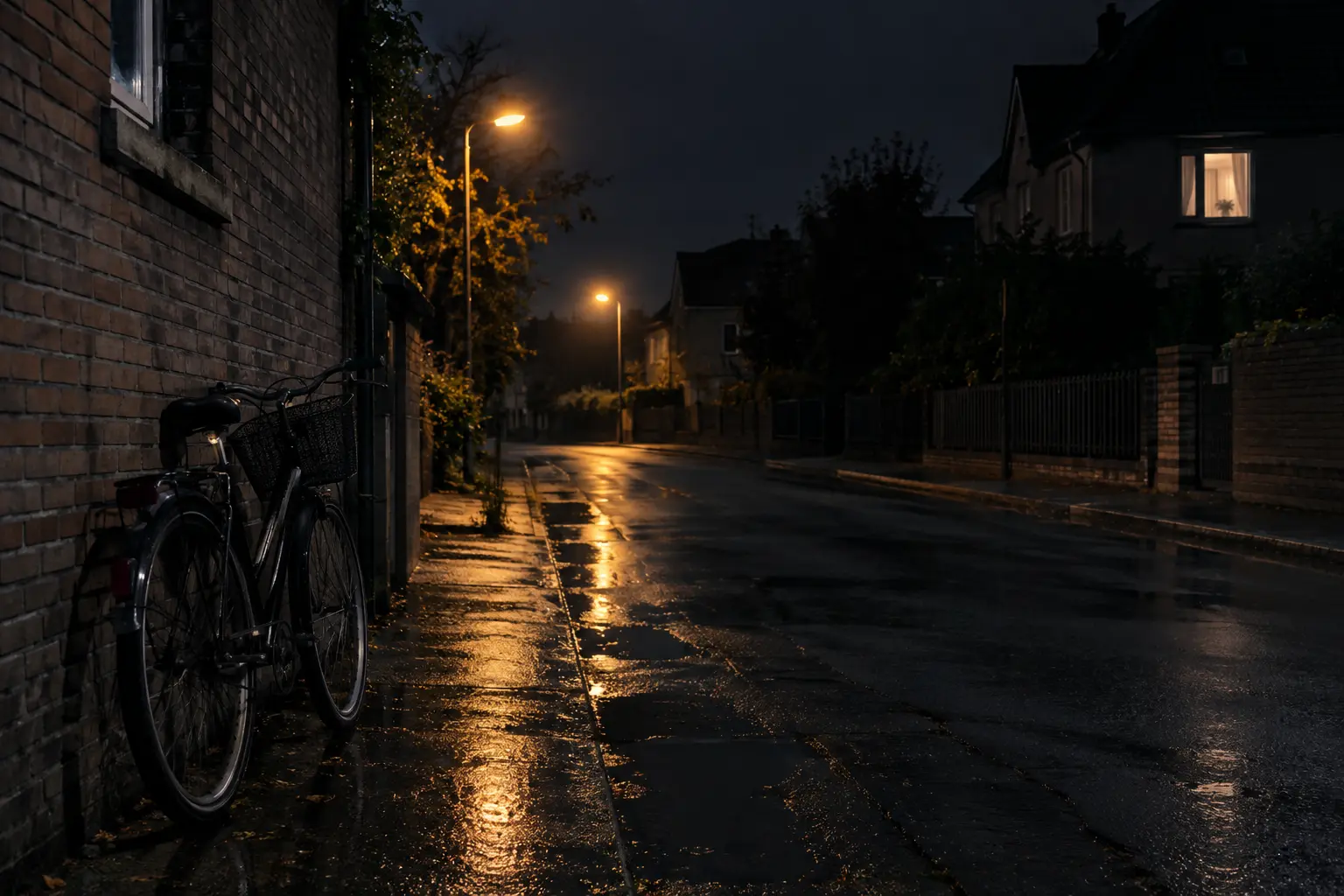
A night street with the instruction to keep shadows neutral. For each image we measured the darkest fifth of the pixels: the red-minus-blue balance (positive is warmer) and the noise level.
Night photograph of a quiet residential street after rain, lit only by two sodium street lamps and one lit window, deep shadows, neutral white balance so the shadows stay grey rather than yellow or green, clean low-noise rendering, a parked bicycle against a brick wall in the foreground, 35mm, f/2, photorealistic.
GPT Image 2.5 vs GPT Image 2 on text and layout
A gig poster for an indie jazz night, two-color risograph print style in deep navy and warm orange, heavy paper grain. Large hand-set headline at the top reading "MIDNIGHT BRASS". Below it, in smaller type, exactly these lines: "Live Jazz Quartet", "Friday 24 October, 9 PM", "The Copper Room, 18 Harbor Street", "Tickets $15 at the door". A stylized trumpet silhouette fills the lower half. All text must be spelled exactly as written, clean and legible, no extra words.
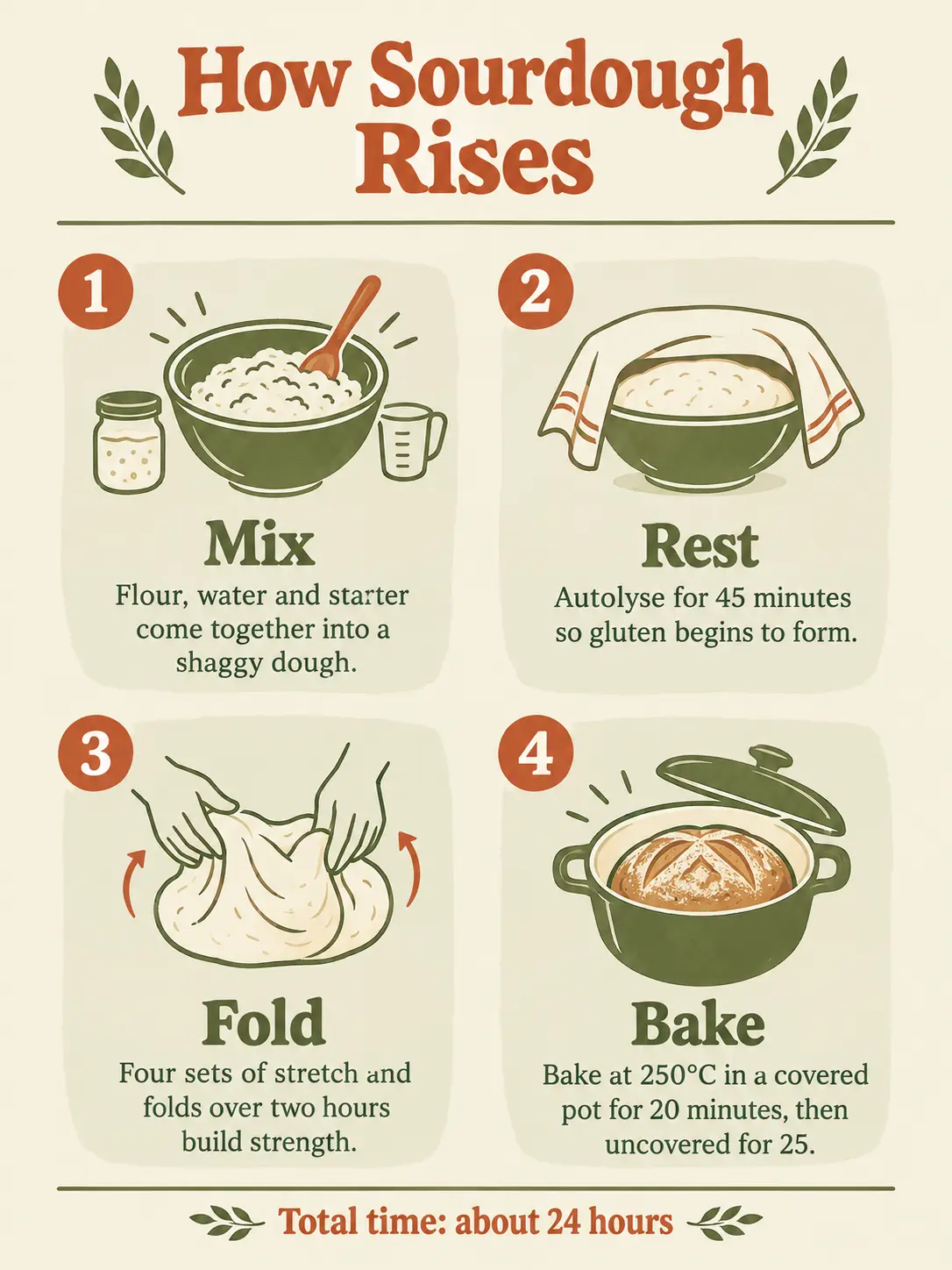
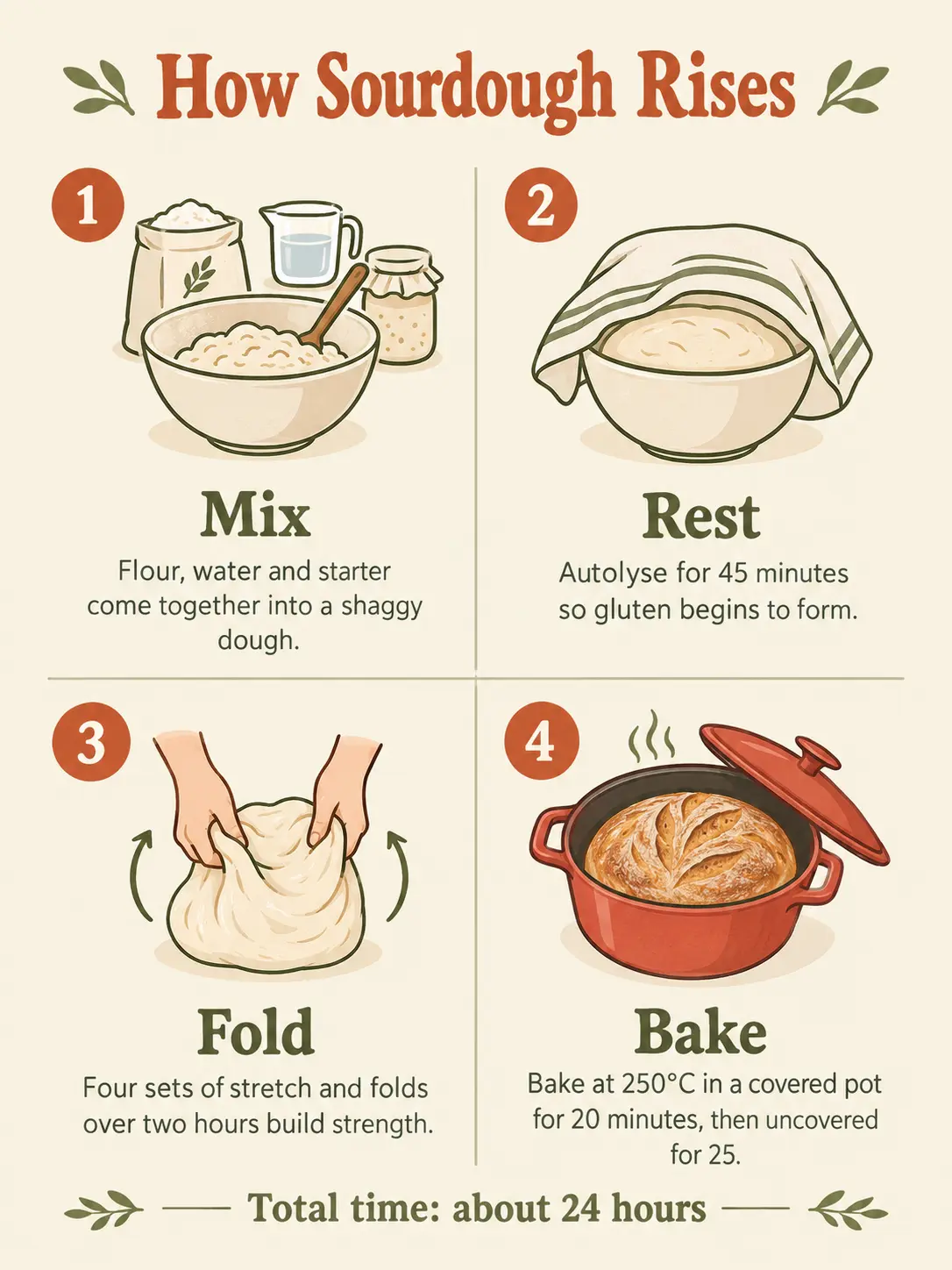
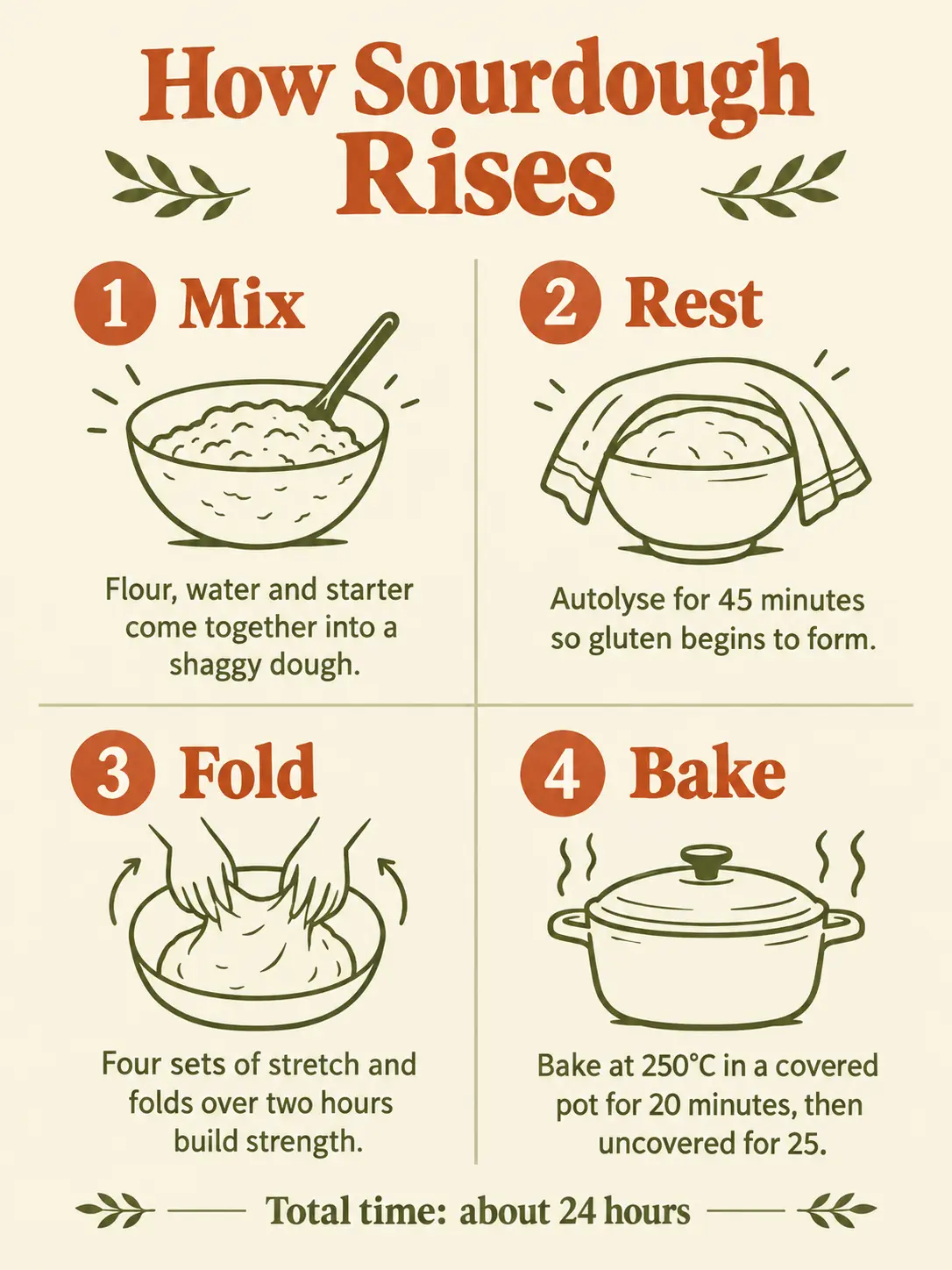
A clean flat-design infographic poster titled "How Sourdough Rises" at the top. Below the title, a 2x2 grid of four numbered steps, each with a simple line icon, a bold heading and one caption sentence, exactly as follows. 1. "Mix" — "Flour, water and starter come together into a shaggy dough." 2. "Rest" — "Autolyse for 45 minutes so gluten begins to form." 3. "Fold" — "Four sets of stretch and folds over two hours build strength." 4. "Bake" — "Bake at 250°C in a covered pot for 20 minutes, then uncovered for 25." A footer line at the bottom reads "Total time: about 24 hours". Cream background, terracotta and olive green accents, all text spelled exactly as written and fully legible.
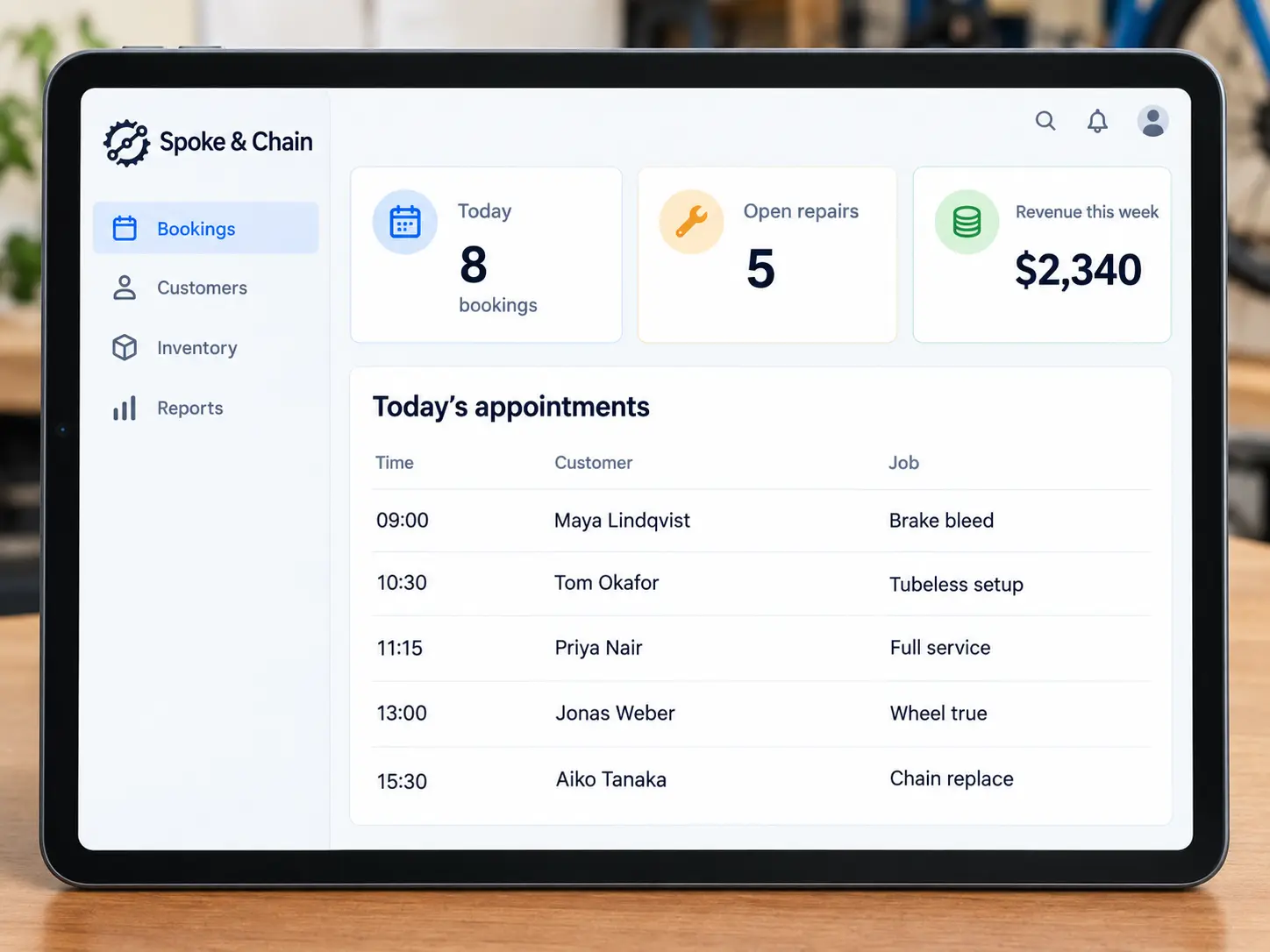
A tablet dashboard screen for a bicycle repair shop's booking system, modern flat UI, light theme. Left sidebar with the shop name "Spoke & Chain" and menu items "Bookings", "Customers", "Inventory", "Reports". Top row of three stat cards: "Today 8 bookings", "Open repairs 5", "Revenue this week $2,340". Below, a table titled "Today's appointments" with exactly five rows showing time, customer name and job: "09:00 Maya Lindqvist Brake bleed", "10:30 Tom Okafor Tubeless setup", "11:15 Priya Nair Full service", "13:00 Jonas Weber Wheel true", "15:30 Aiko Tanaka Chain replace". All text crisp and spelled exactly as written.


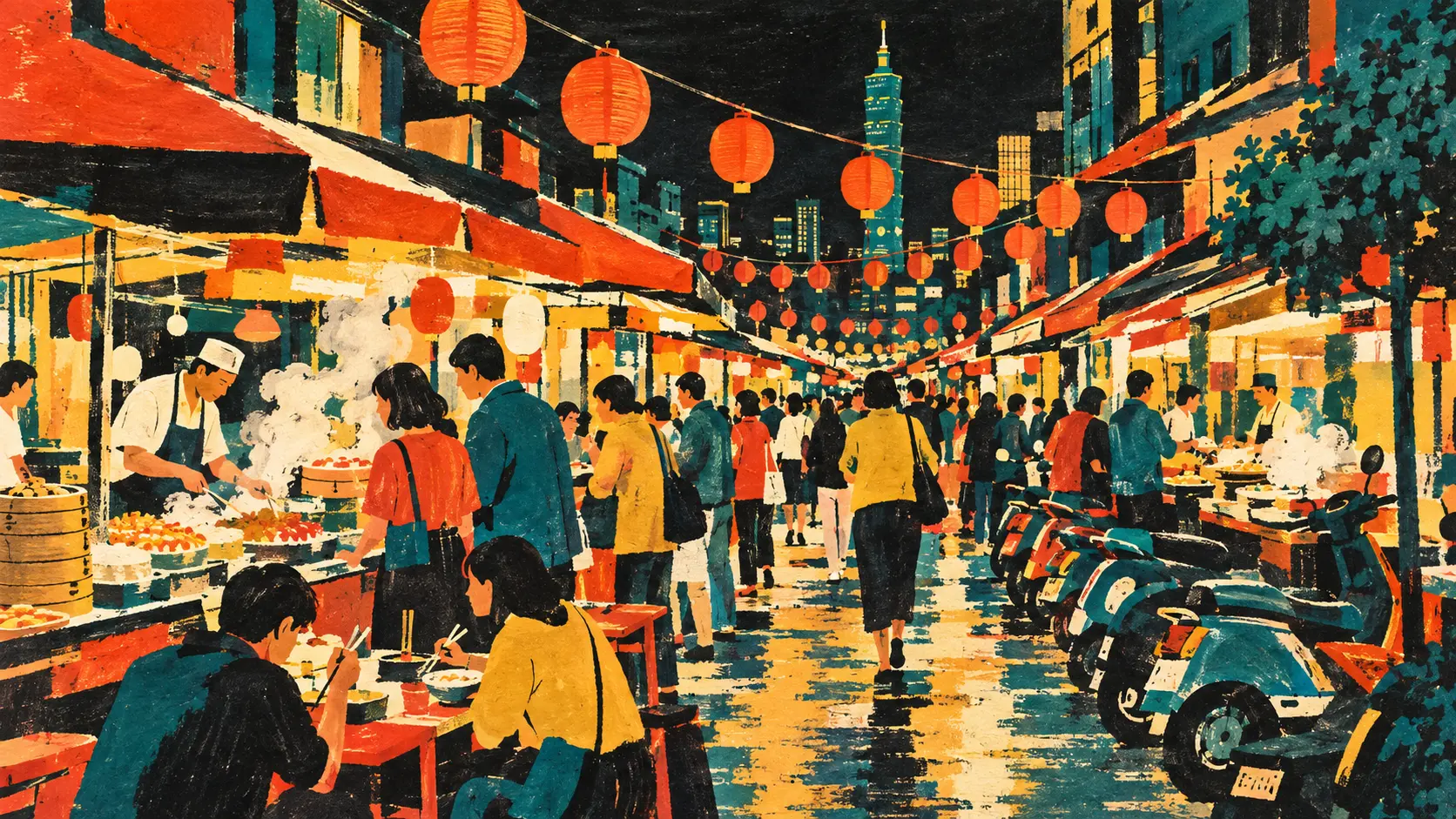
GPT Image 2.5 vs GPT Image 2 on style
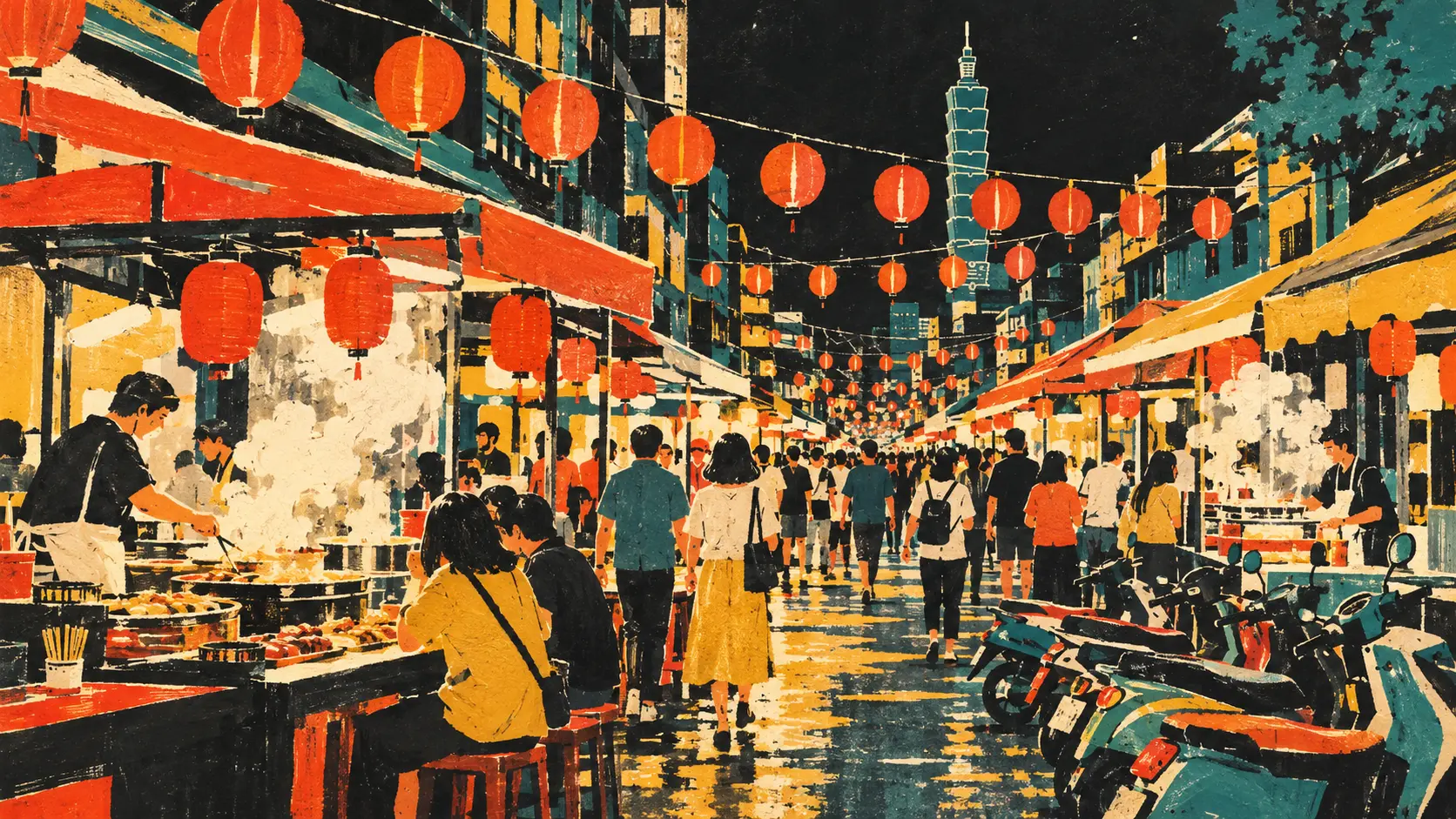
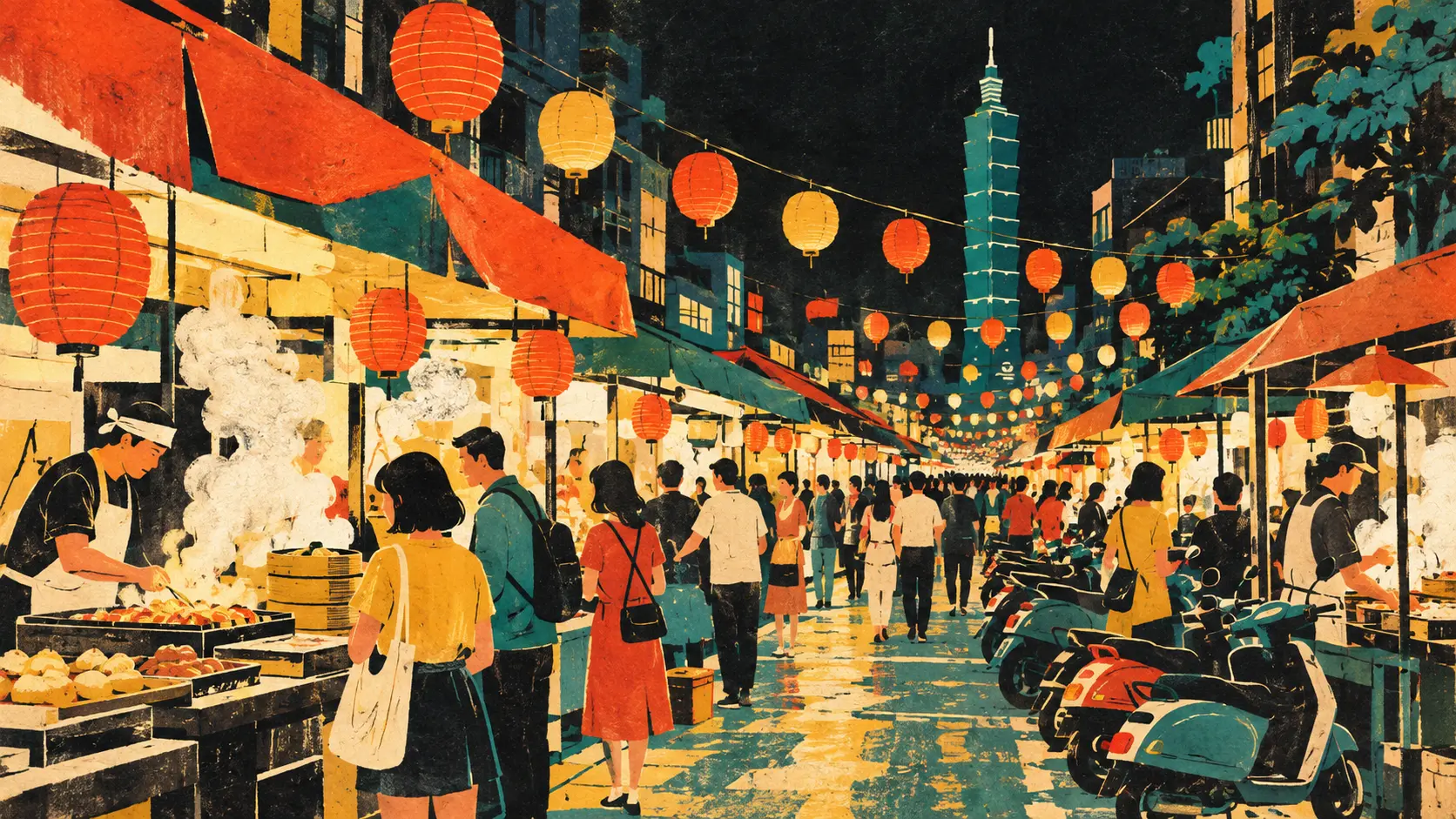
Mid-century gouache illustration in the style of a 1960s travel magazine: a bustling night market street in Taipei, strings of paper lanterns overhead, steam rising from food stalls, crowds of small stylized figures, scooters parked along the curb. Flat shapes, visible brush texture, a limited palette of five colors: ink black, cream, vermilion, teal and mustard yellow. No text or lettering anywhere in the image.
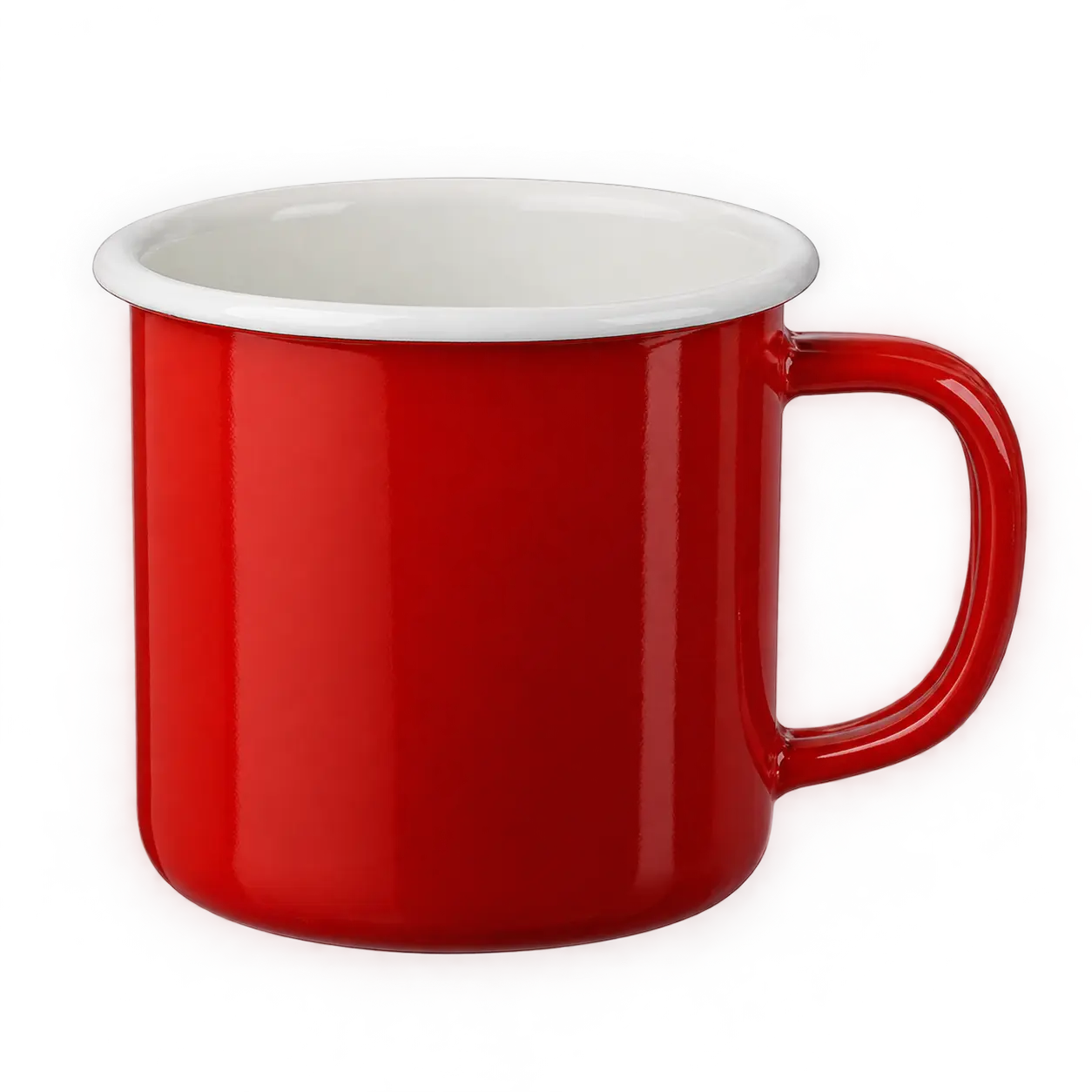
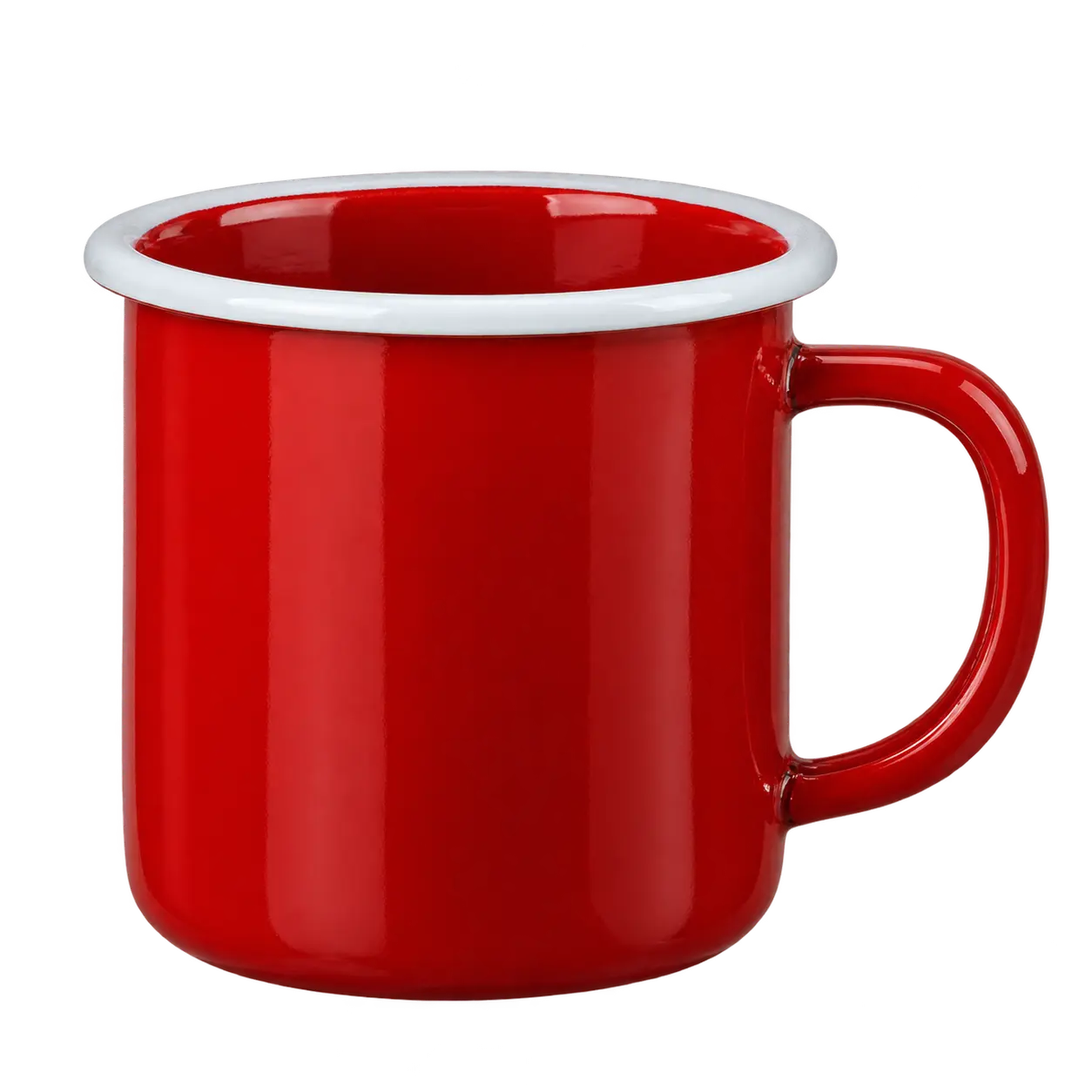
GPT Image 2.5 vs GPT Image 2 on transparent PNG
Generated with the background set to transparent. We read the alpha channel of each file; the percentage is pixels that are partly transparent, which is where soft edges or shadows live.
A single red enamel camping mug with a white rim, isolated on a transparent background, studio product shot, PNG with alpha.

How we tested GPT Image 2.5 vs GPT Image 2
- Date: 16 September 2026, on this site's generator.
- Prompts: written for this test and printed in full above. None come from OpenAI's prompting guide.
- Runs: two per model per prompt (one per model for the transparent PNG and the five-step chain). 101 images generated. 2 requests returned an error and were retried; the errors stay in the data.
- Settings: identical aspect ratio and resolution across models in every row. Reference images and edit inputs were generated here first, then reused unchanged for all three models.
- Measurements: pixel change outside the edited area compares each output with its input after resizing to the same size. Shadow balance and noise are computed on the darkest fifth of each night image. Alpha percentages are read from the PNG files.
- Limits: small sample, one pipeline, one operator describing the images. The numbers describe these runs, not rates.
FAQ
Is GPT Image 2.5 faster than GPT Image 2? At 4K on this site, both GPT Image 2.5 models finished in about half the time of GPT Image 2 in our runs. At 1K, all three landed in the same 65–96 s window. Public API tests at matched settings report Flare at 19.7 s, Sunburst at 27.7 s and GPT Image 2 at 37.3 s.
Flare or Sunburst? OpenAI positions Flare as the speed profile with quality comparable to GPT Image 2, and Sunburst as the quality profile. Their outputs on the prompts above are shown side by side so you can compare them directly.
Is the transparent background real? Yes. All three models returned PNG files with an alpha channel; the percentages above come from reading that channel.
Do GPT Image 2 prompts work on GPT Image 2.5? Every prompt on this page ran unchanged on all three models.
Changelog
- 16 September 2026: first version. 101 images, three models, thirteen prompts, plus a summary of public tests.